Best Manim templates for Claude Code.
Claude Code can write a Manim scene from scratch, but a blank prompt costs you iterations: overlapping labels, text off the frame, a palette that changes from one scene to the next. A good template removes those. Claude starts from a scene that already renders cleanly and only changes what you asked for.
These are the kits in Manim Academy that hold up best in that workflow. Each one is a set of scenes that share a palette and scale, so what Claude builds on top of them looks like one video and not five.
The kits, in the order to try them
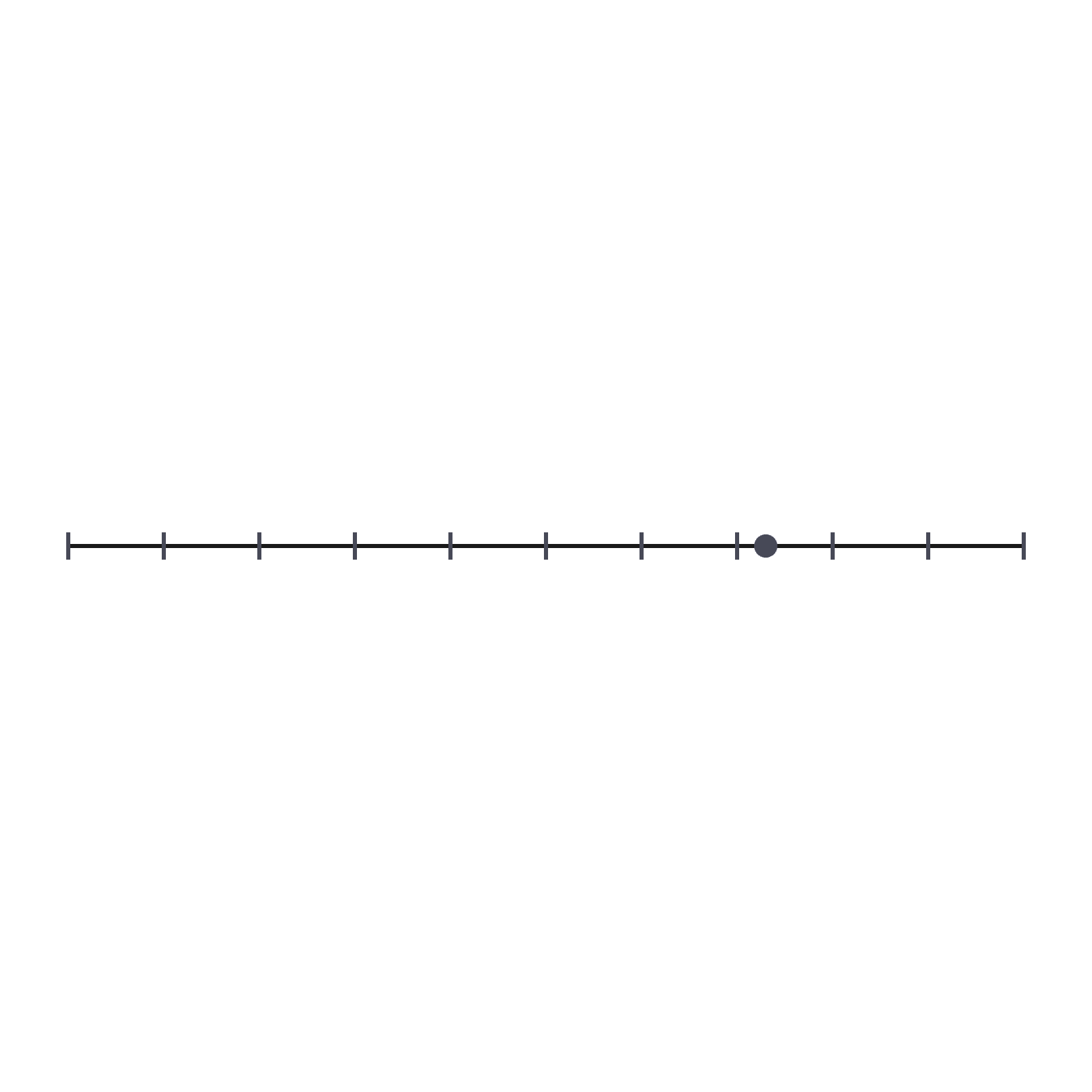
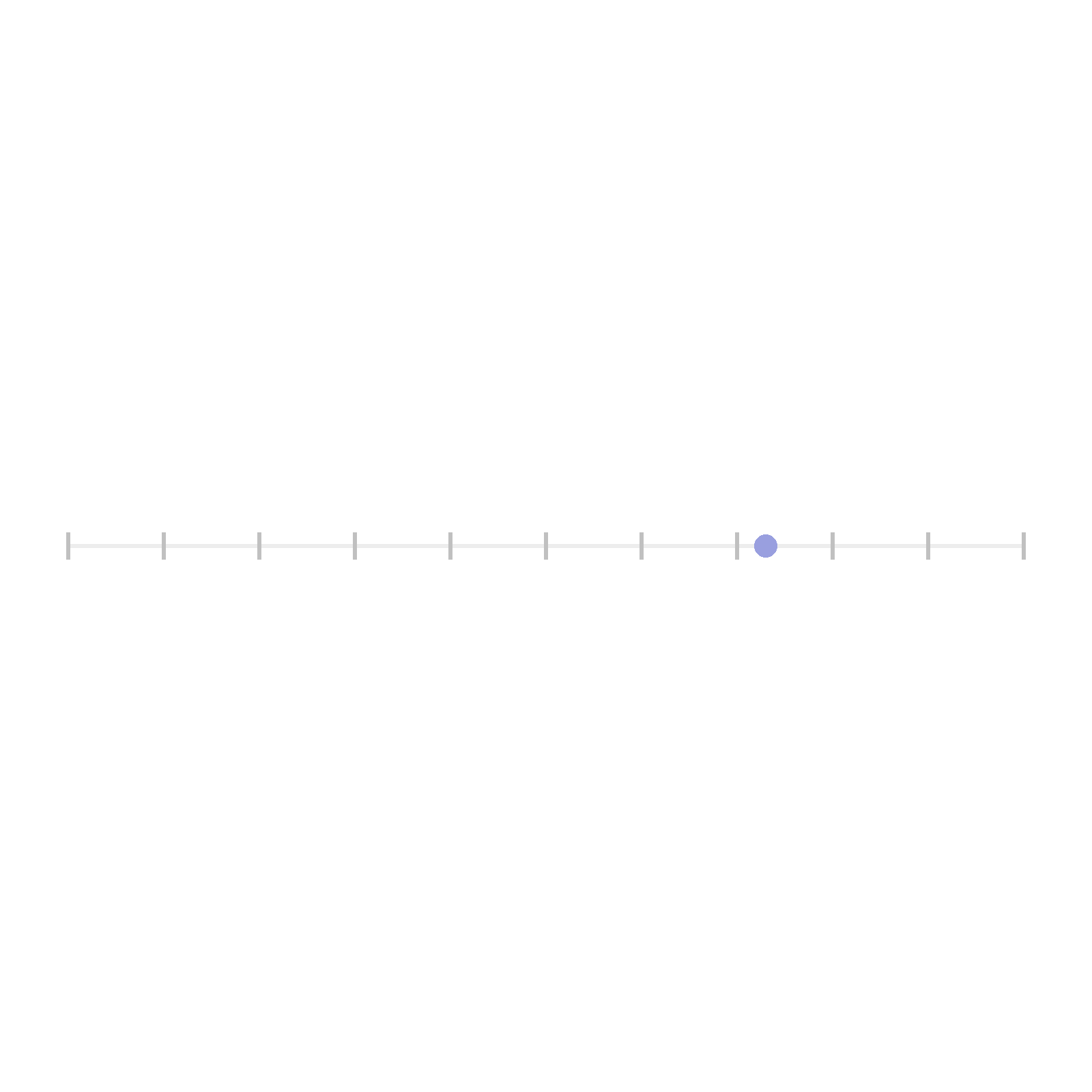
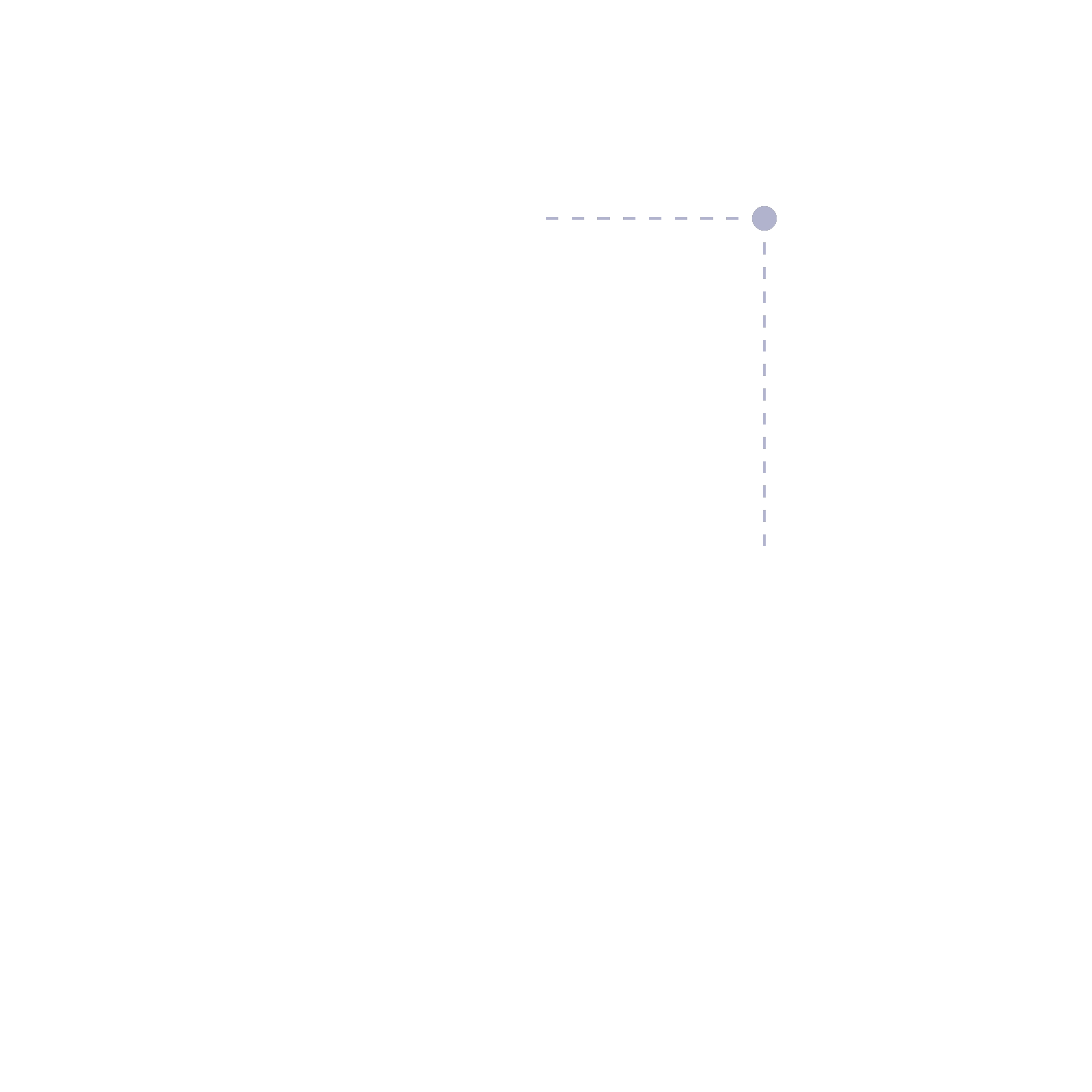
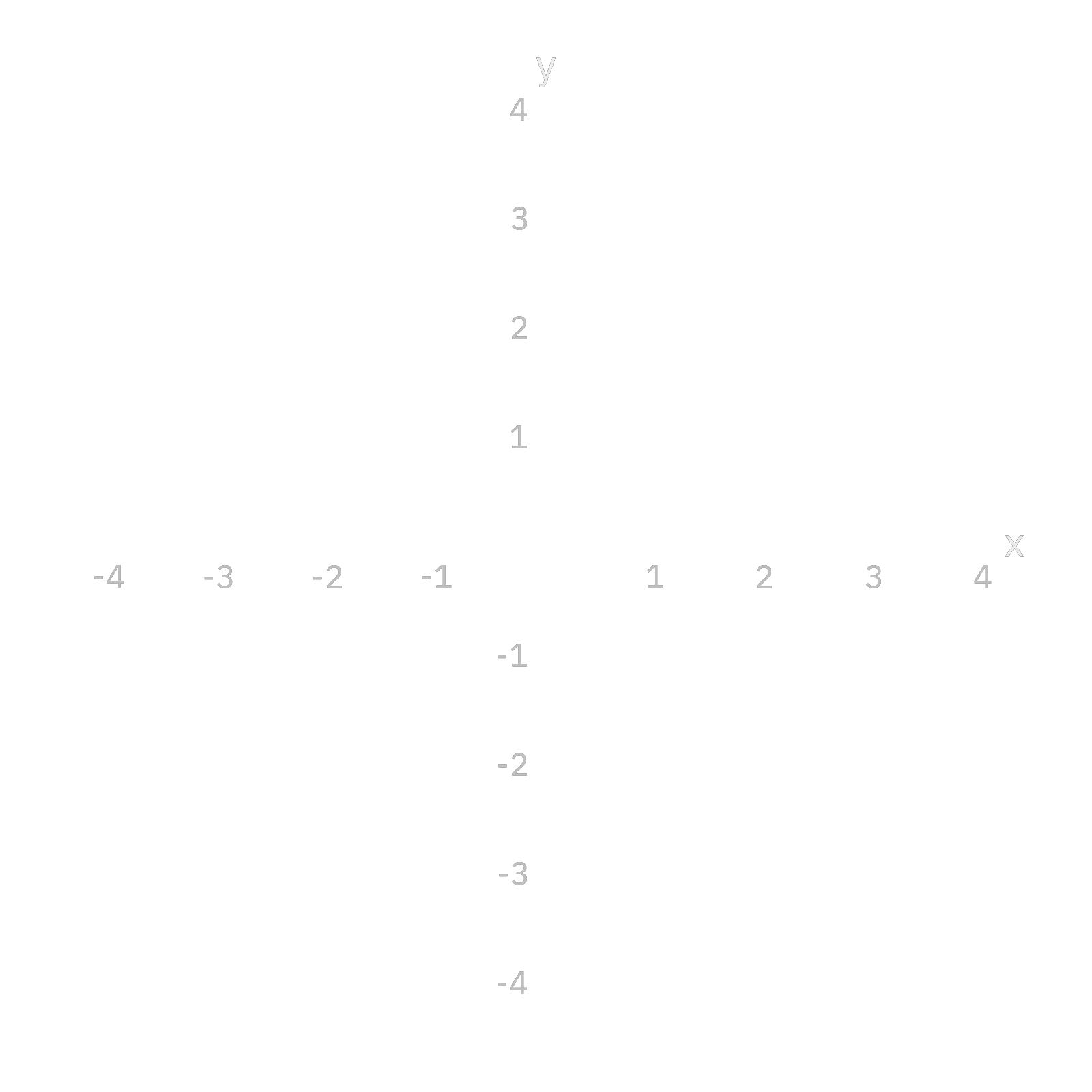
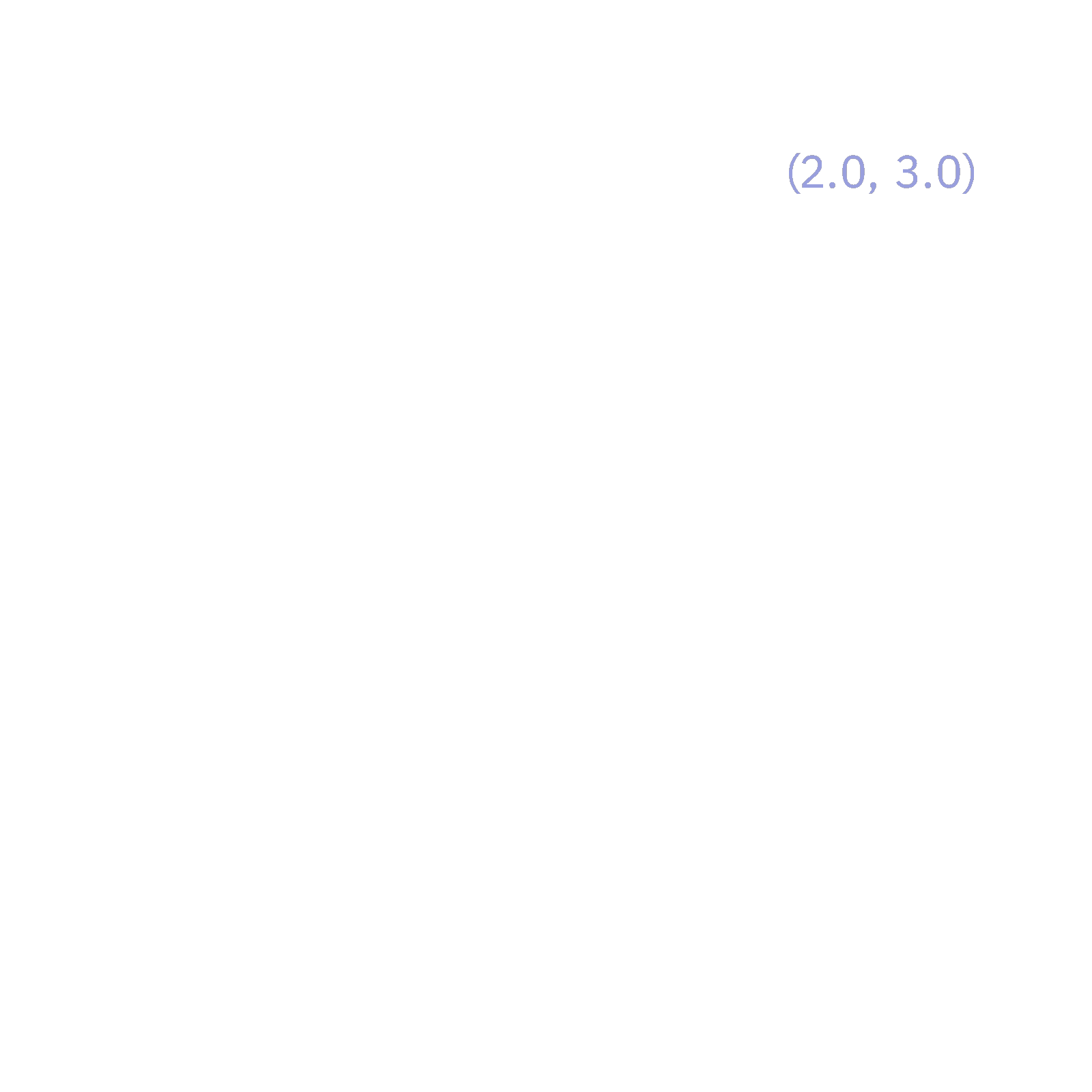
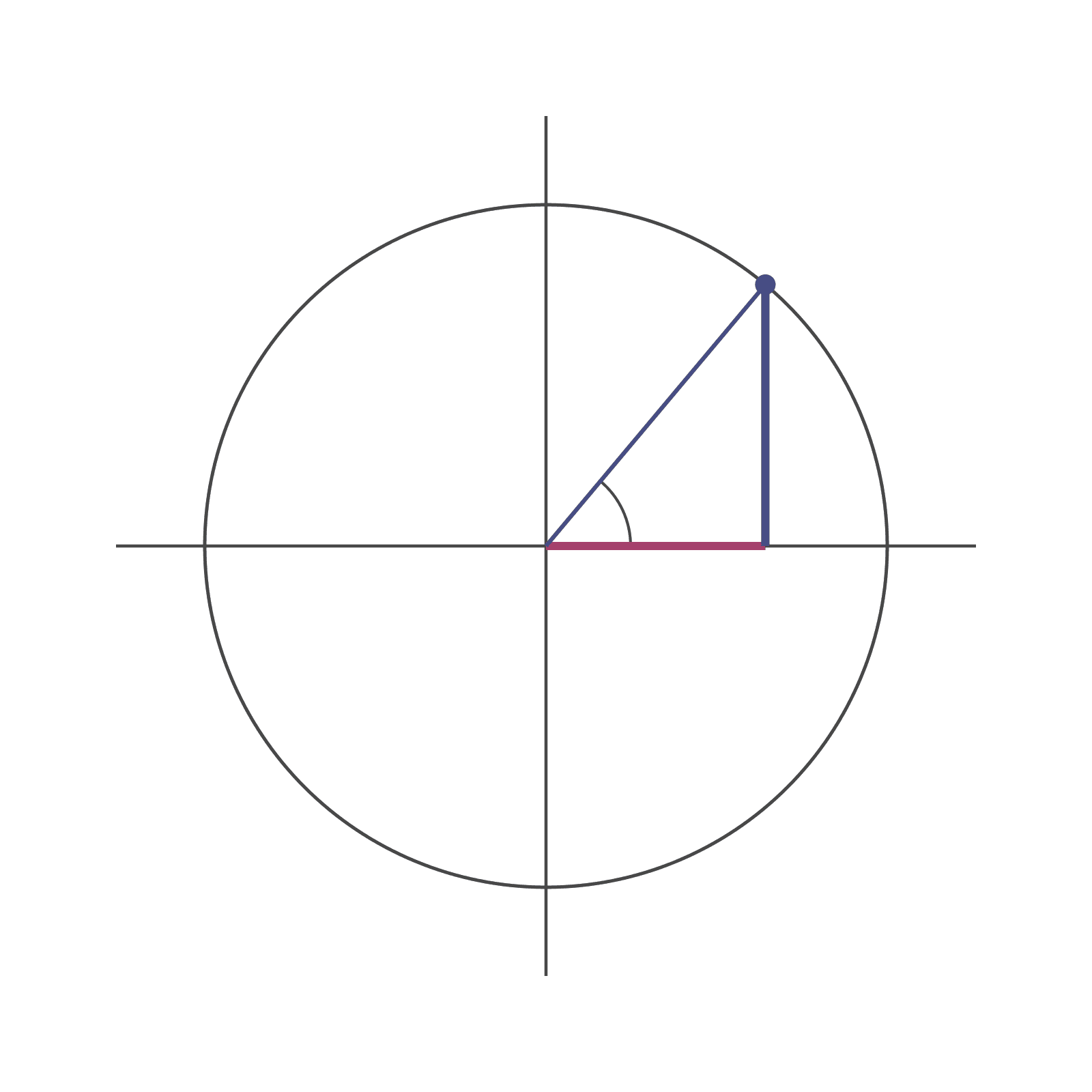
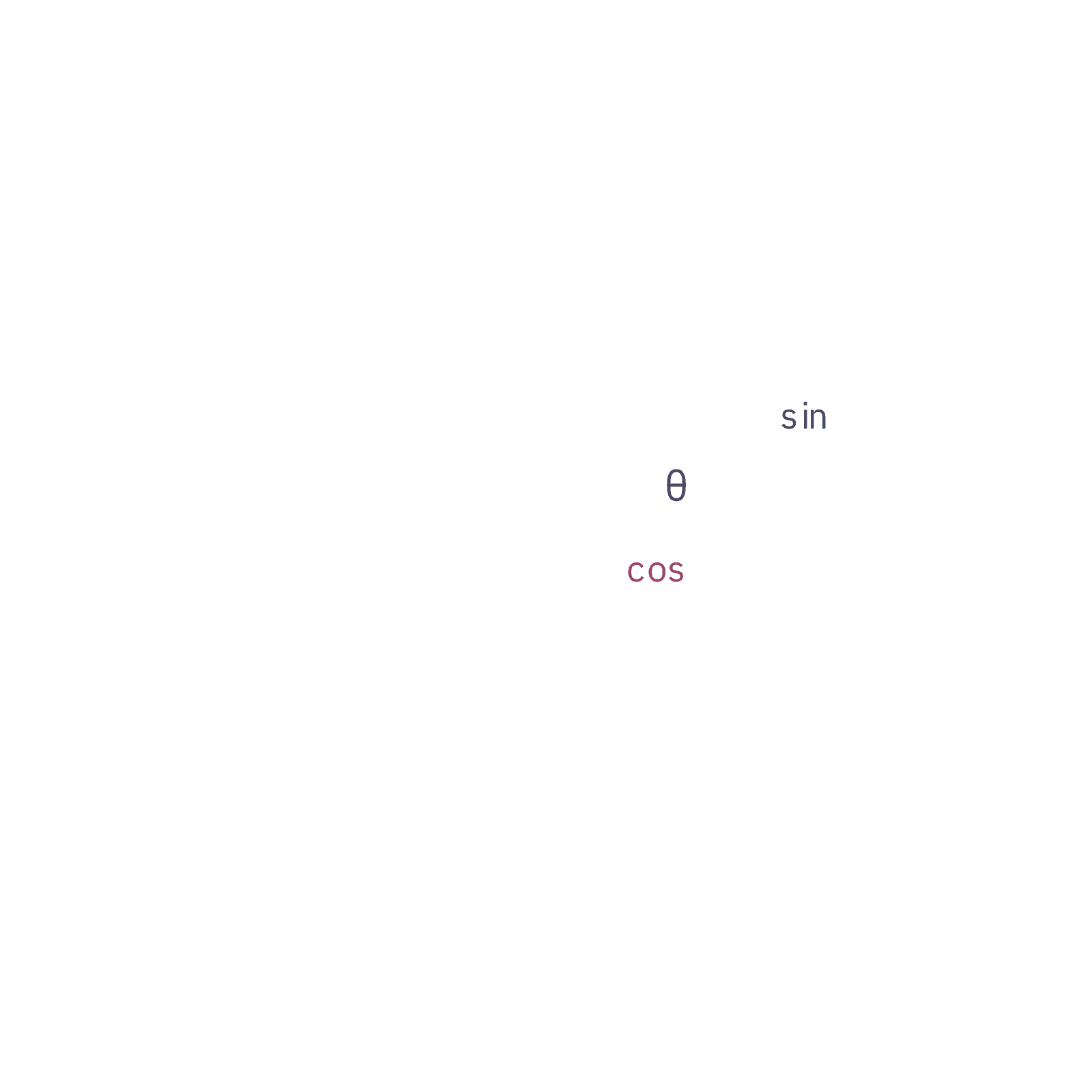
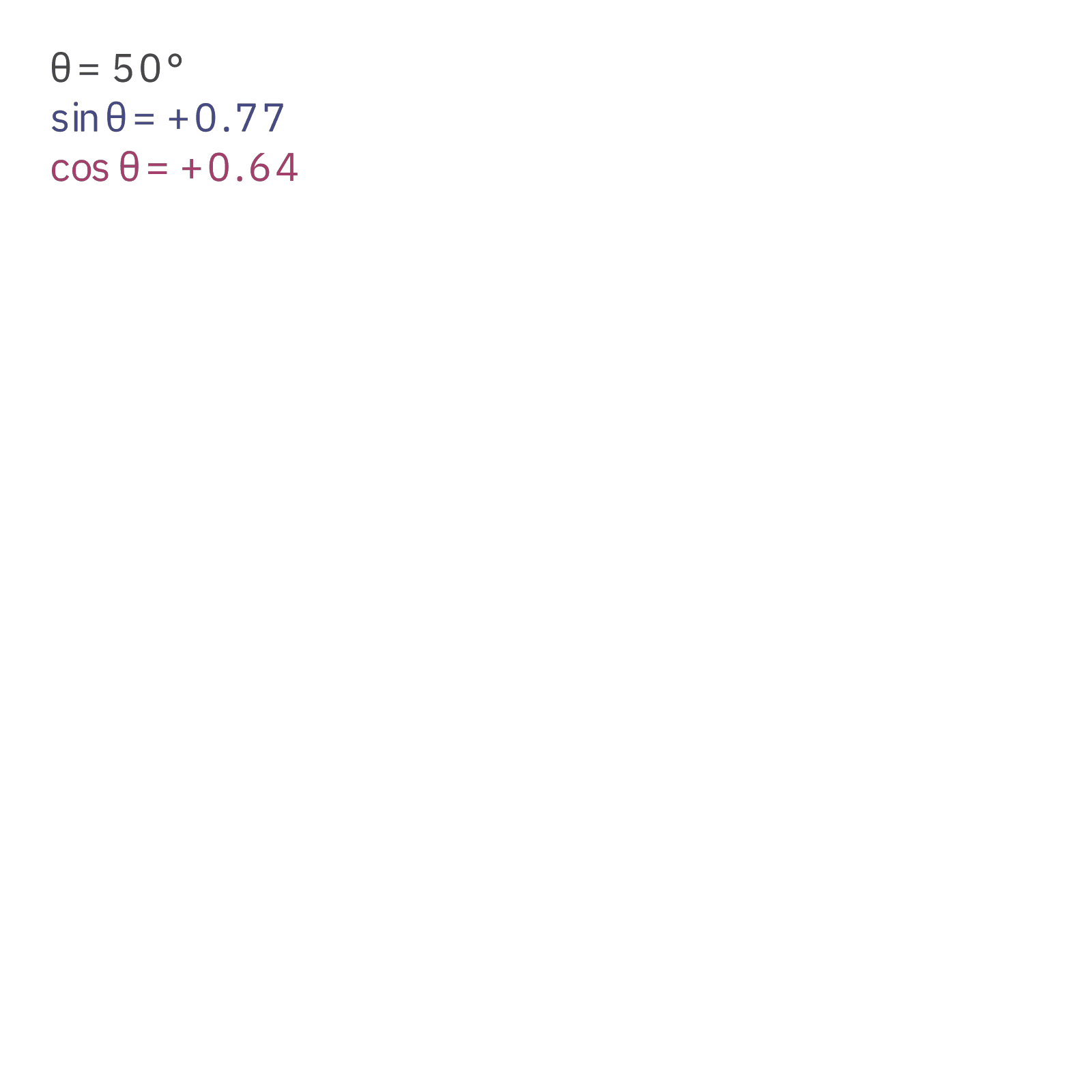
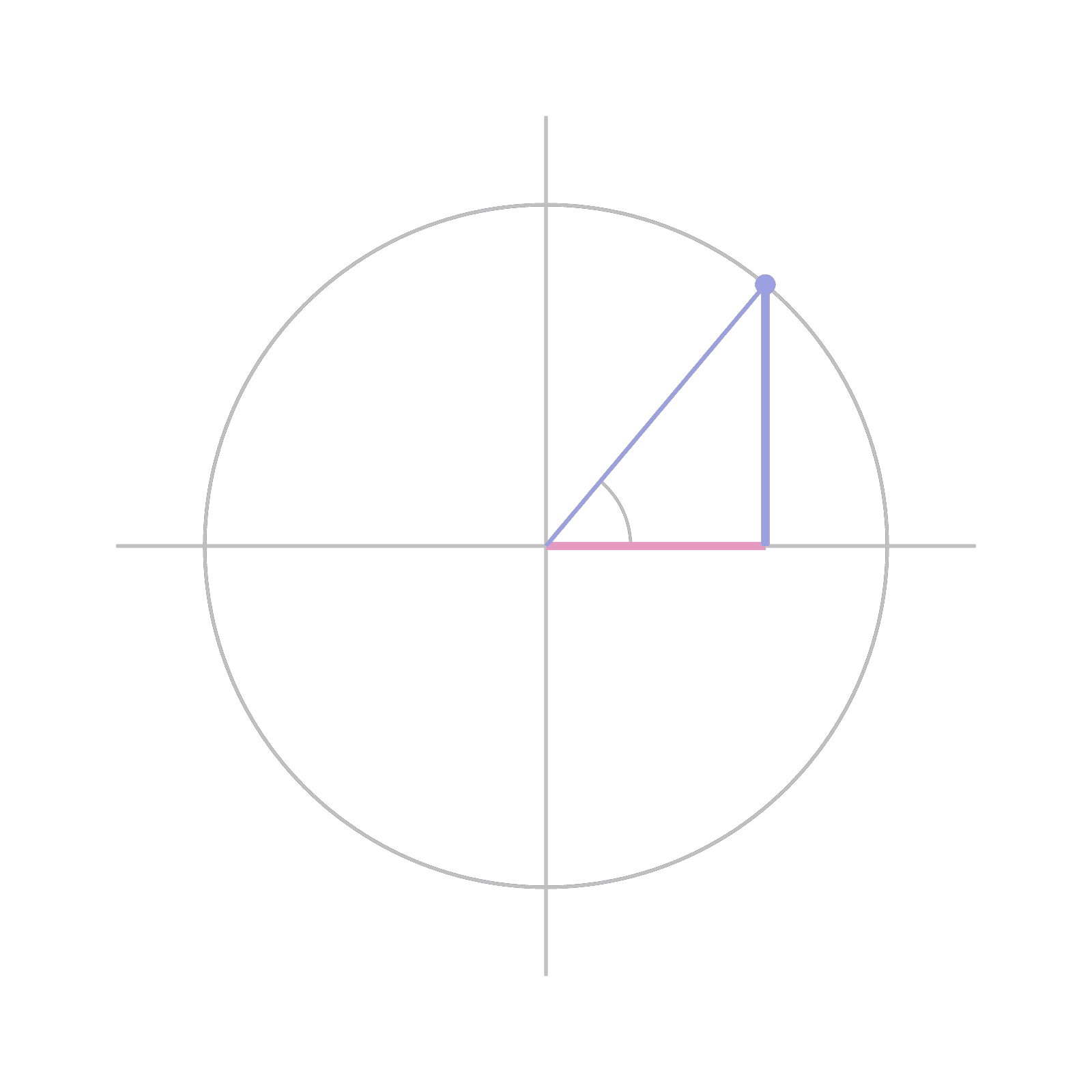
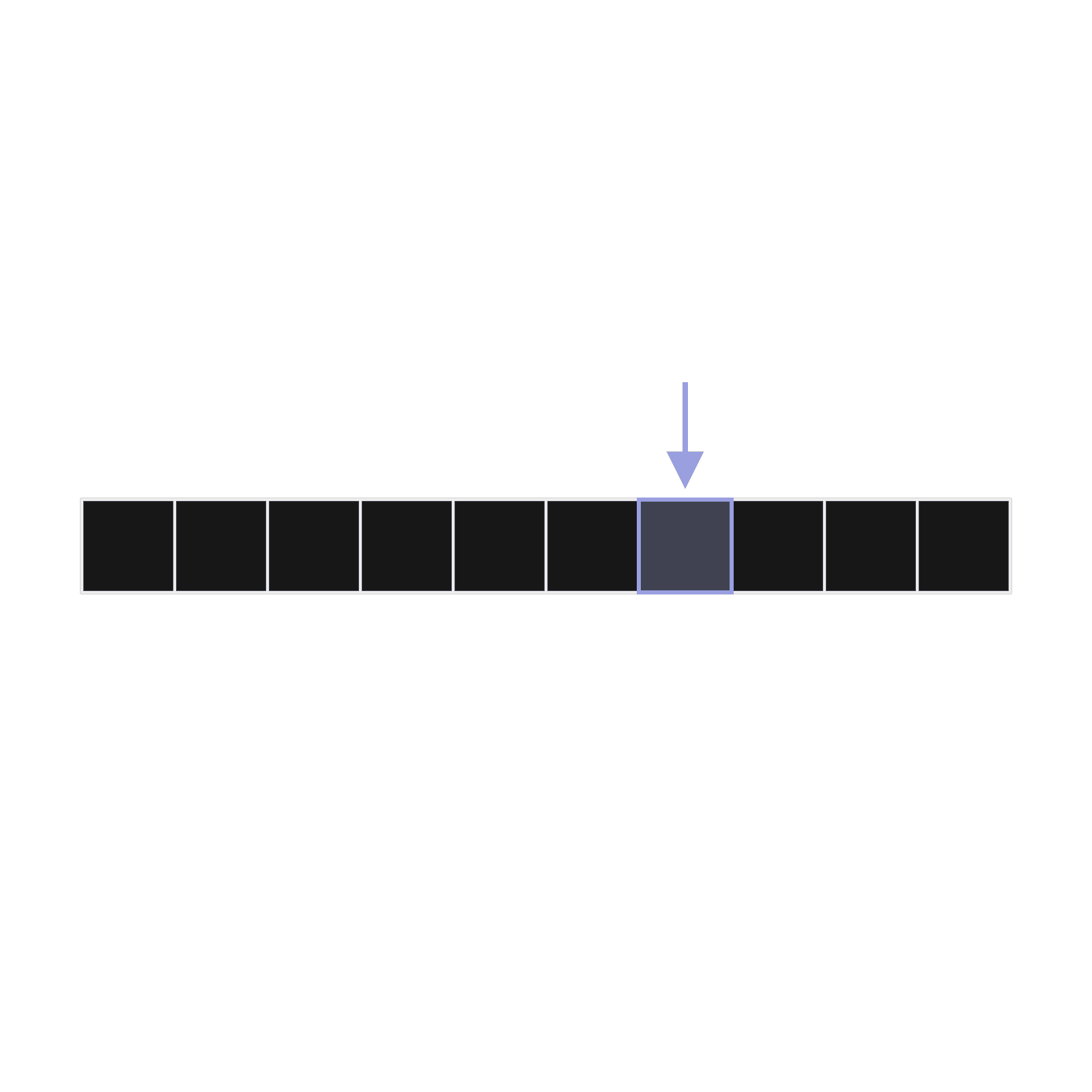
- Foundations: The safest starting point. A number line, the plane and the unit circle are the scenes almost every explainer needs, and Claude can extend them without breaking the layout.
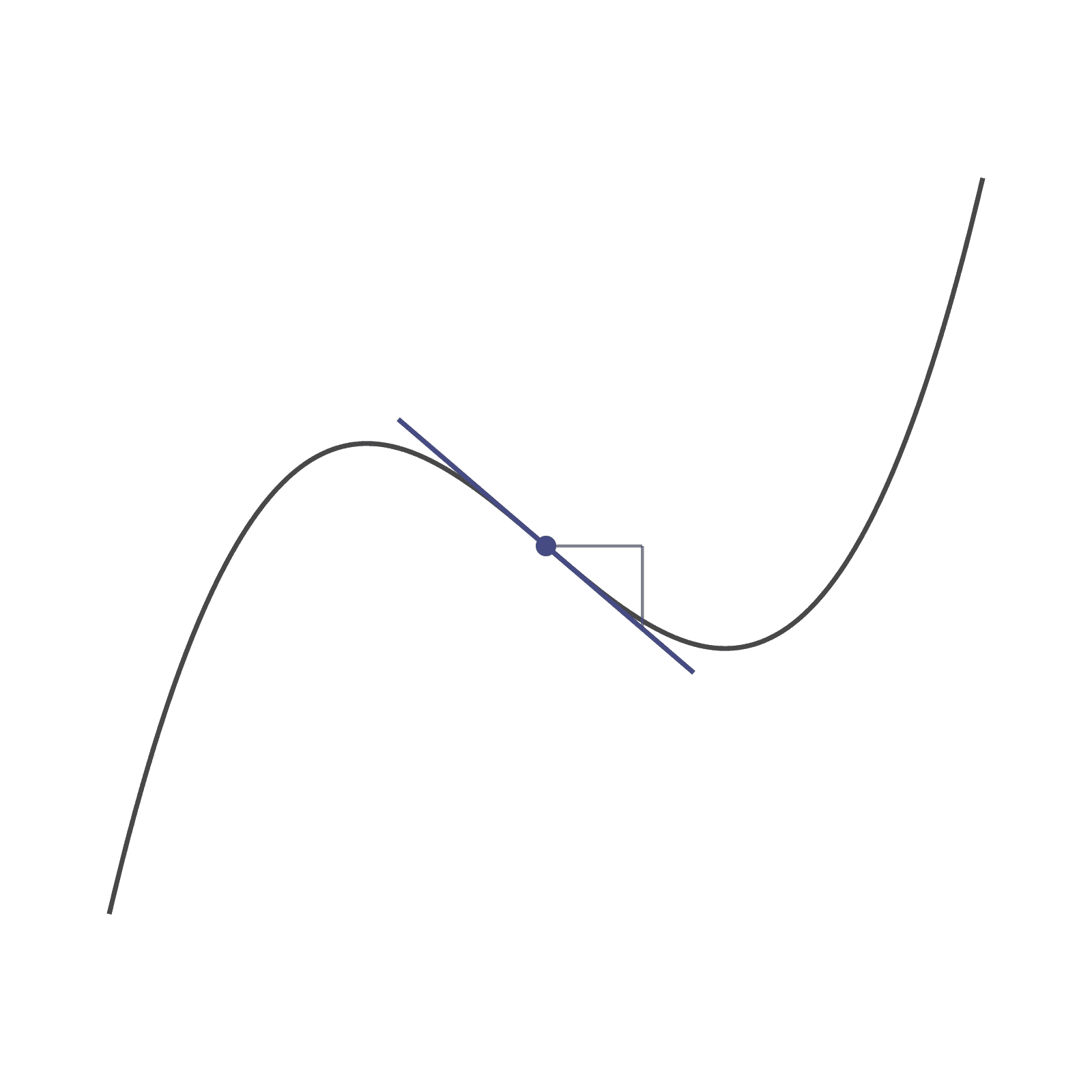
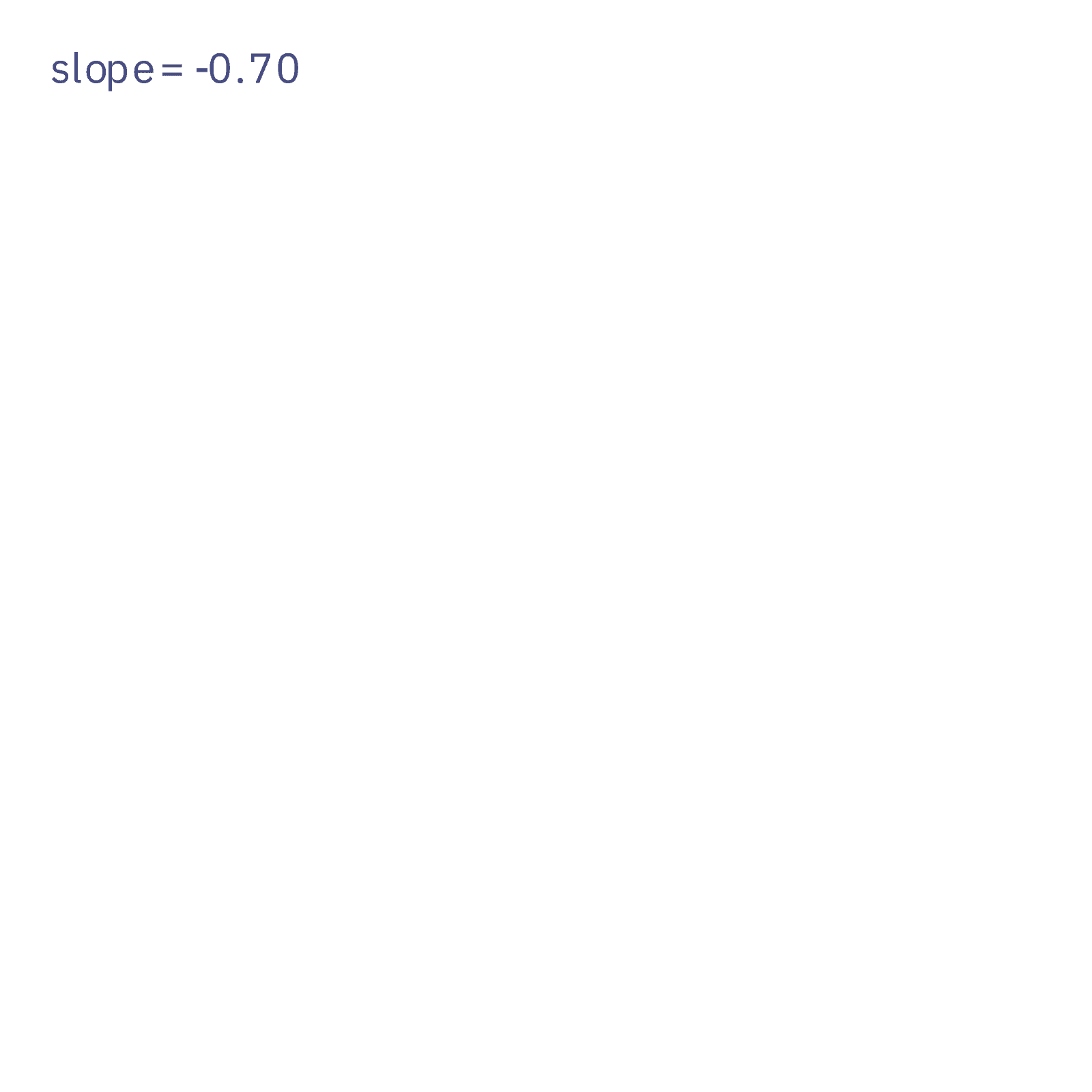
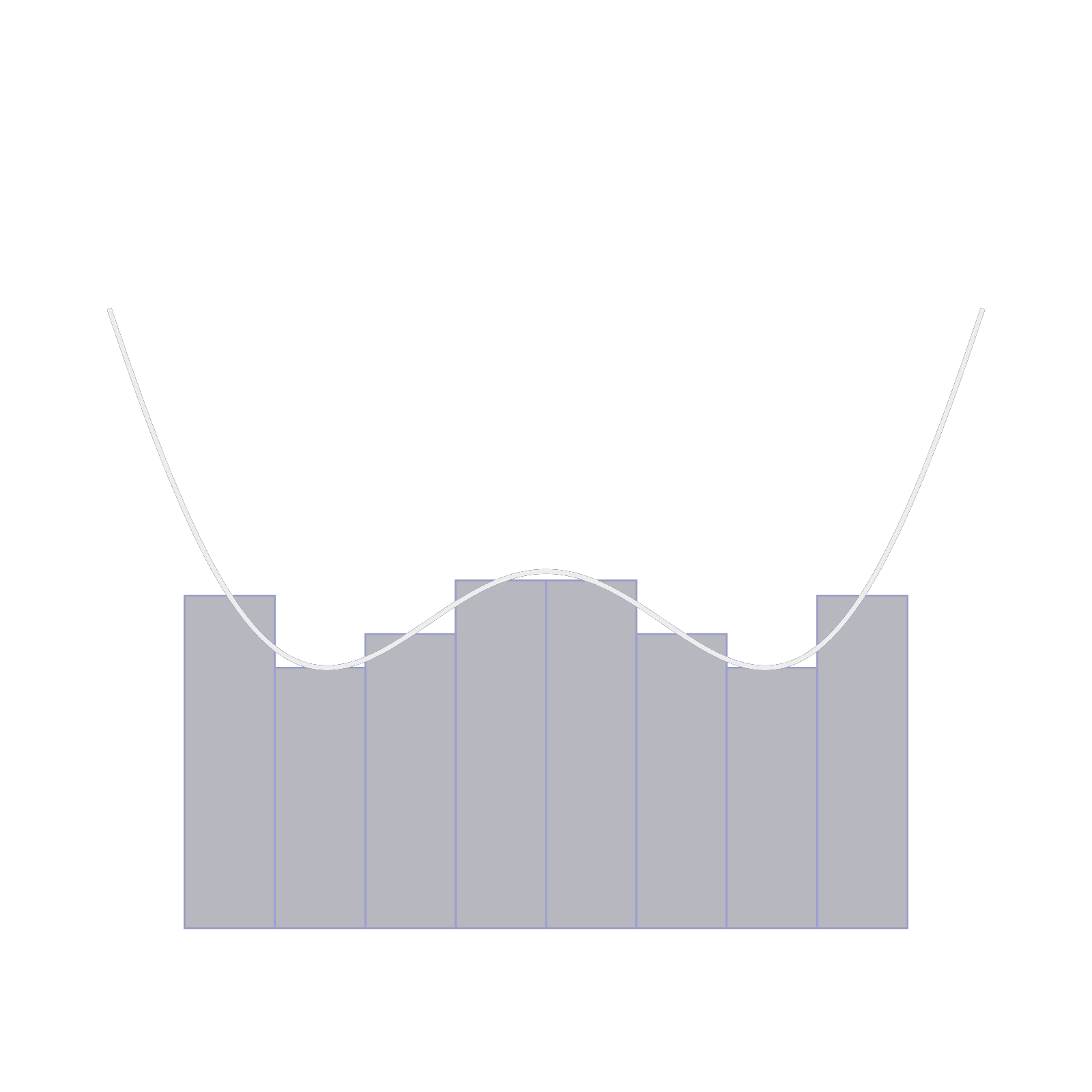
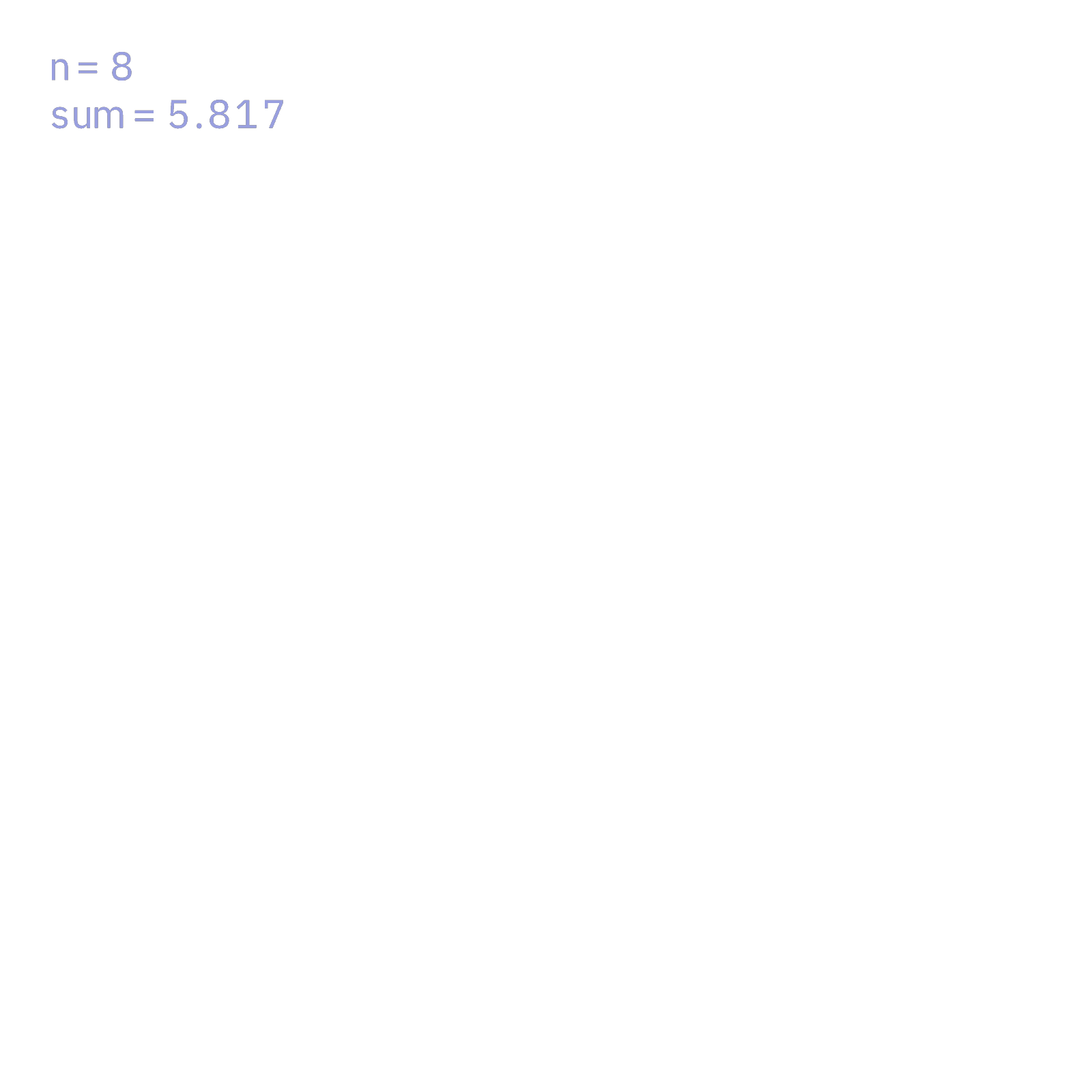
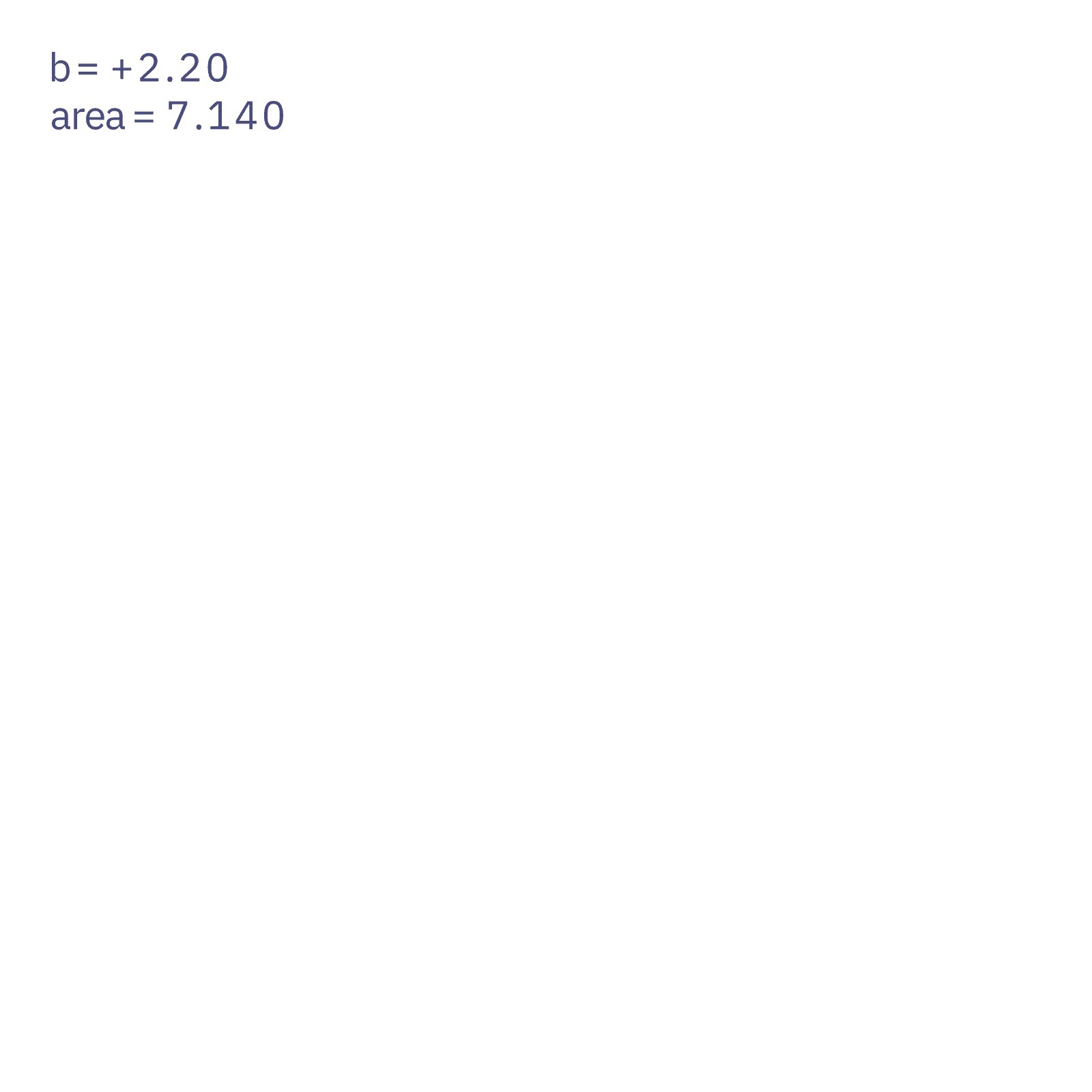
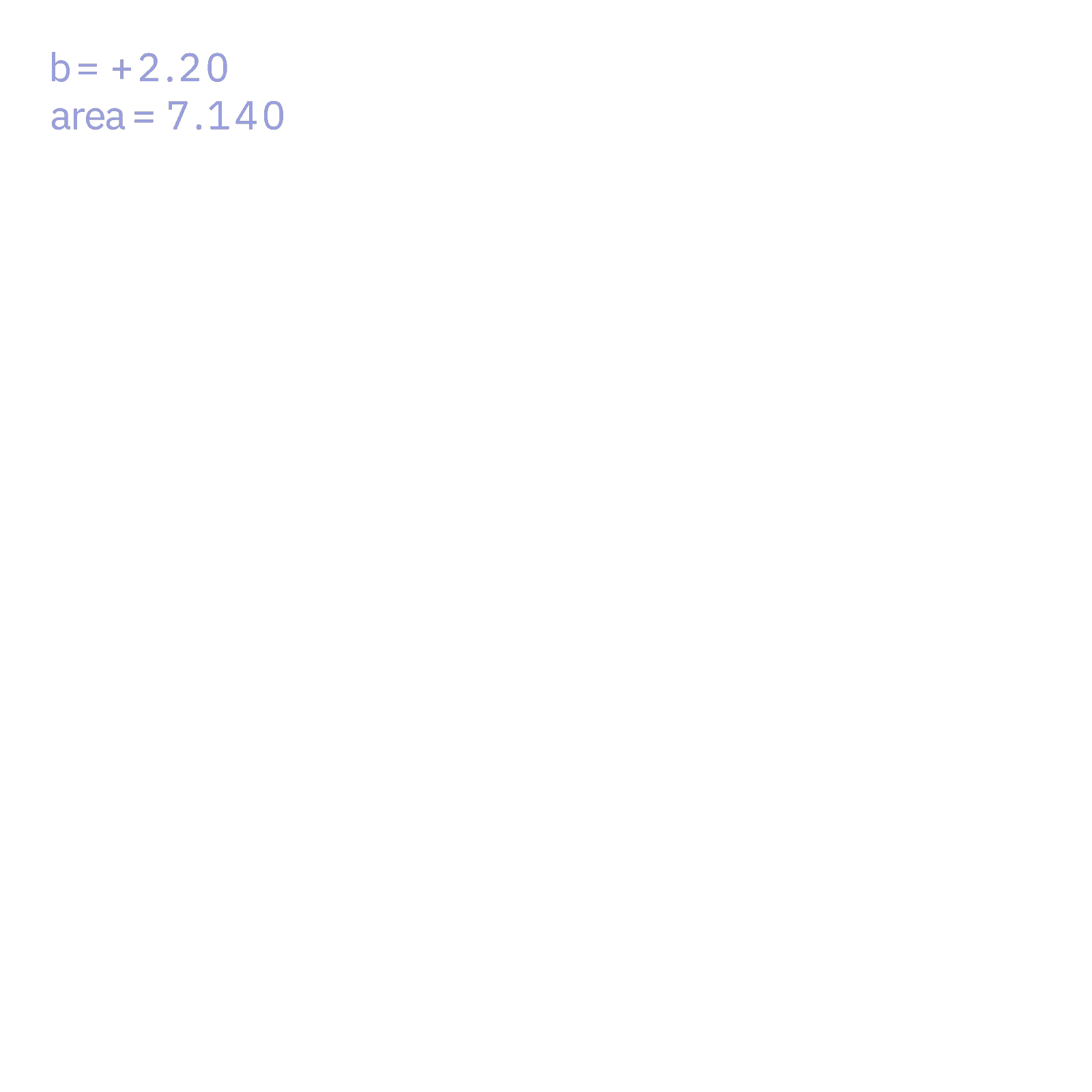
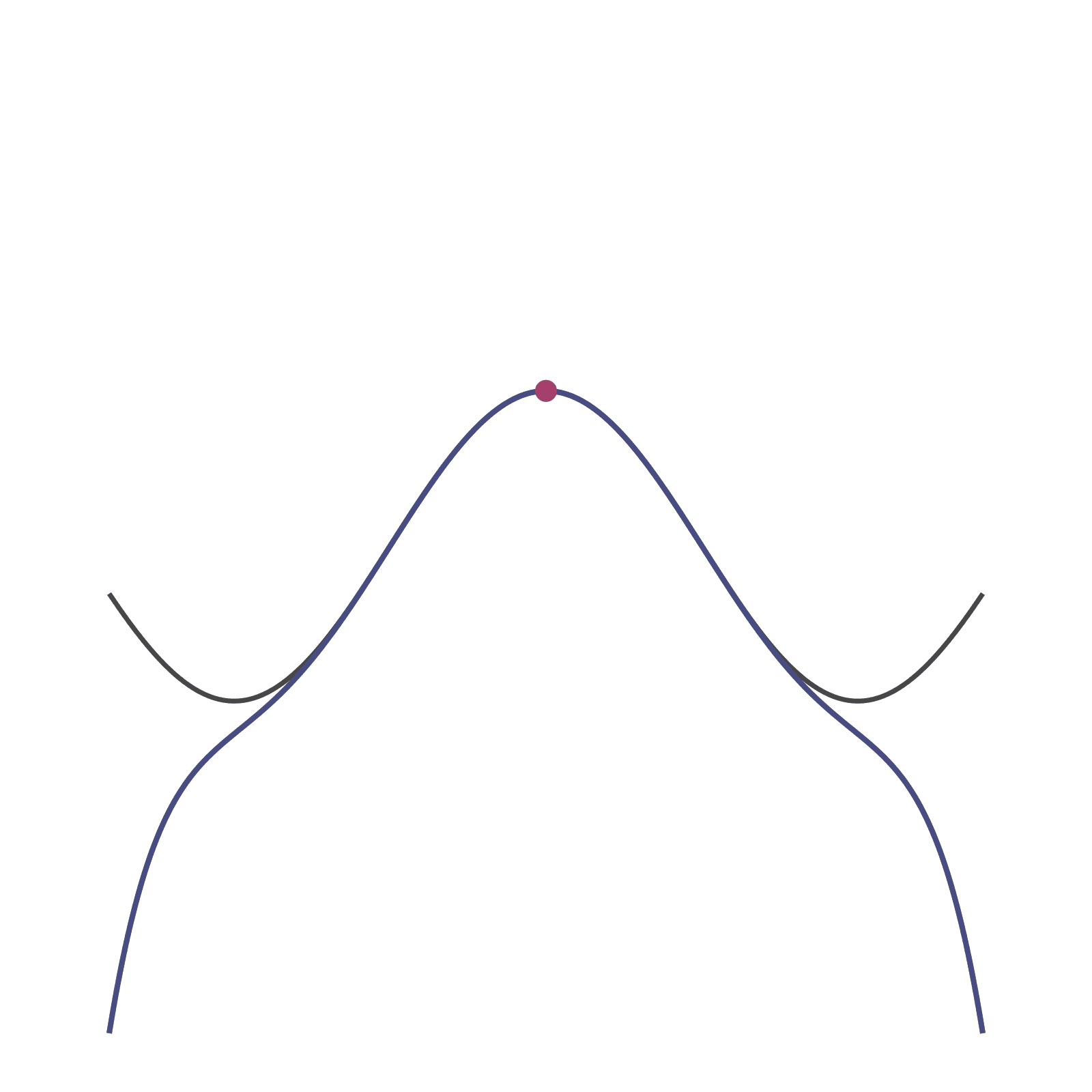
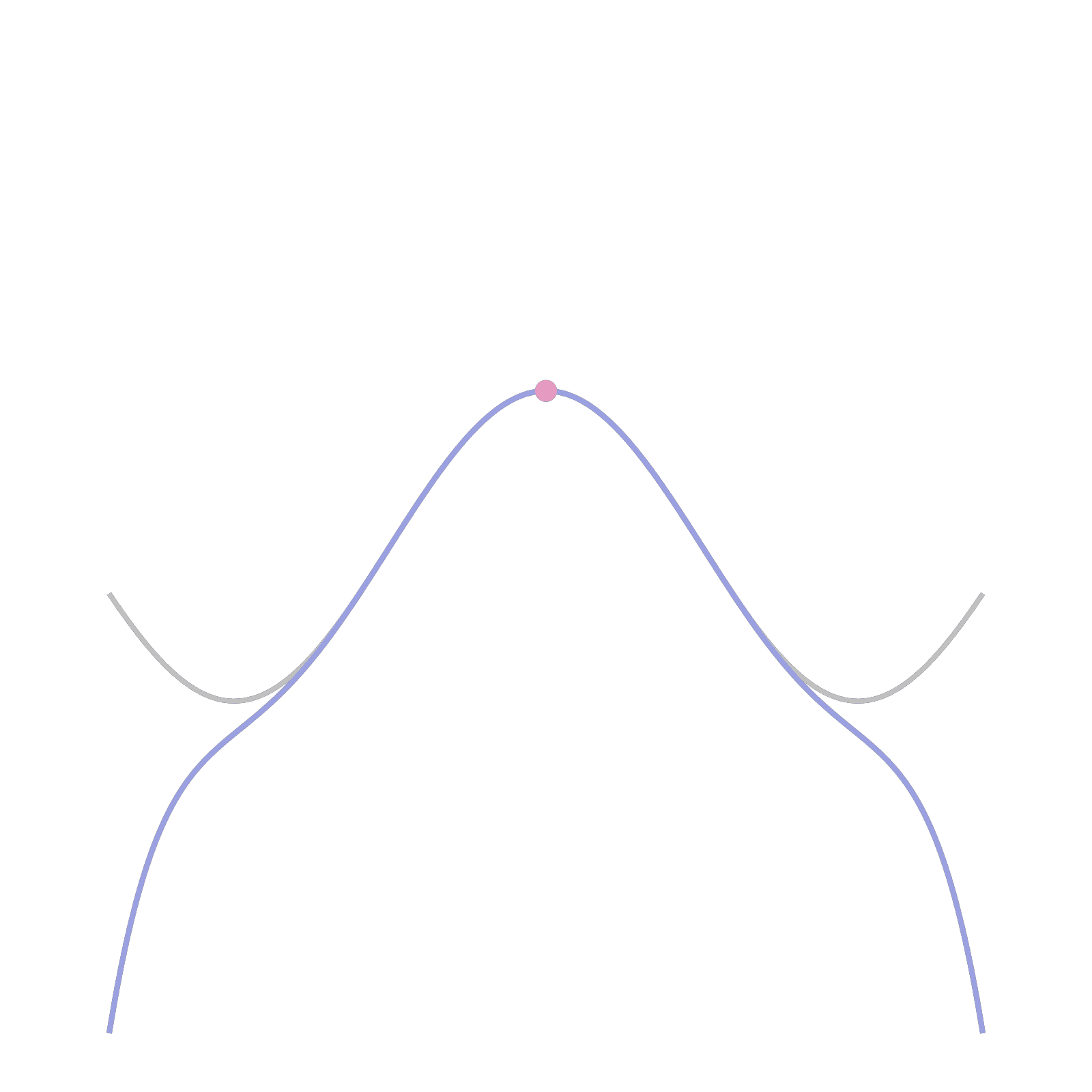
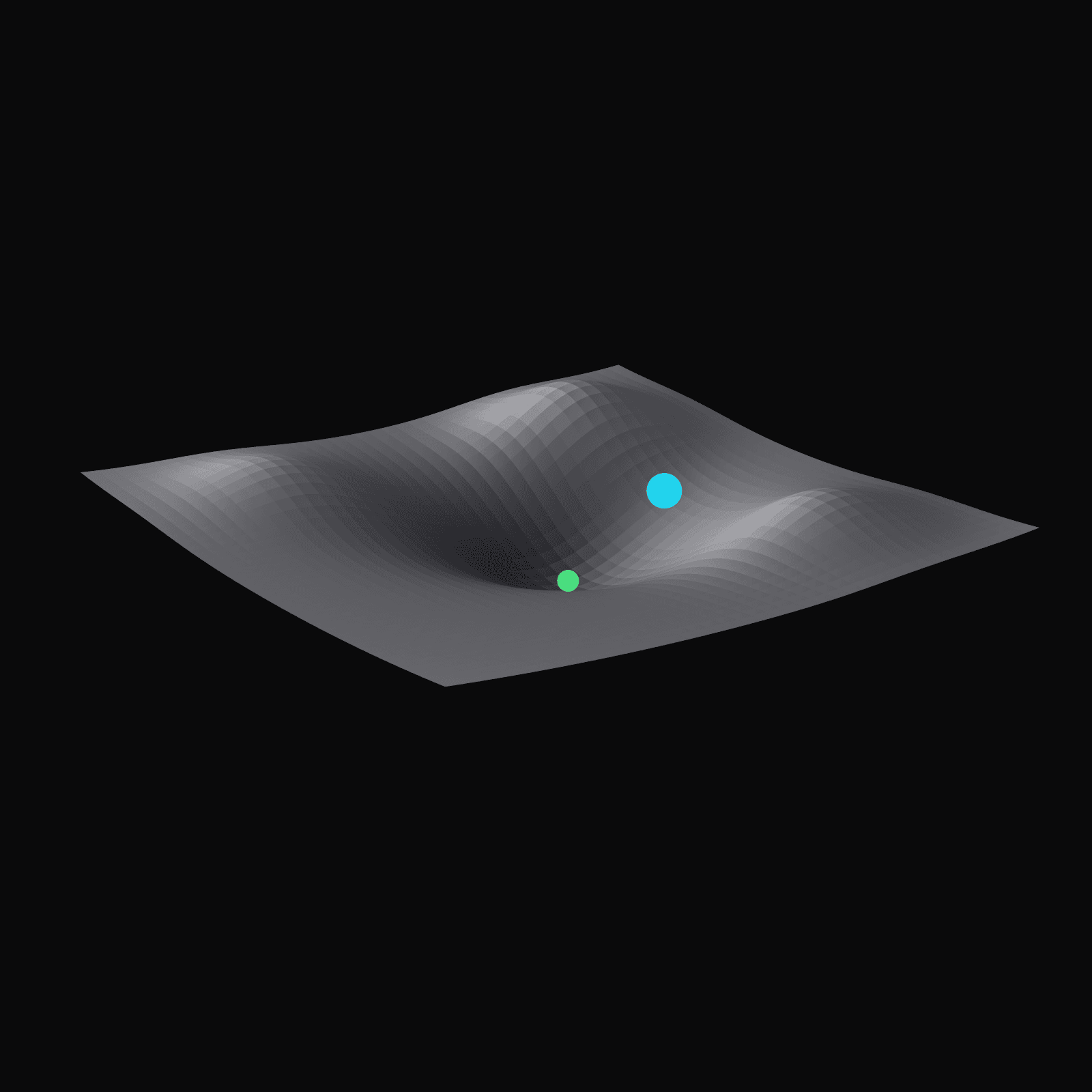
- Calculus in motion: One curve stays still while a single thing moves, so a prompt like “make the tangent chase a different function” changes one line instead of the whole scene.
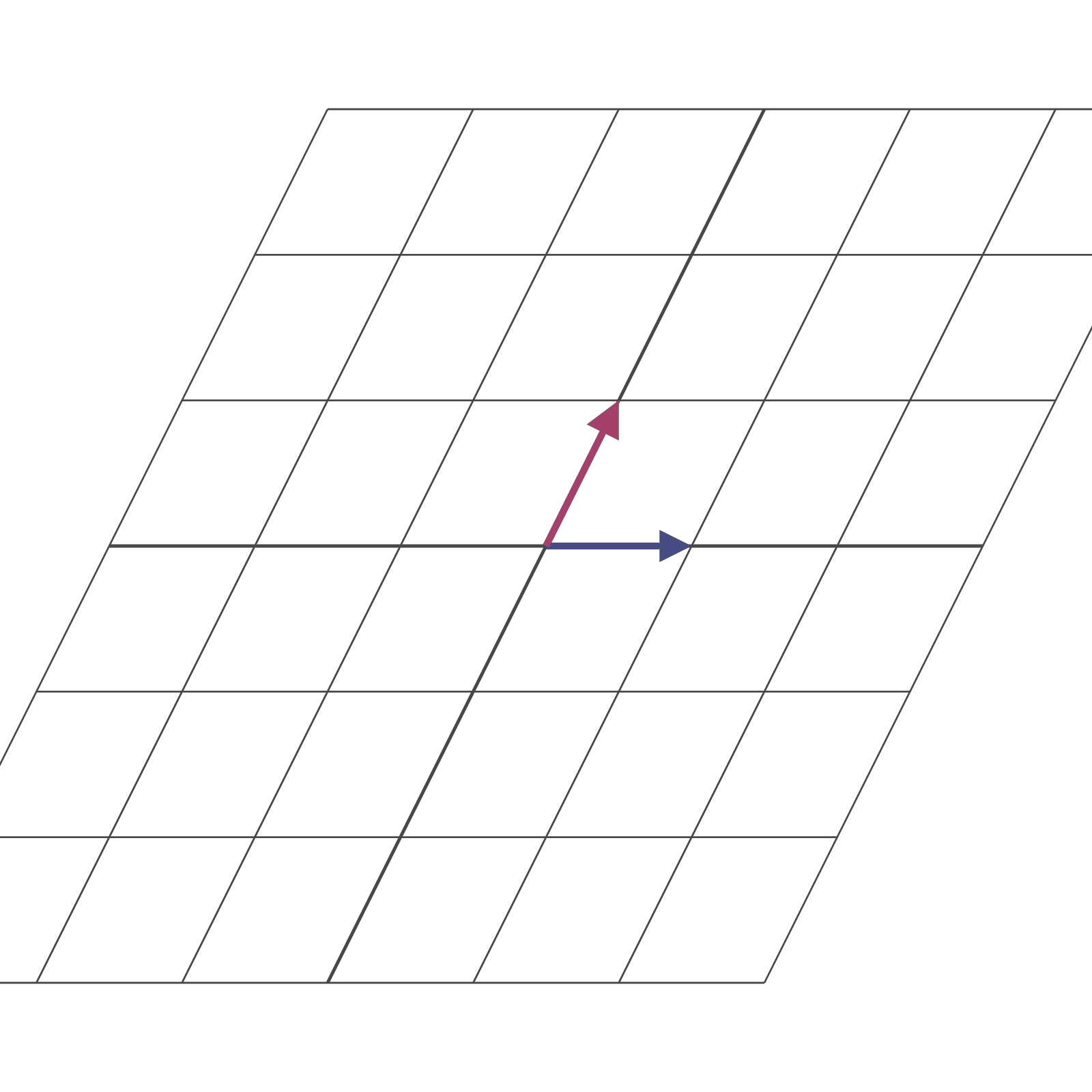
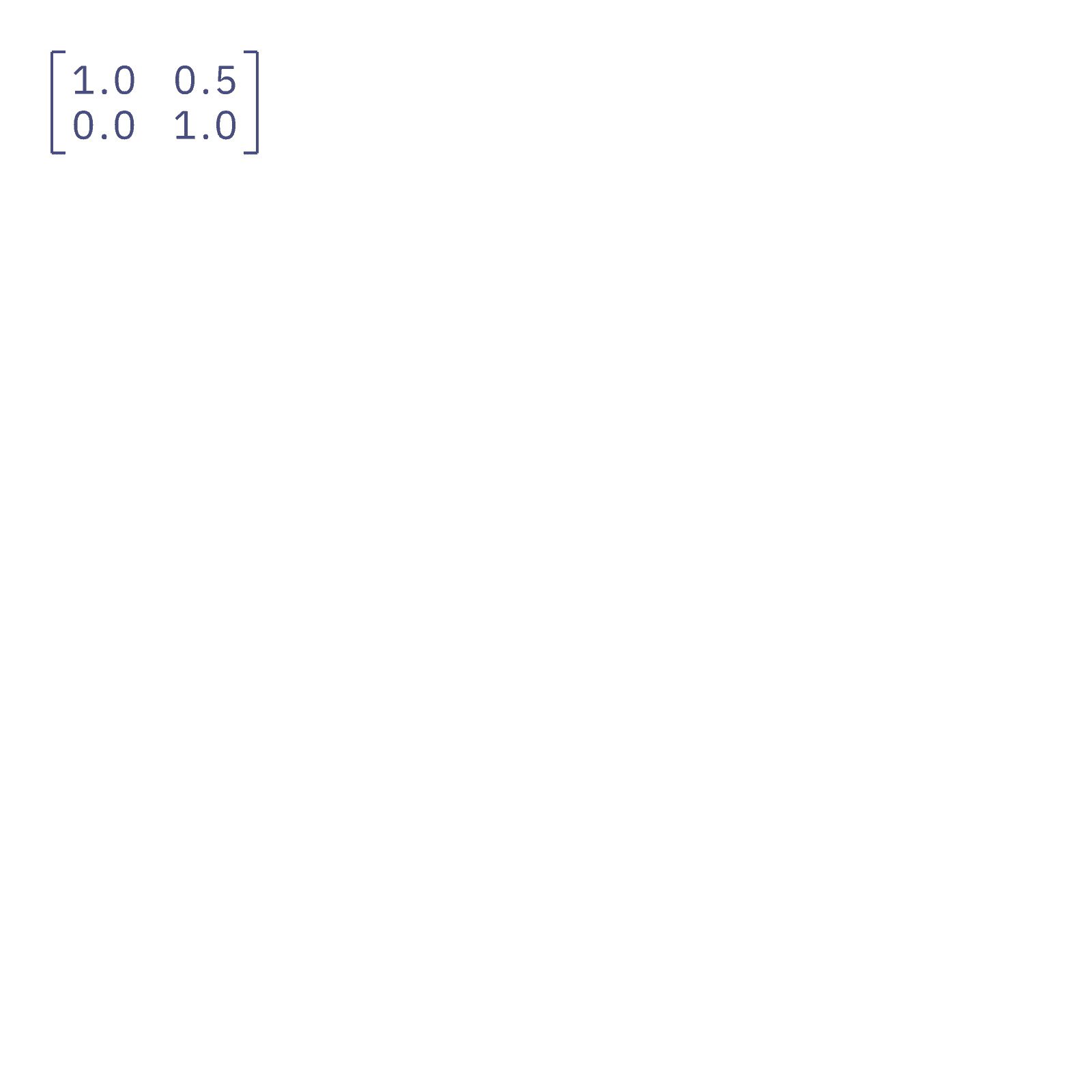
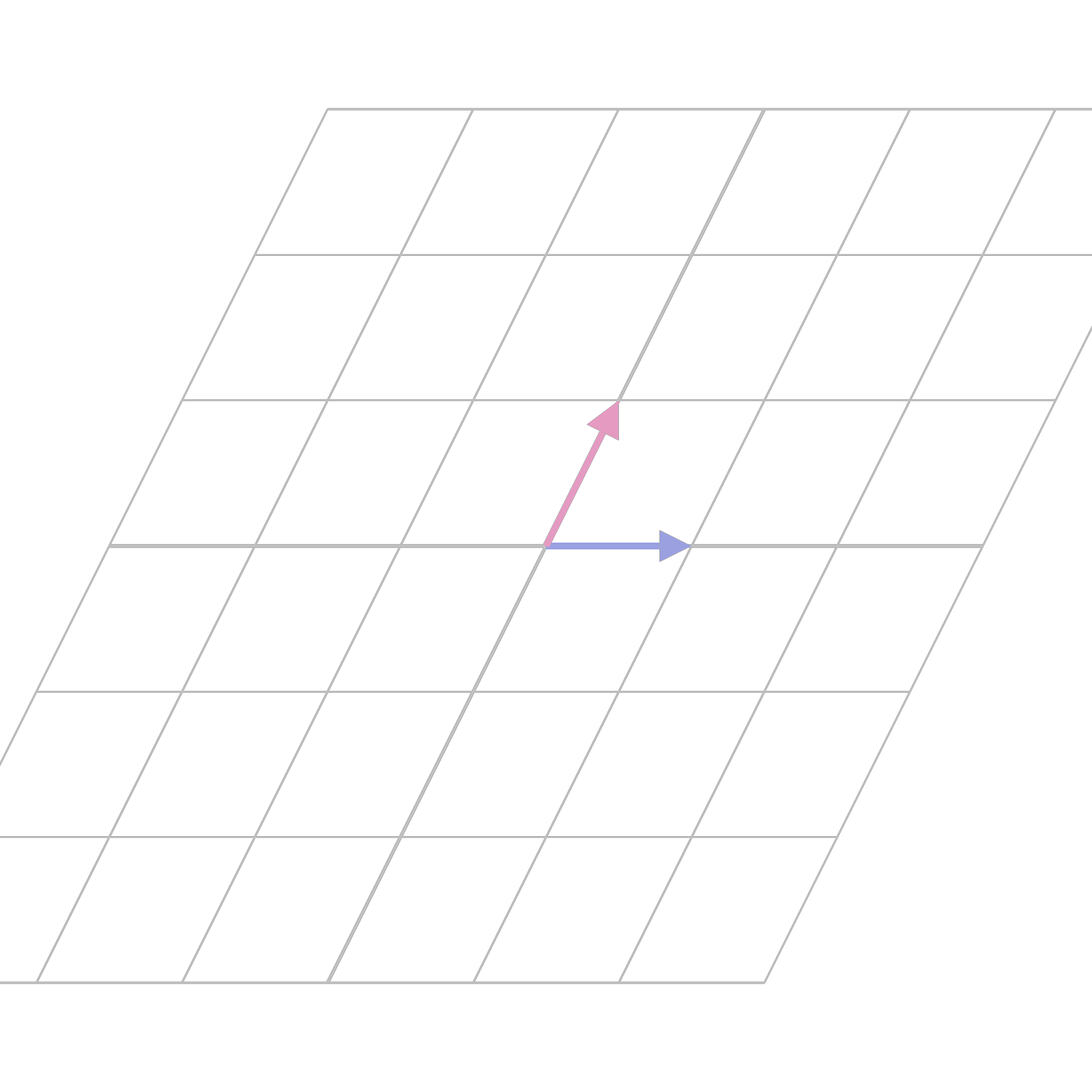
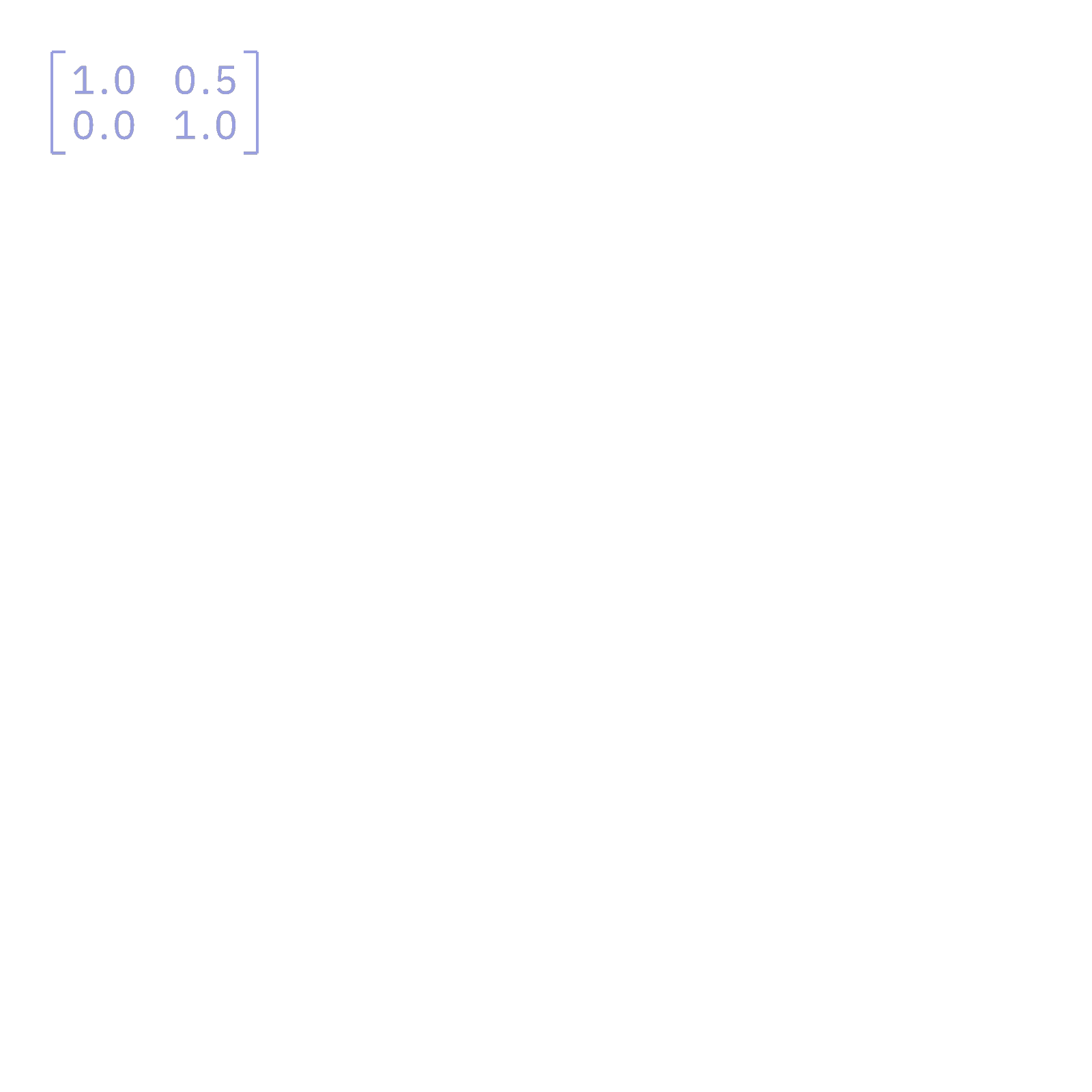
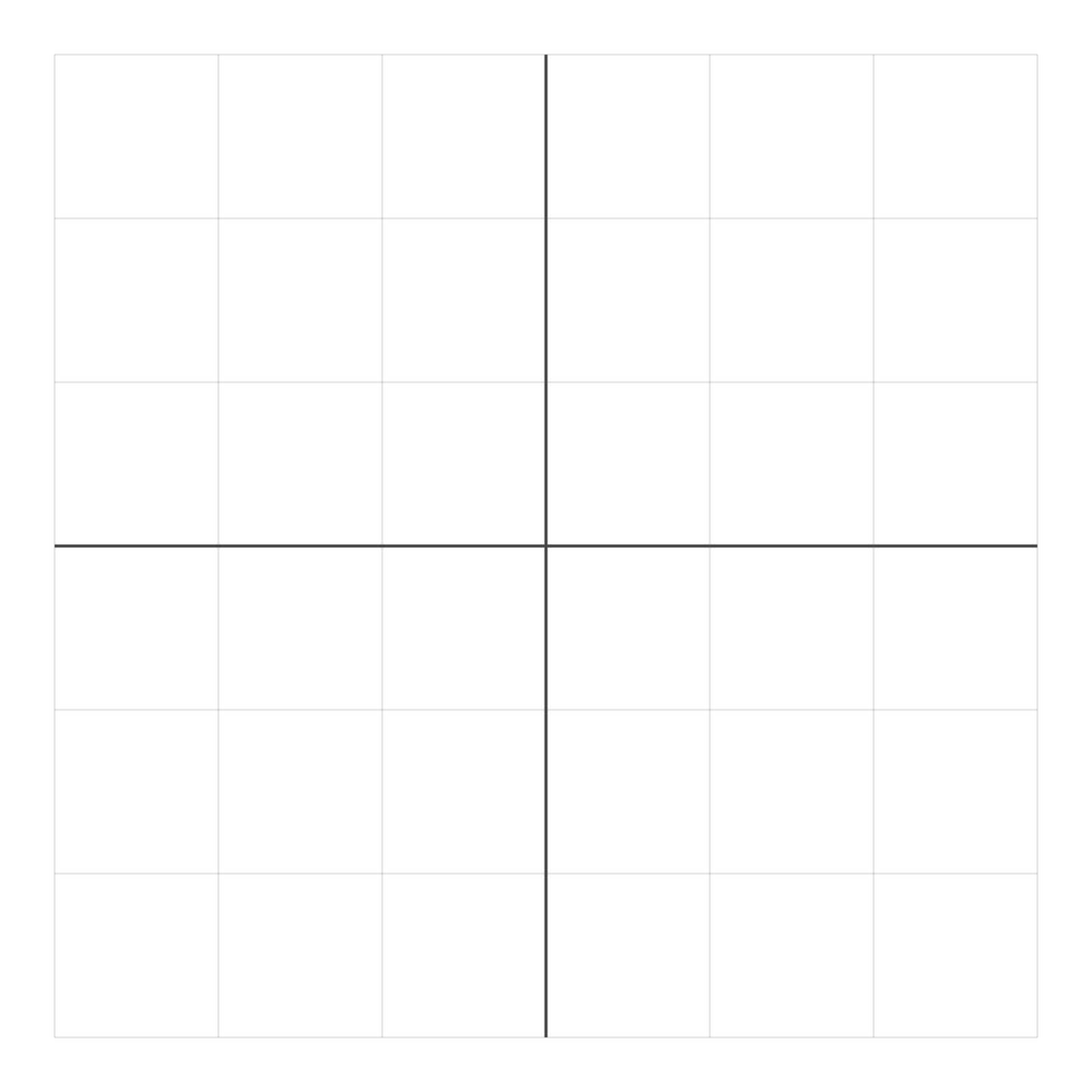
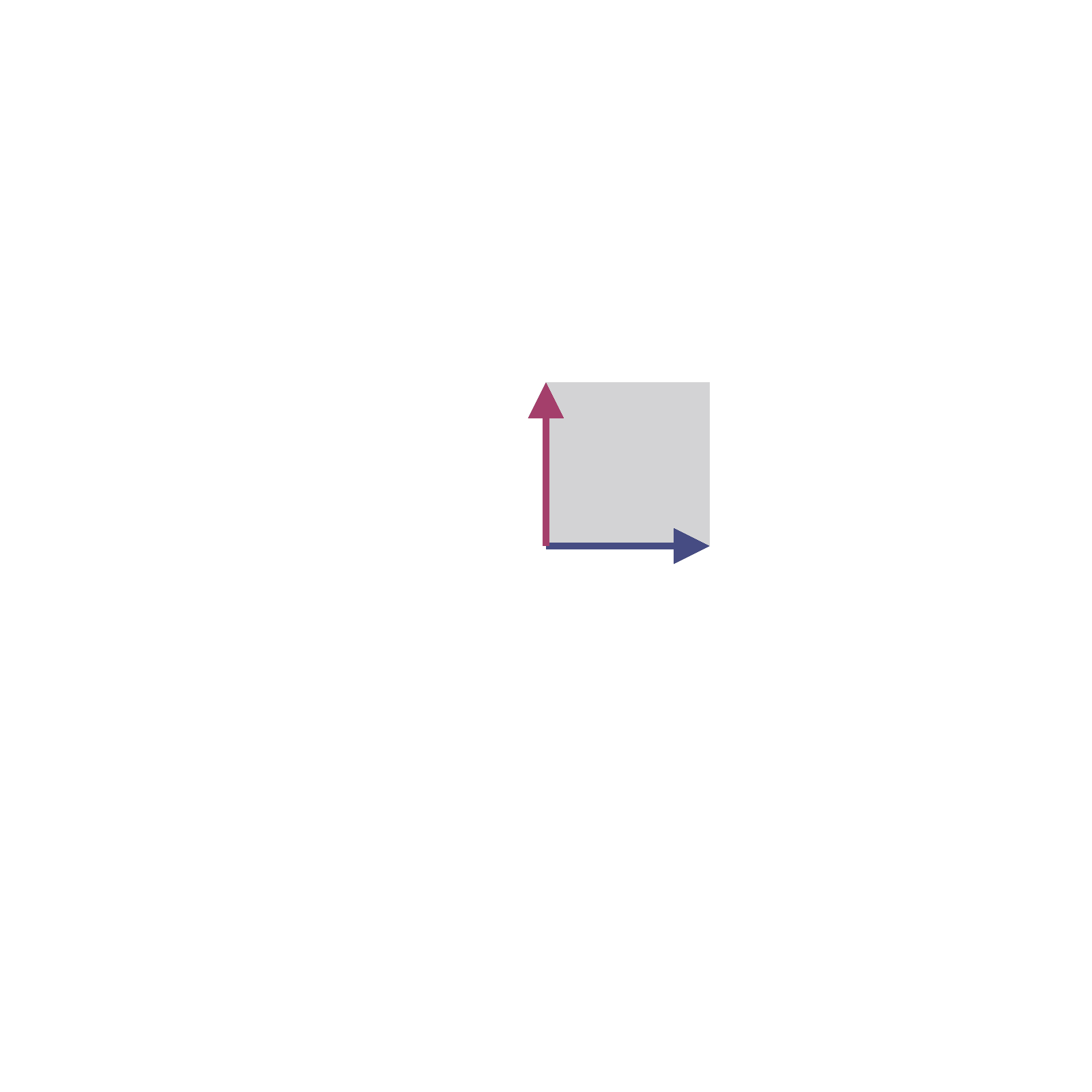
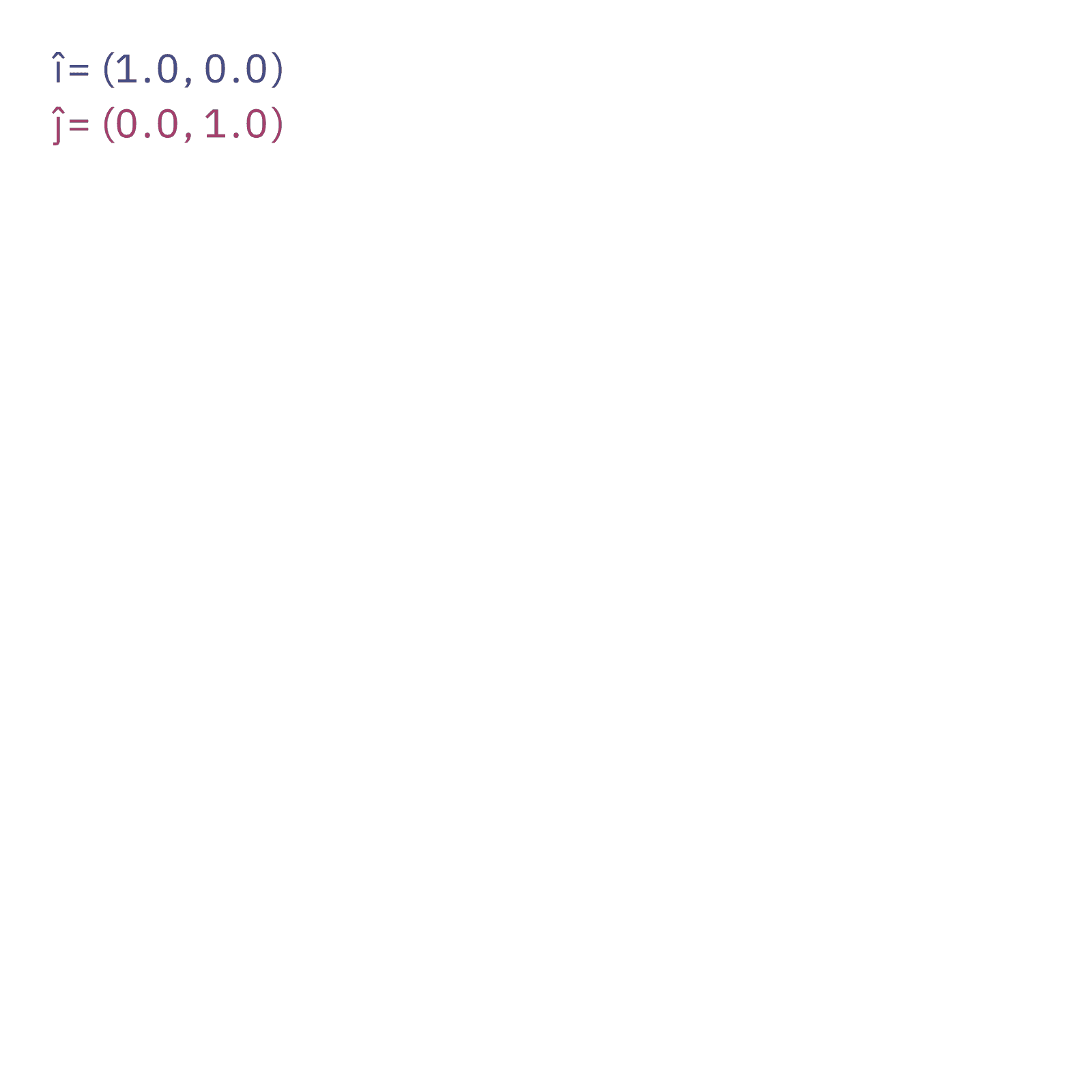
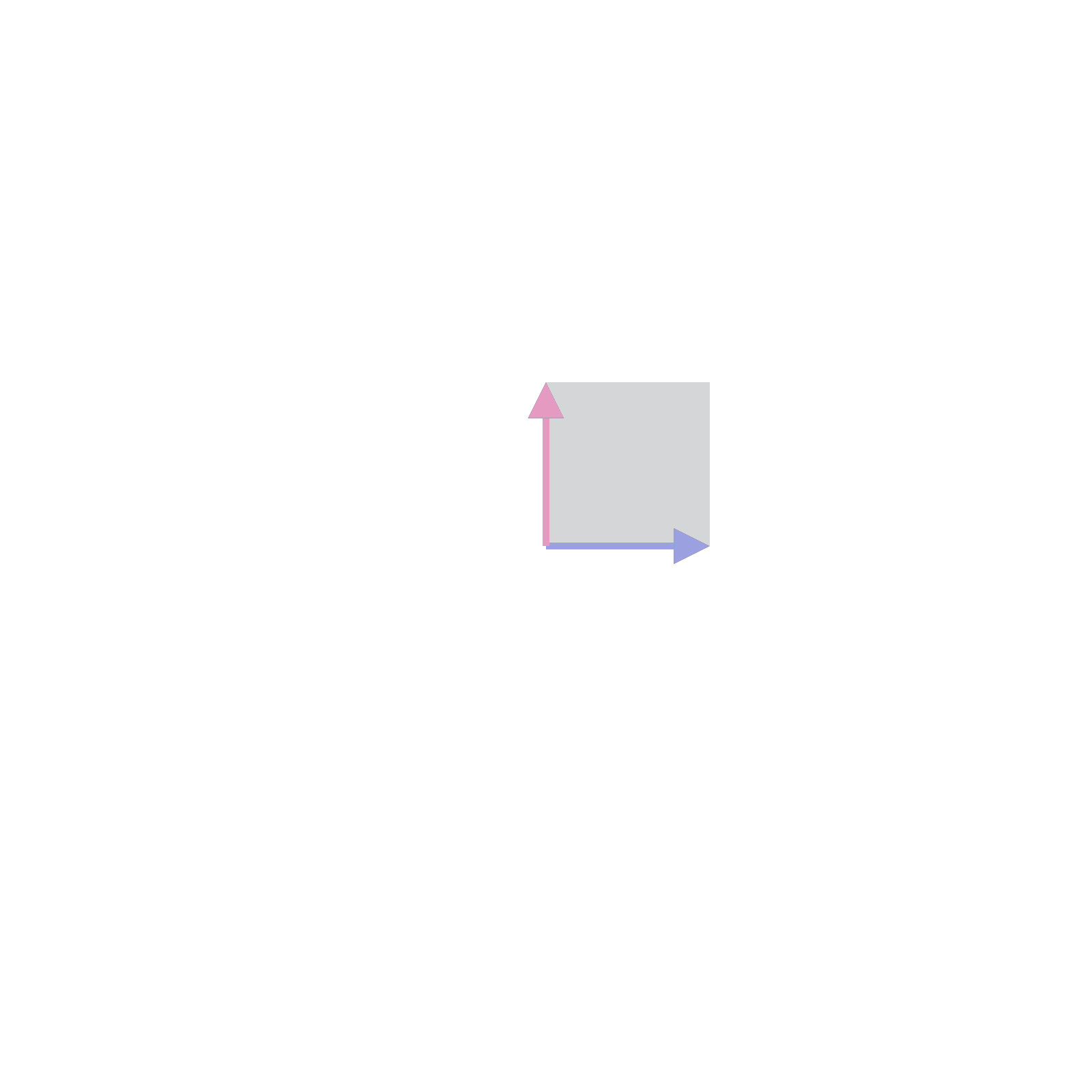
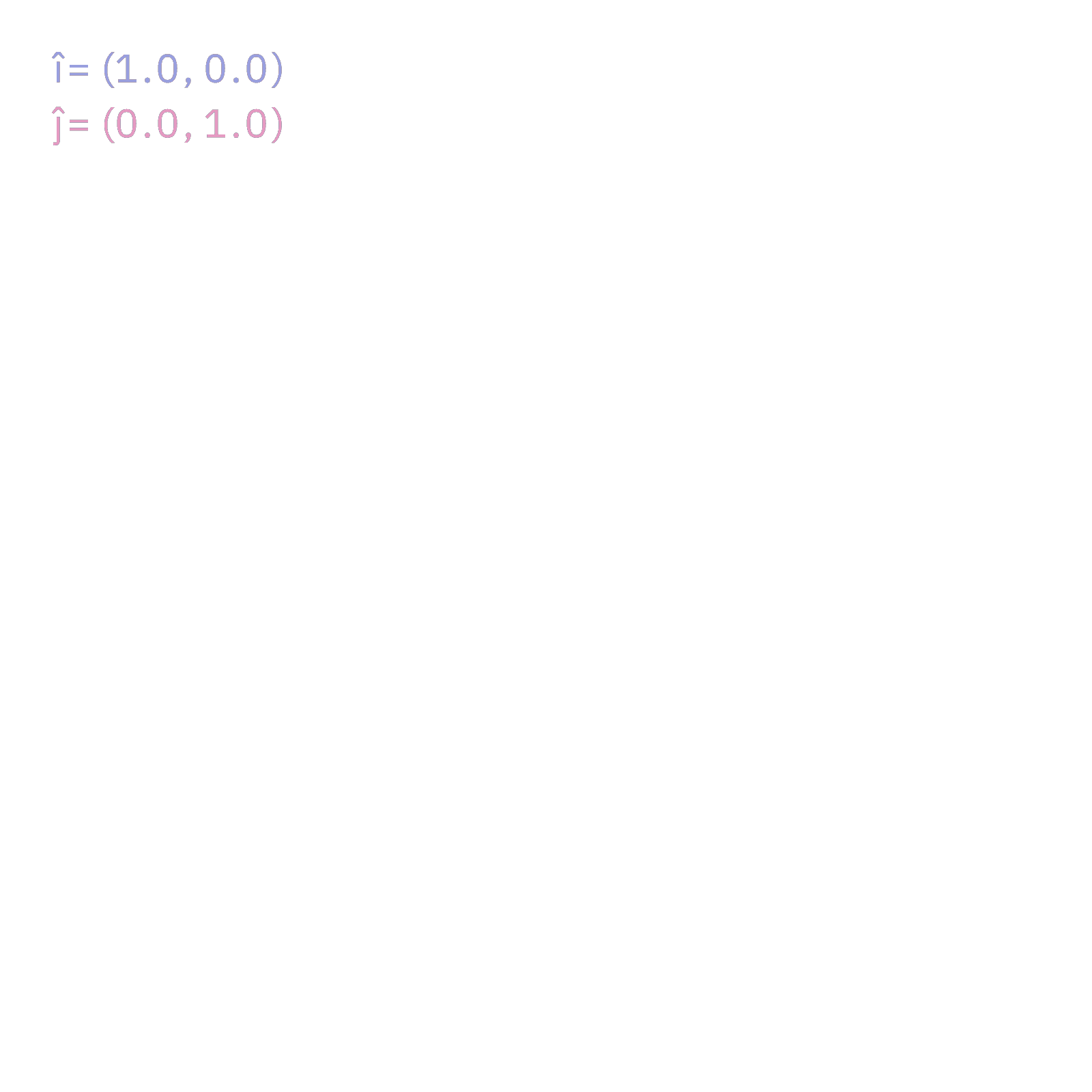
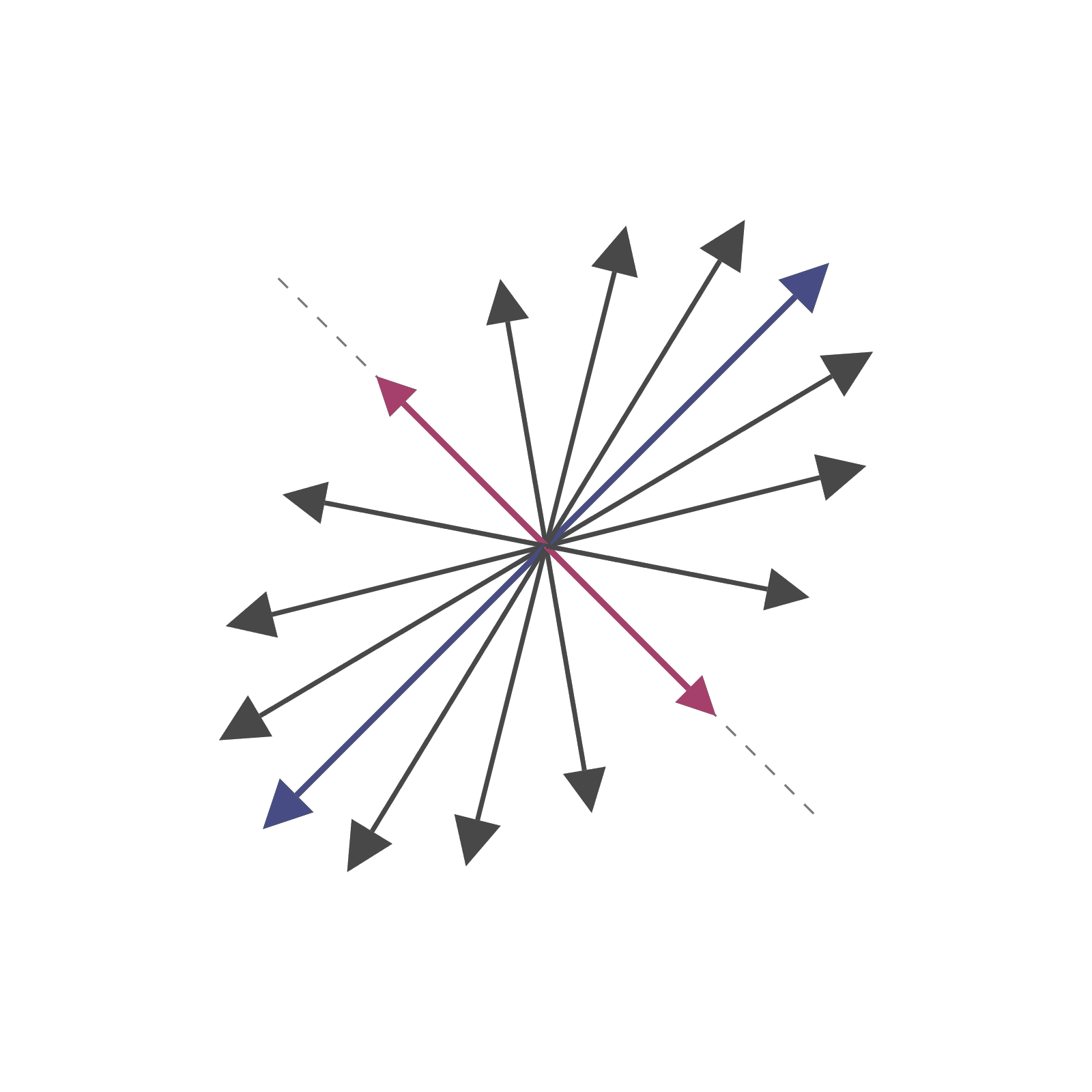
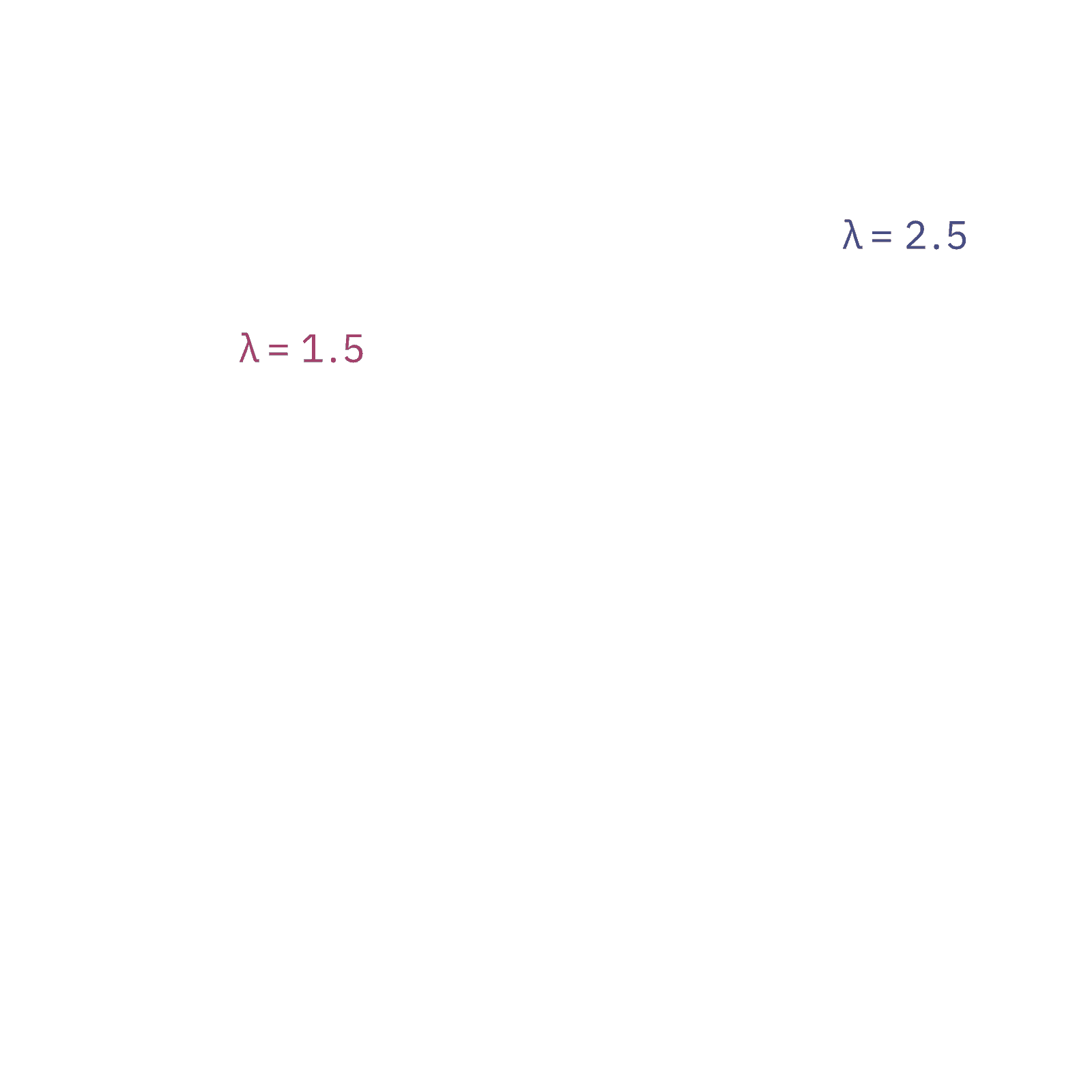
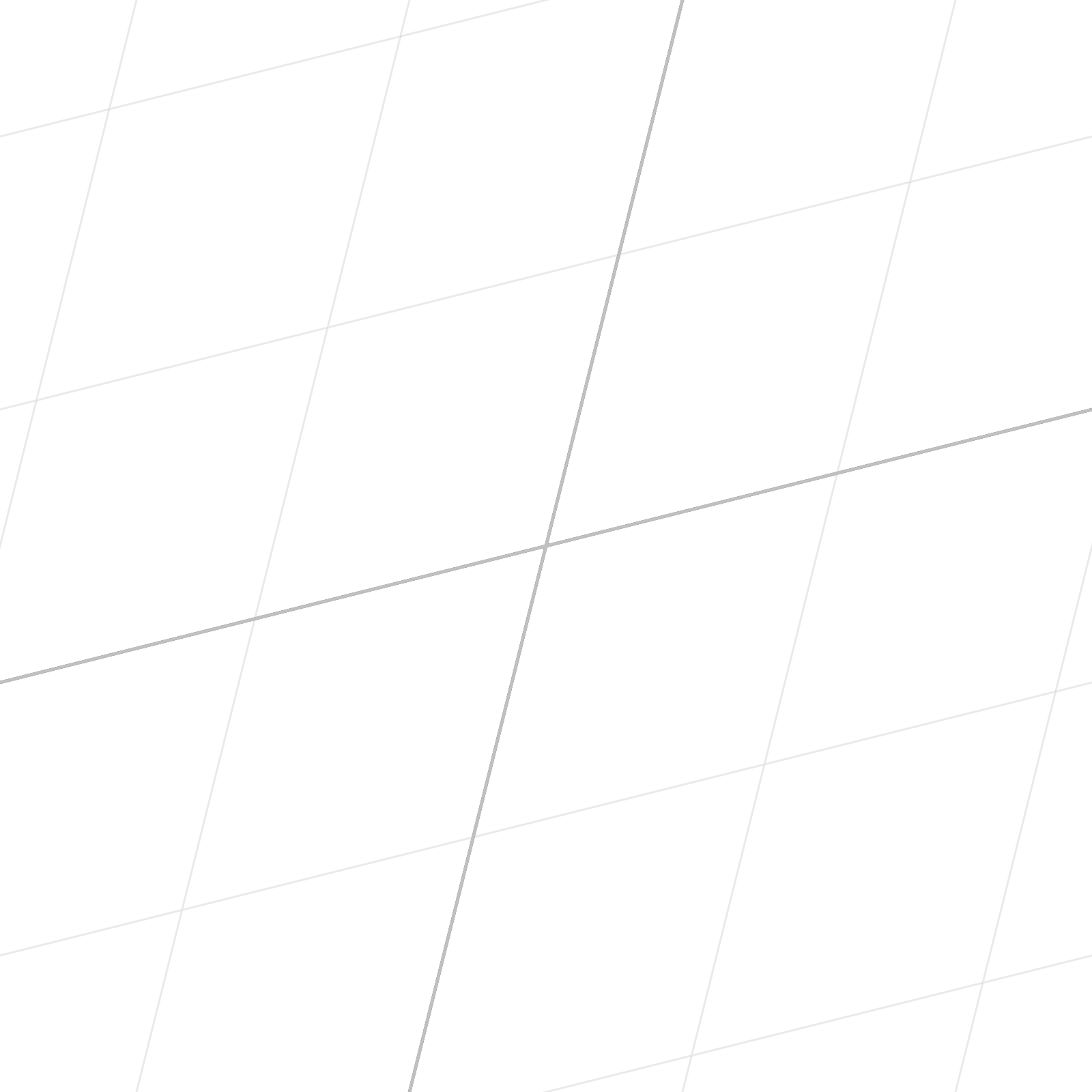
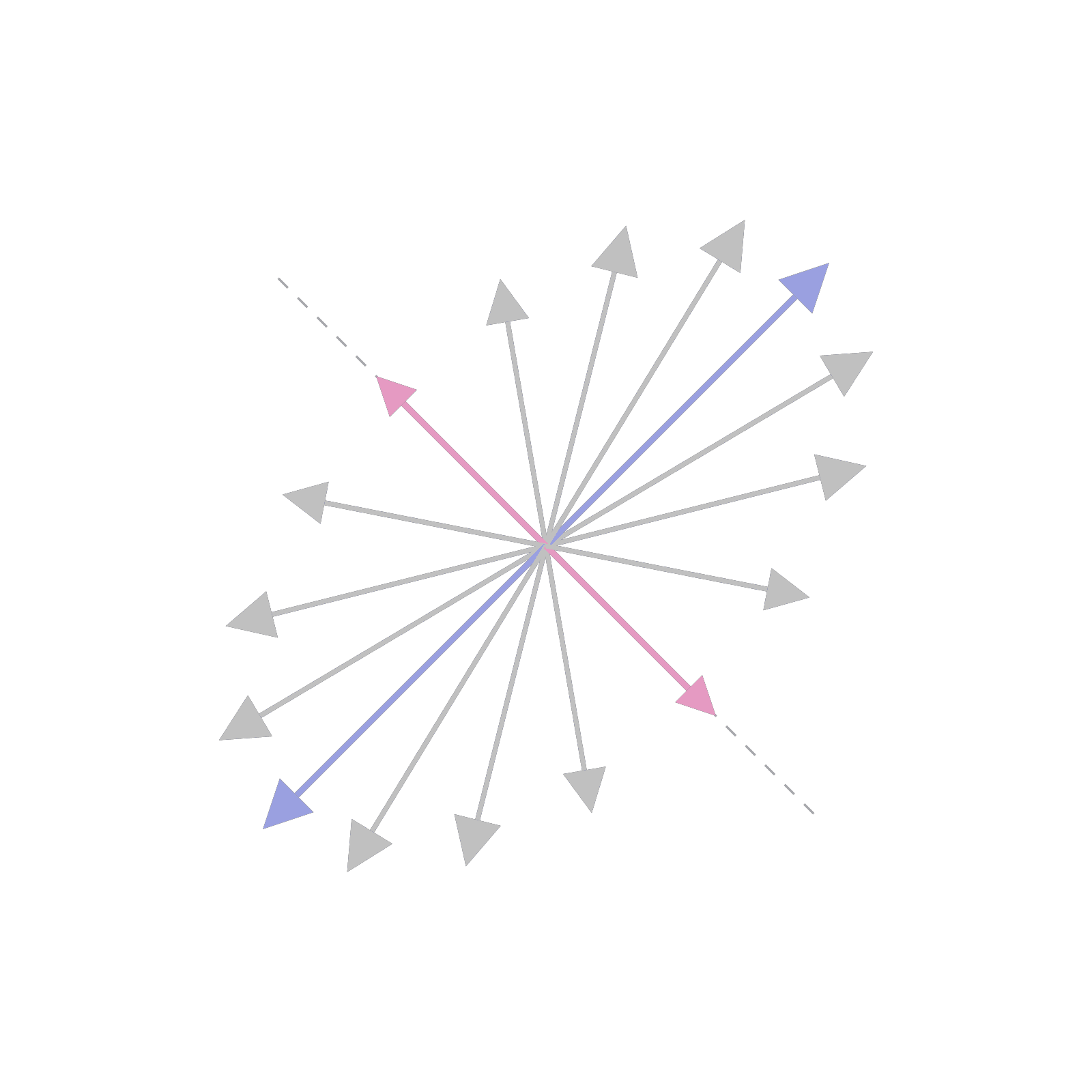
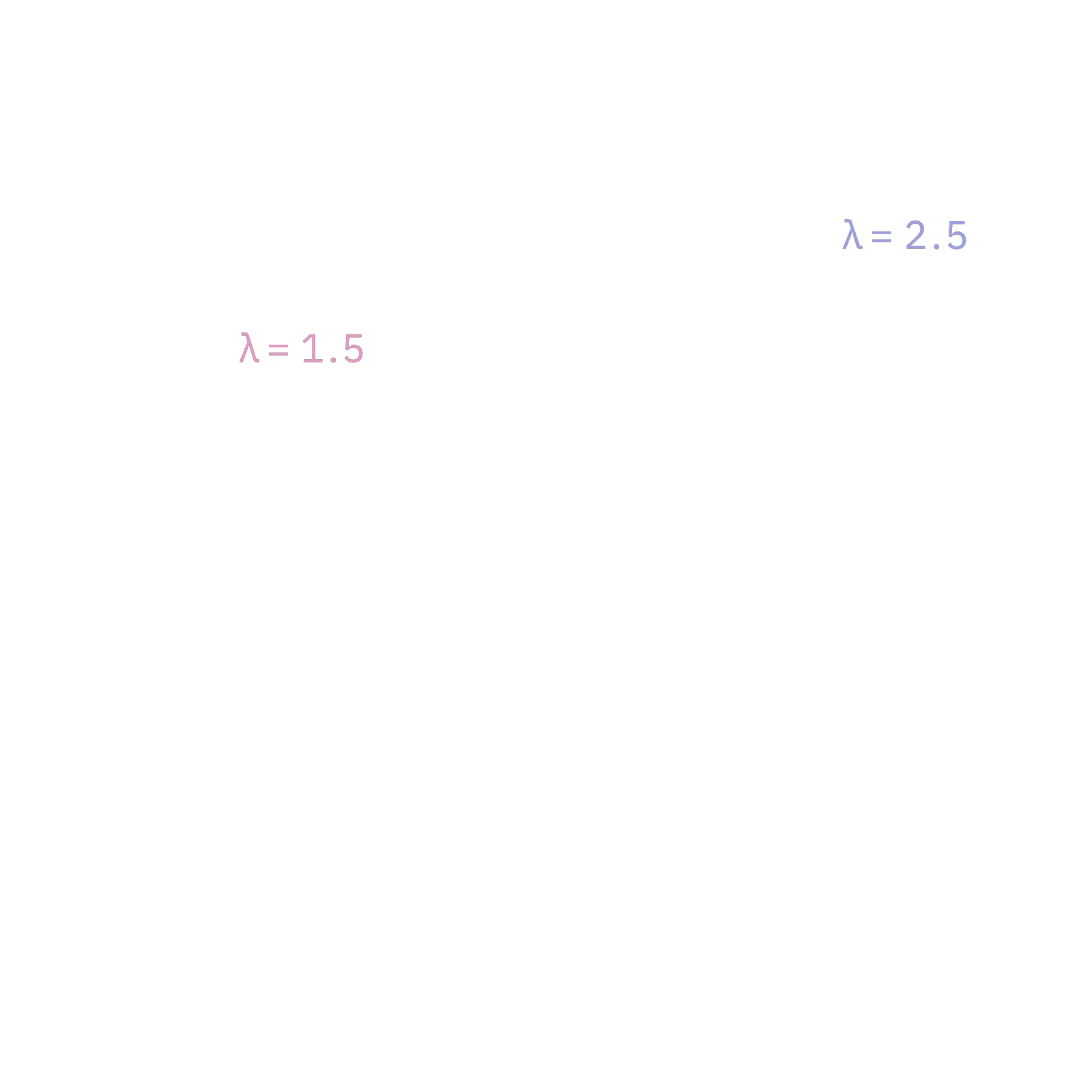
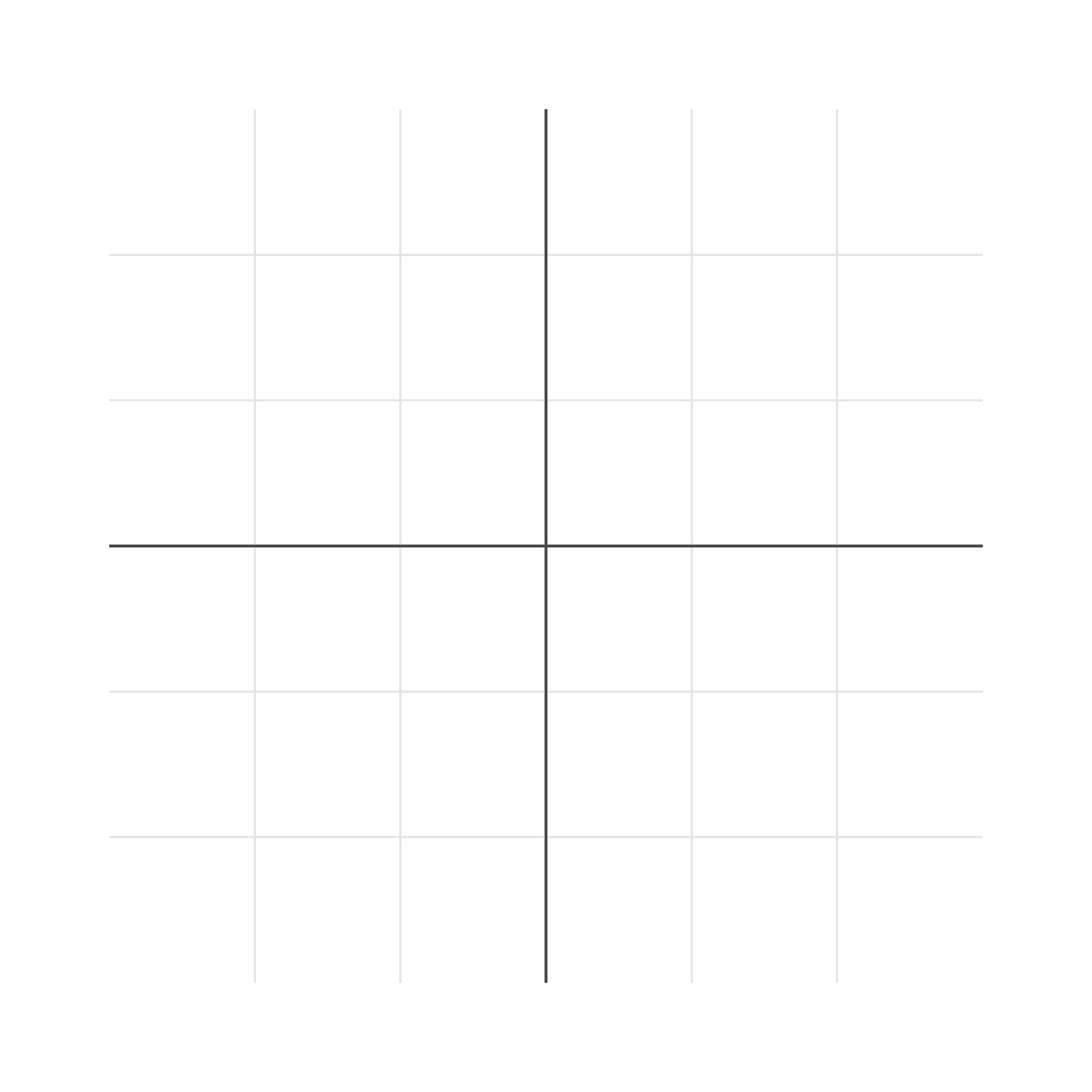
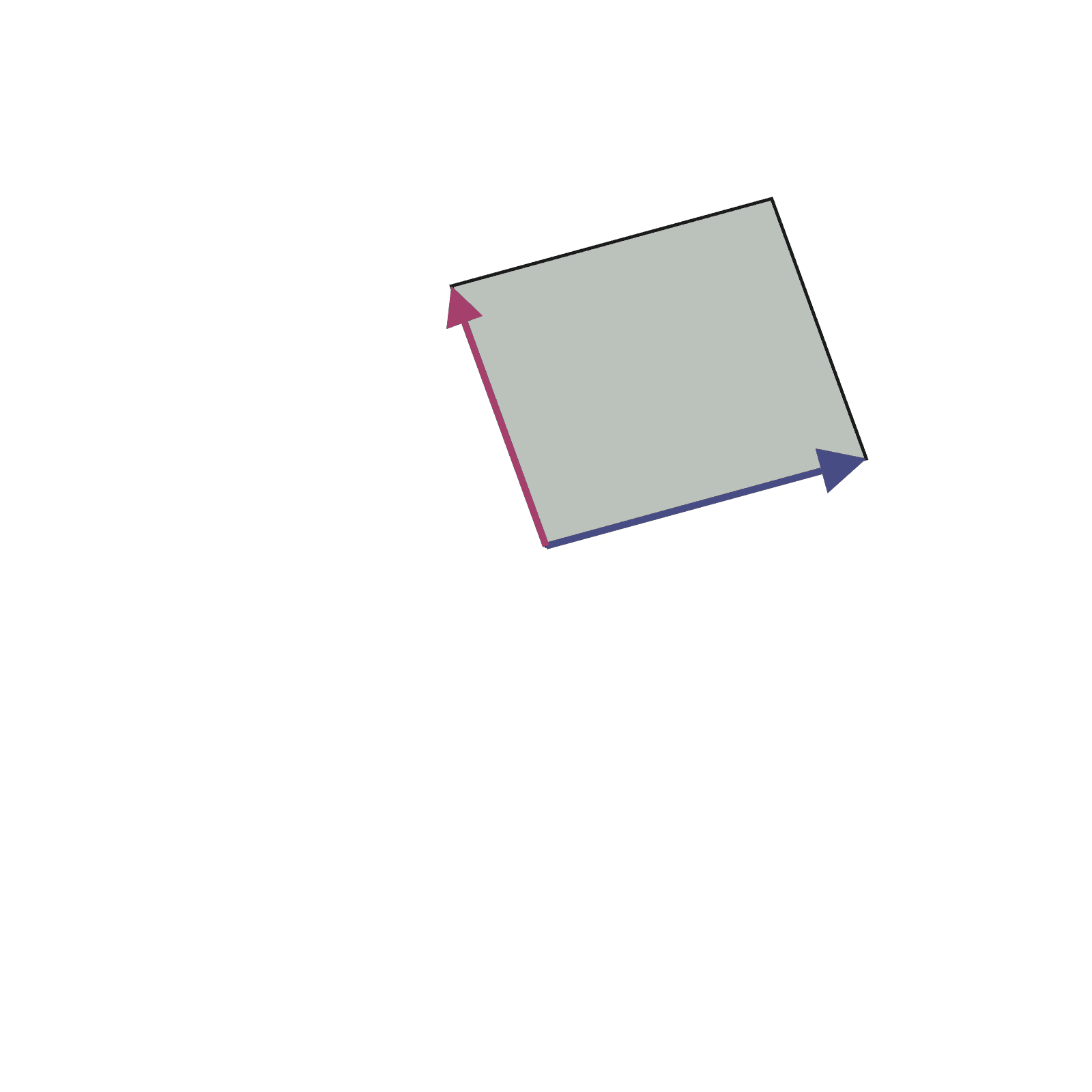
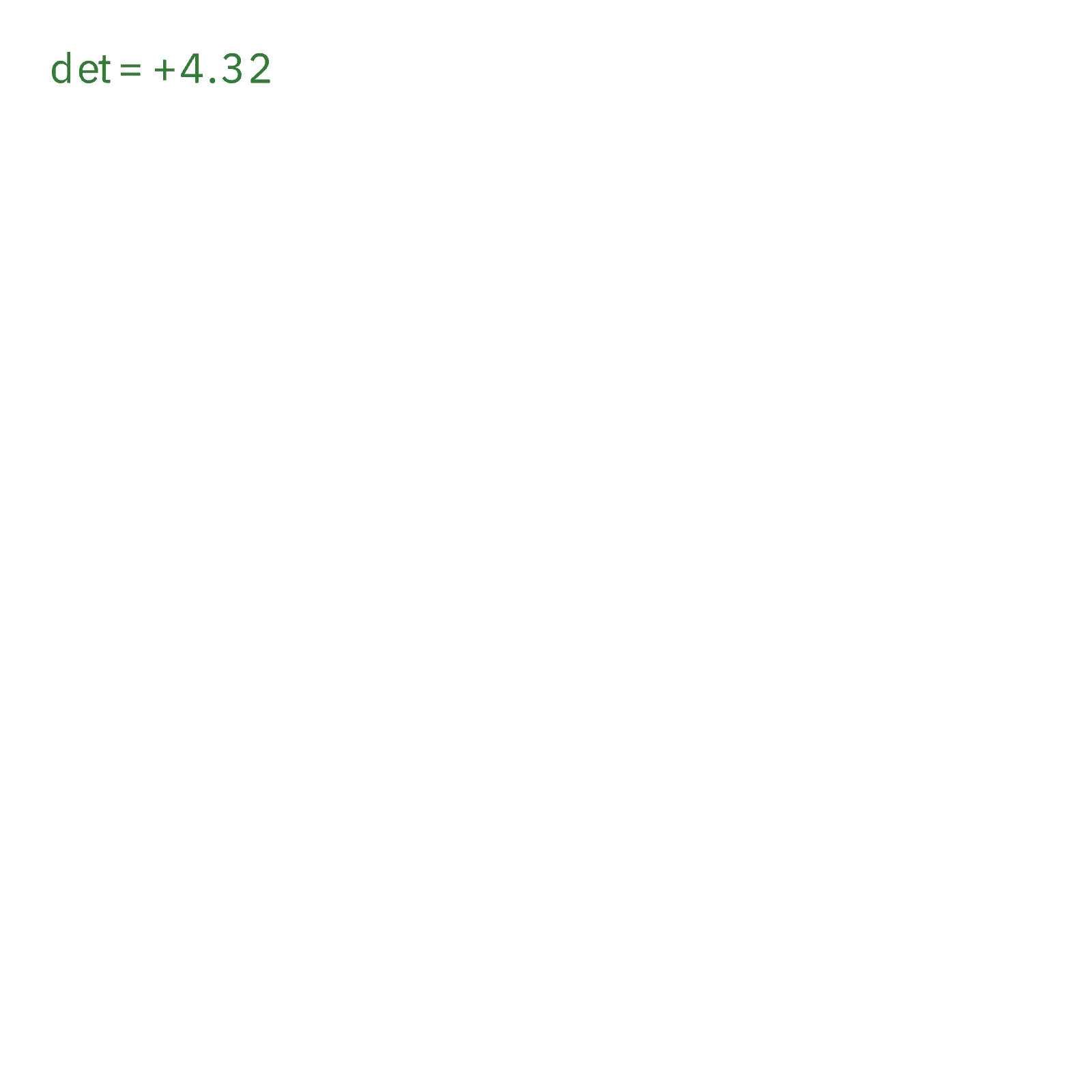
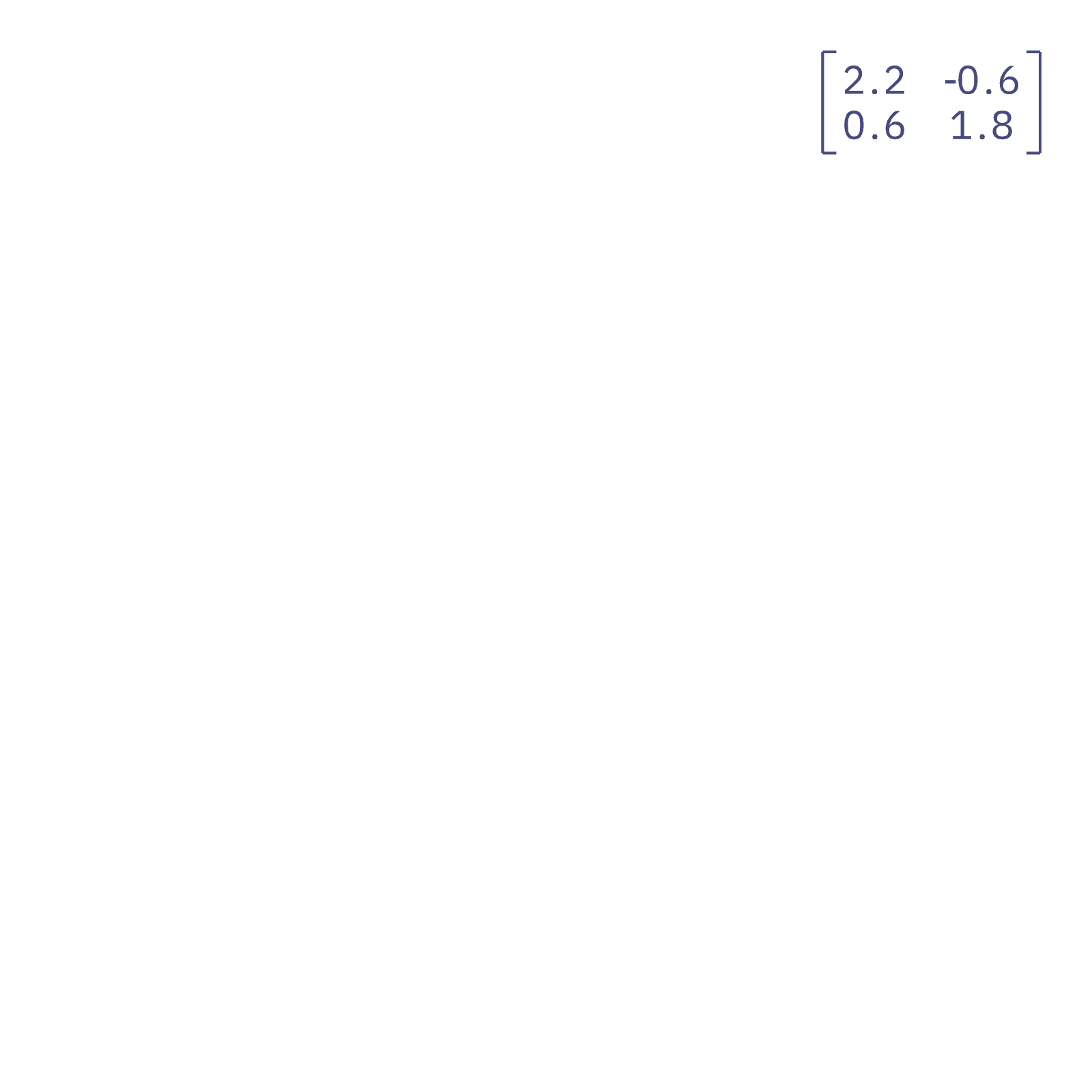
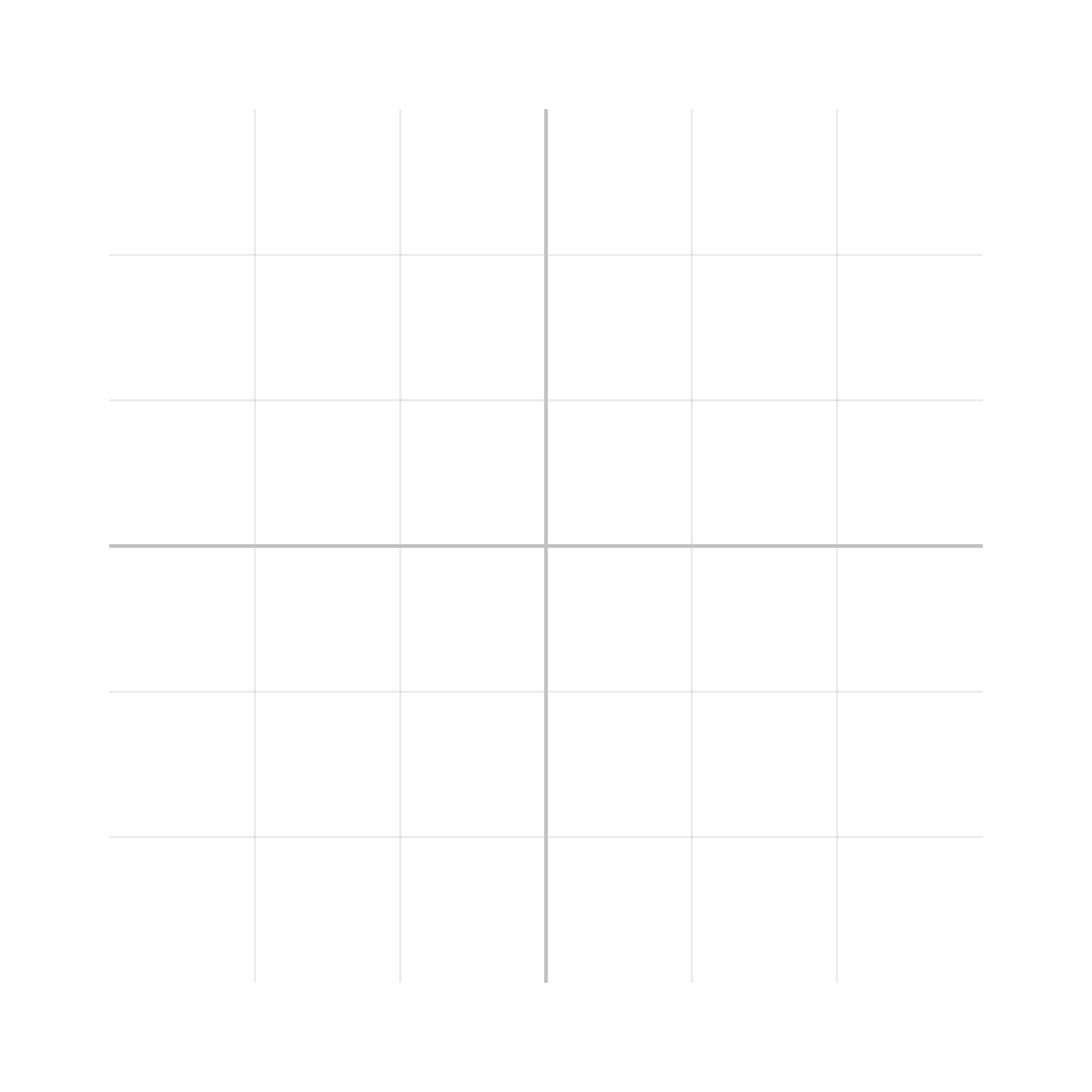
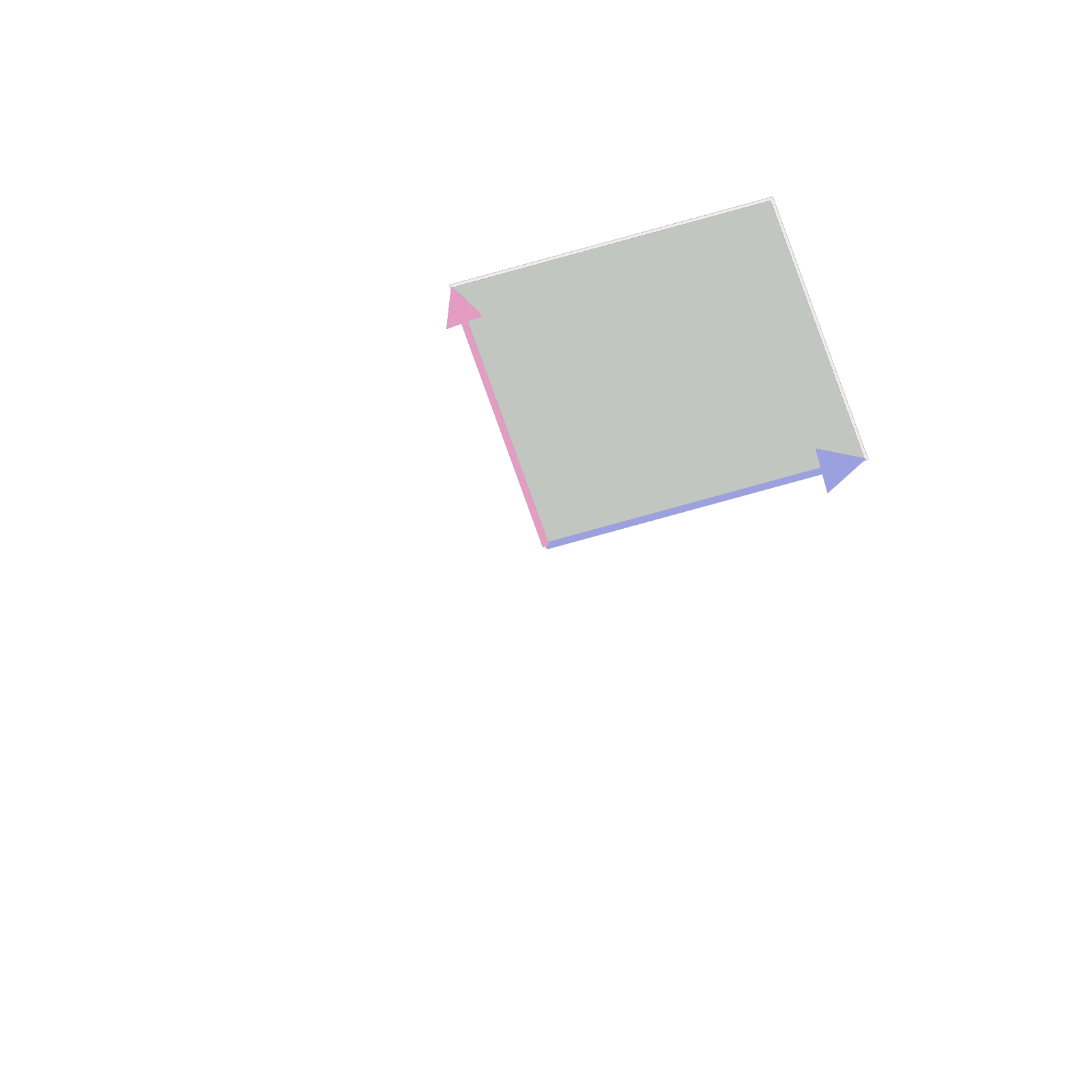
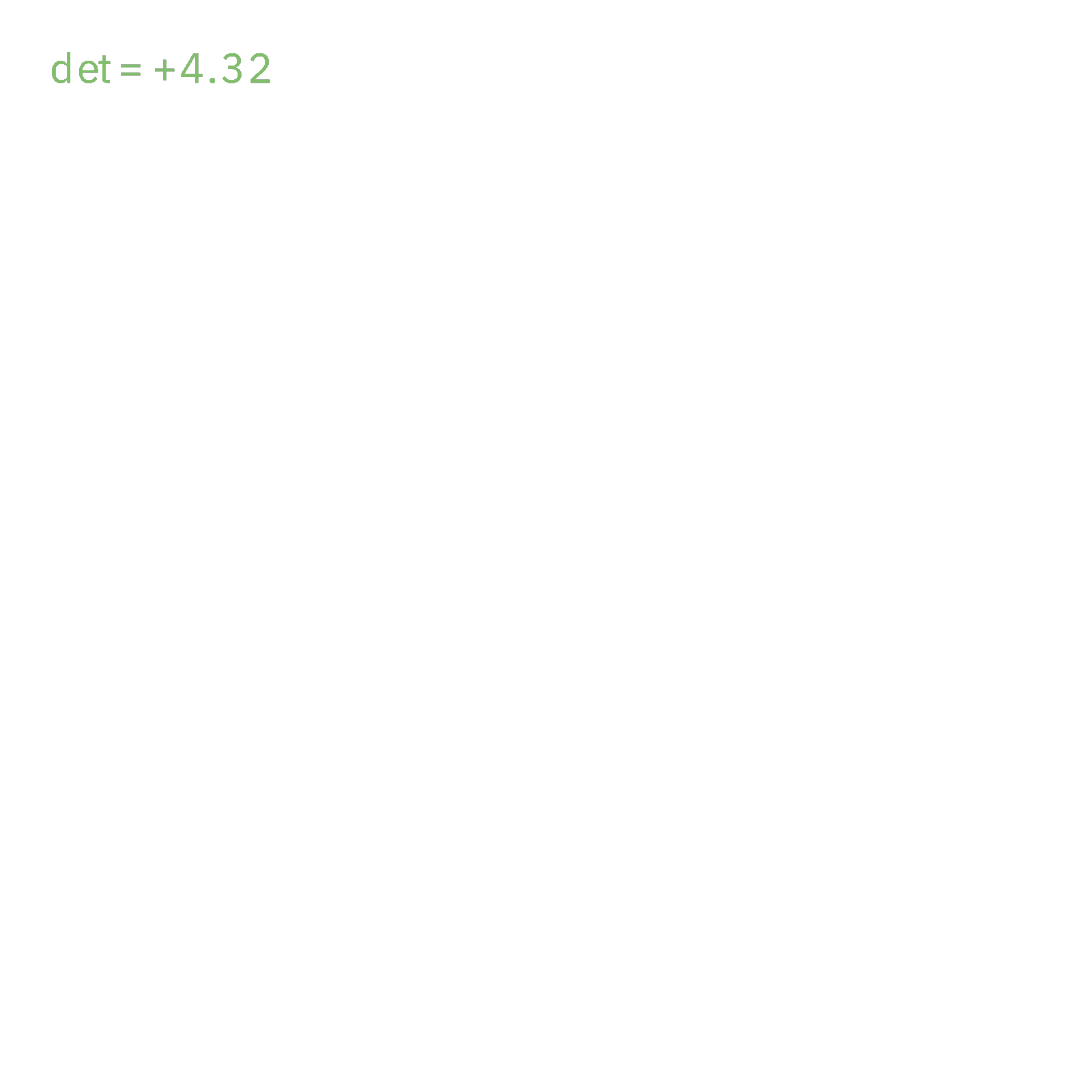
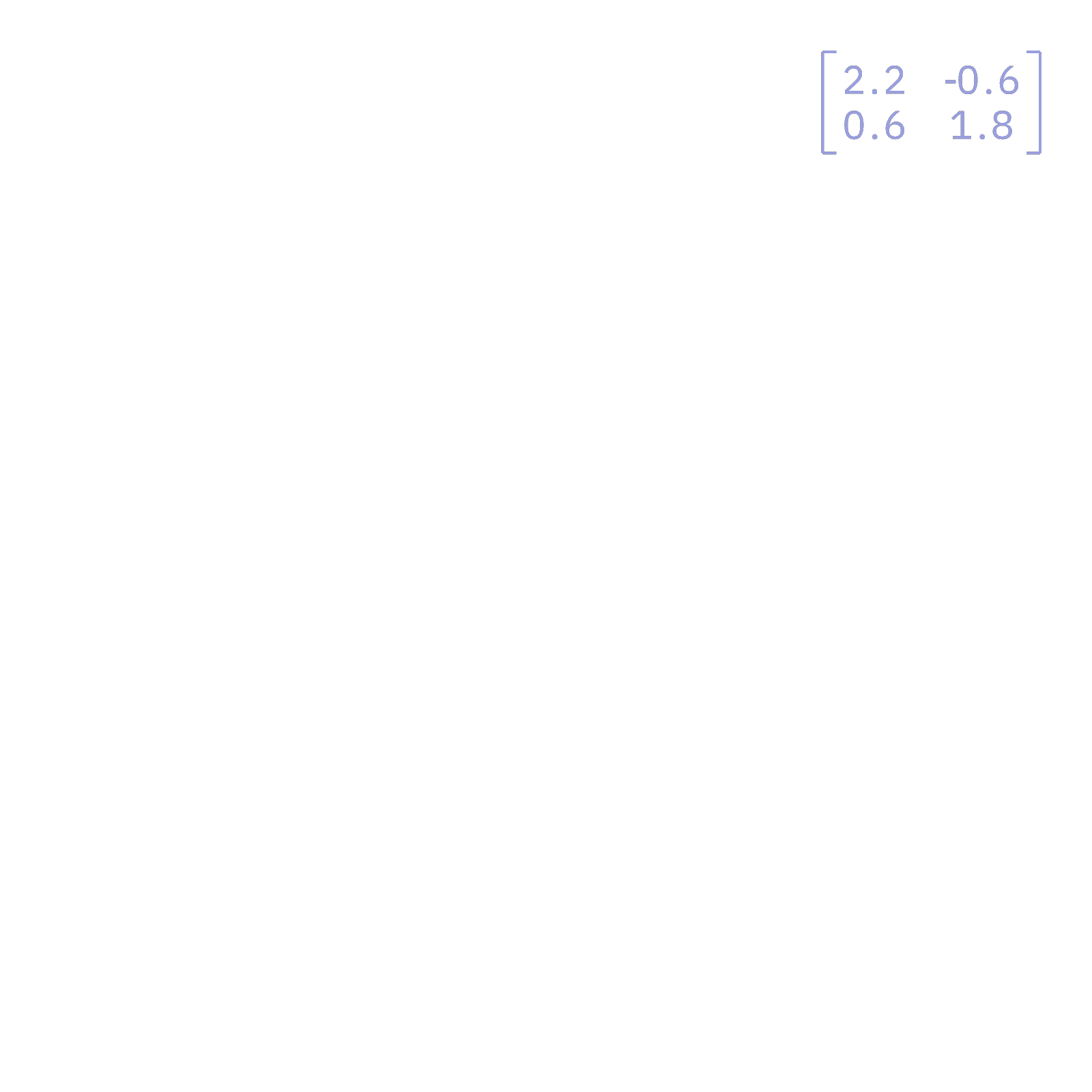
- Linear algebra: The grid is always on screen, which gives Claude a fixed frame to deform. Asking for a different matrix or a new basis vector is a small, reliable edit.
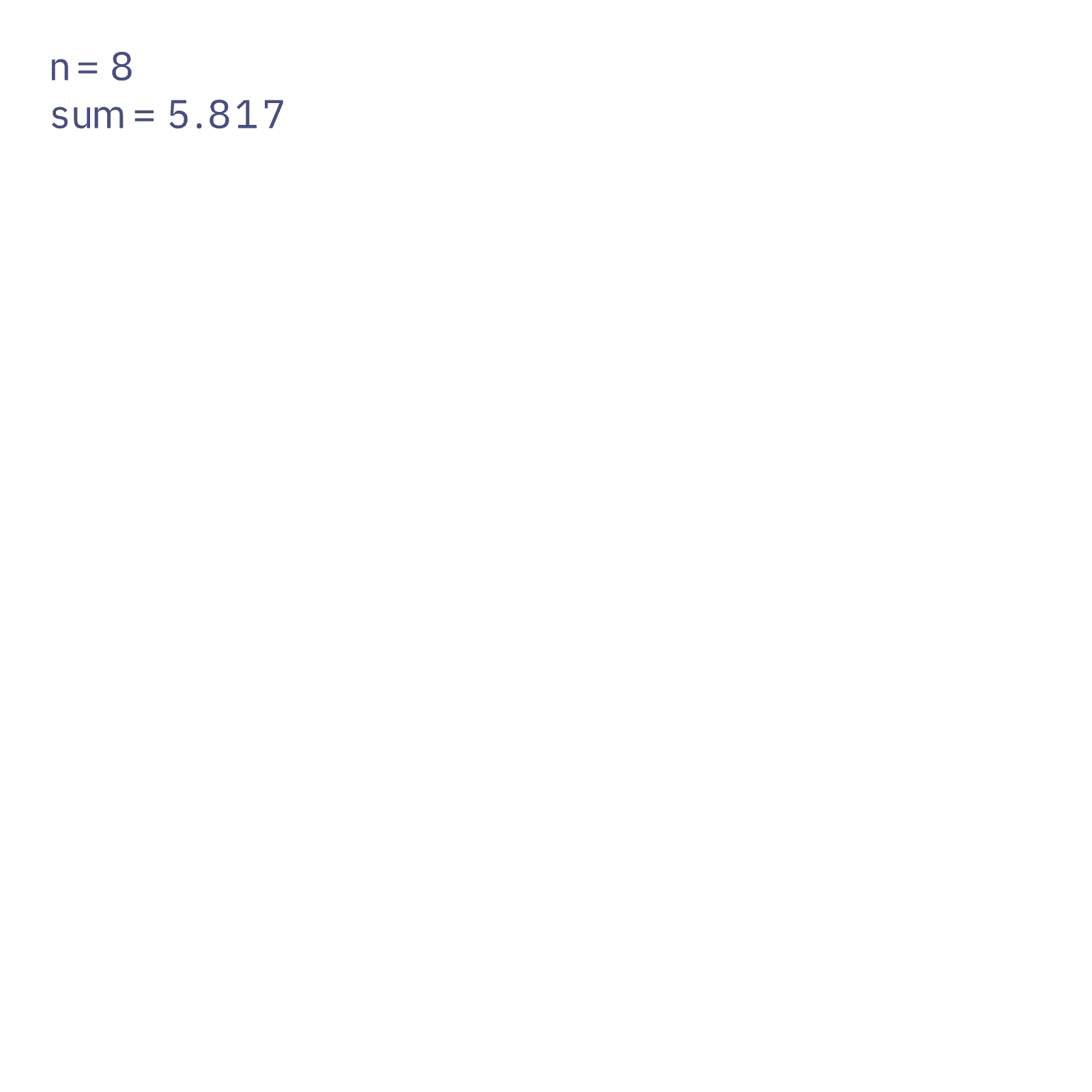
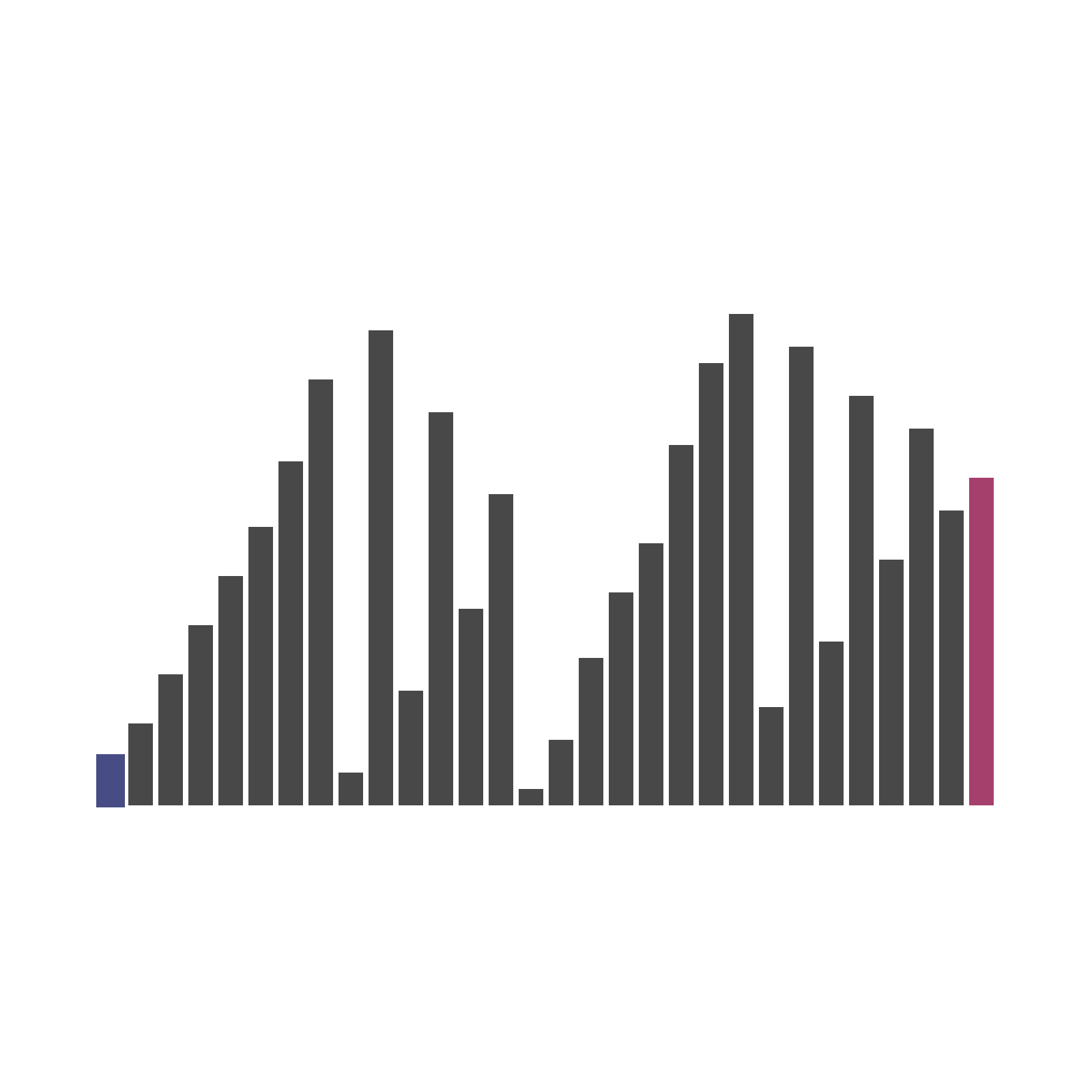
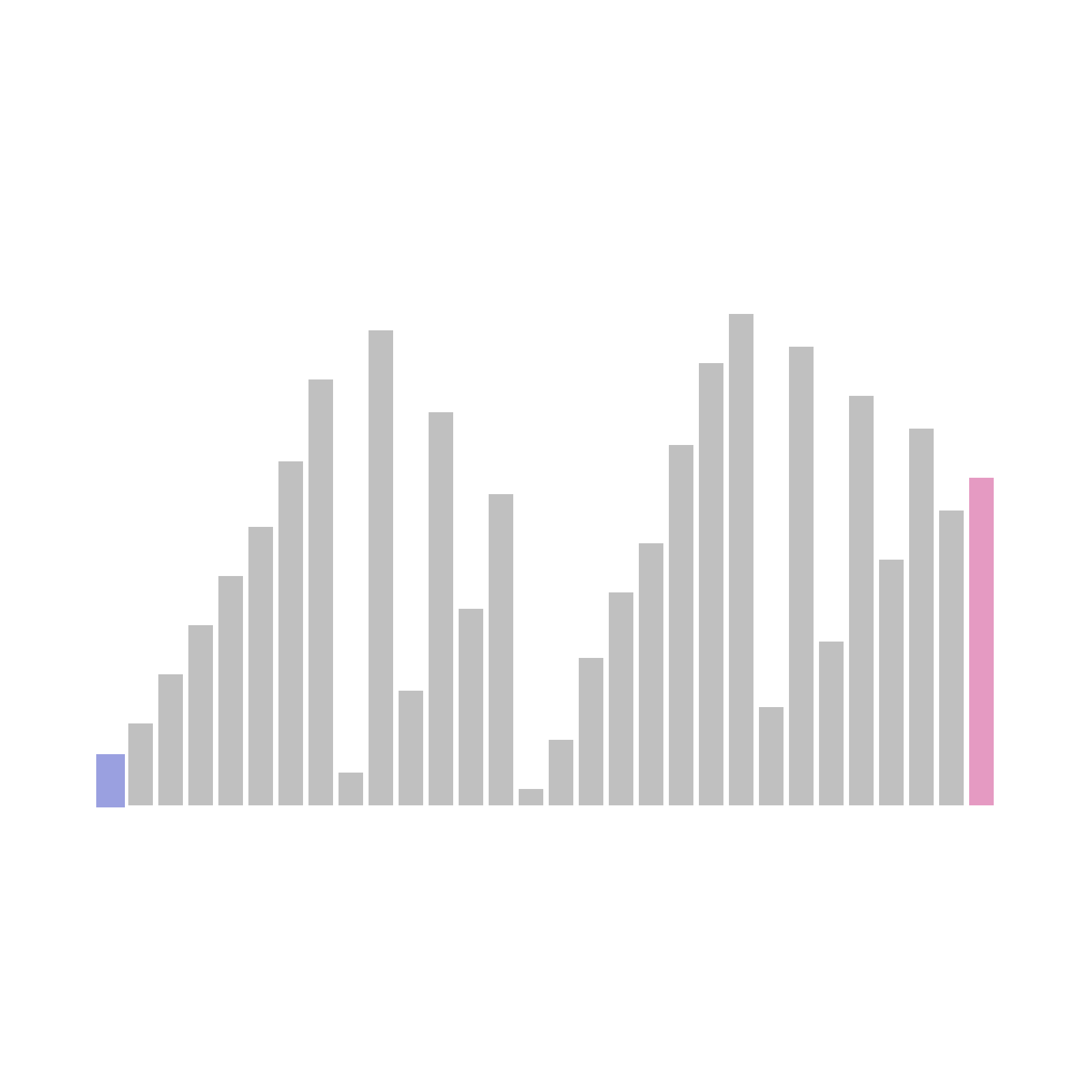
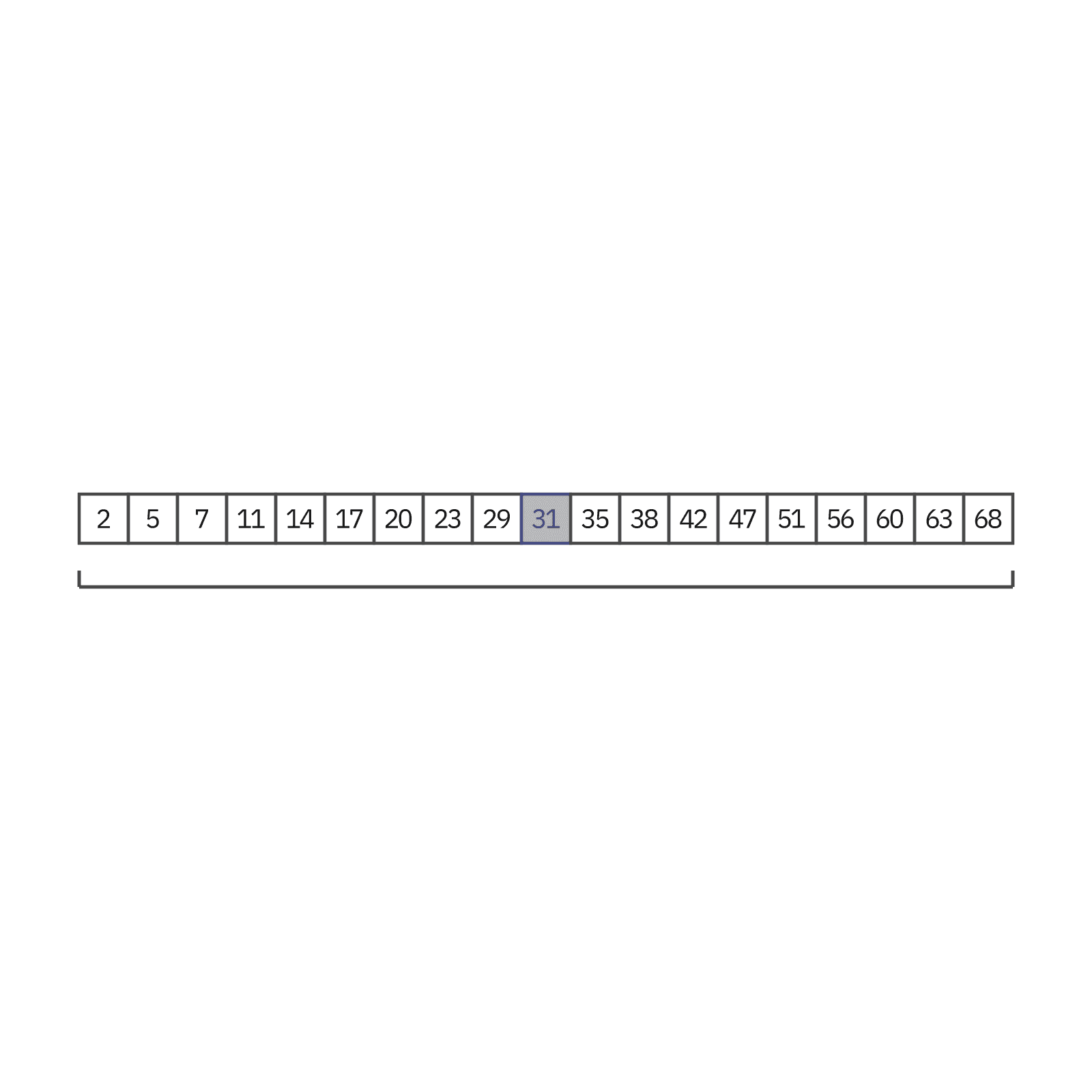
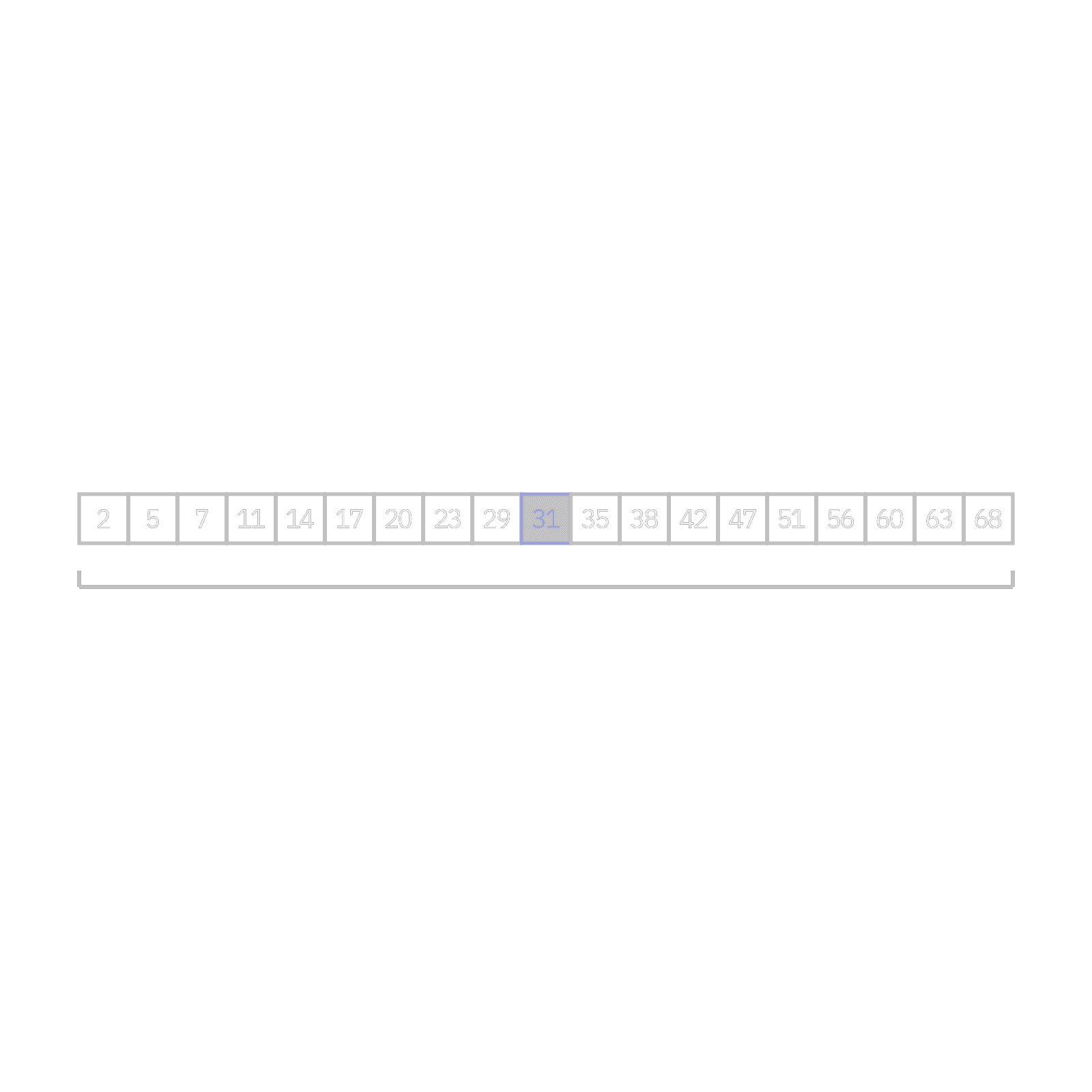
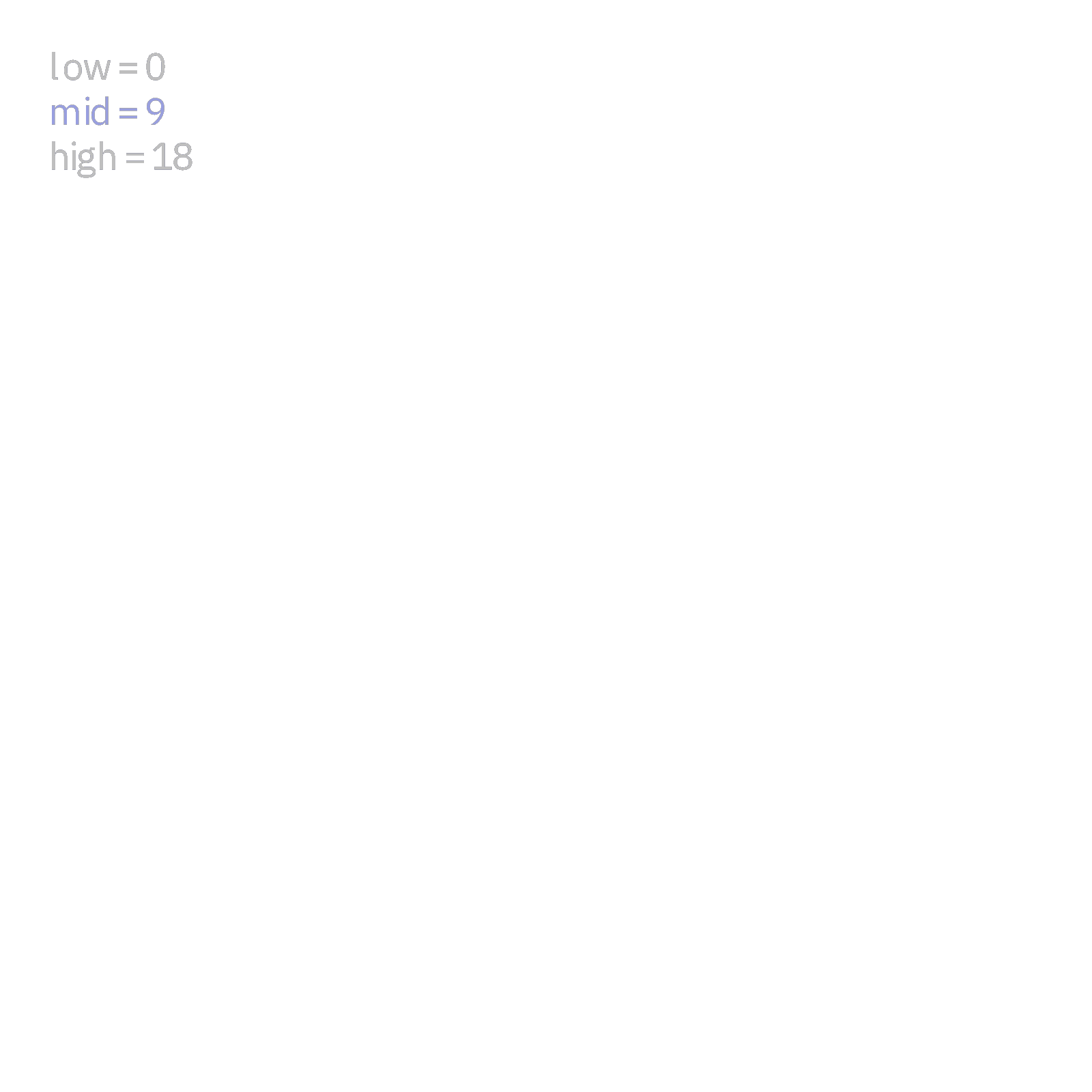
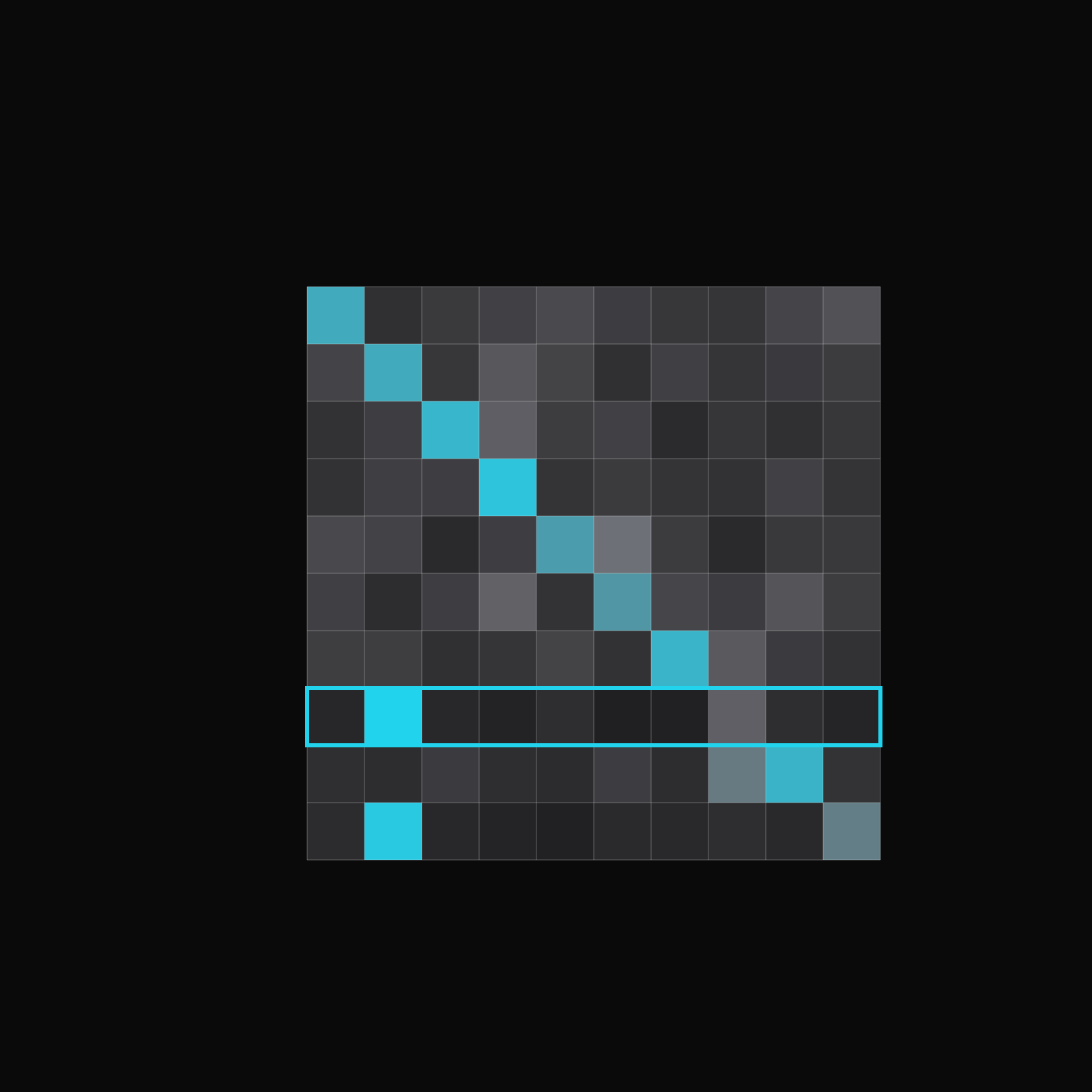
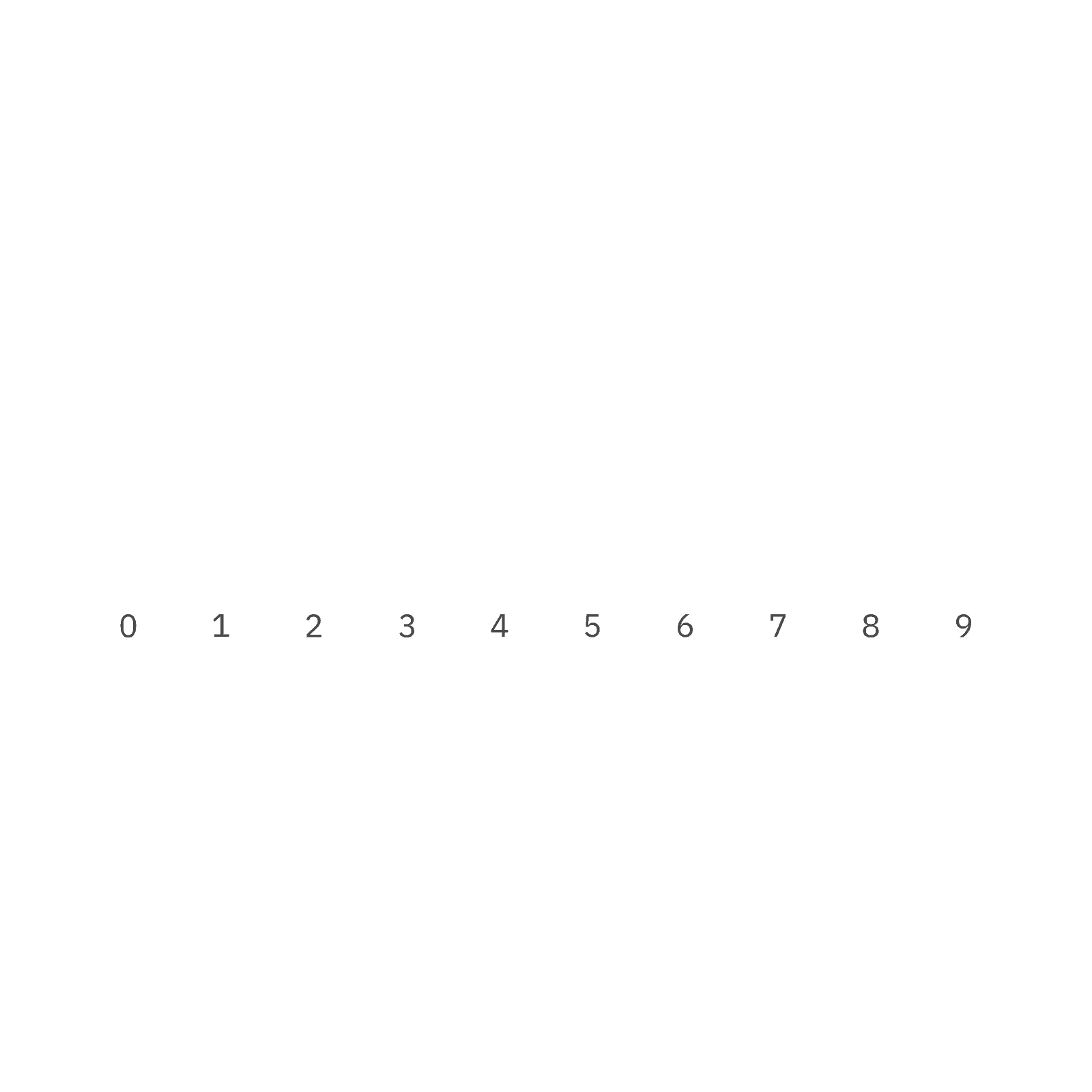
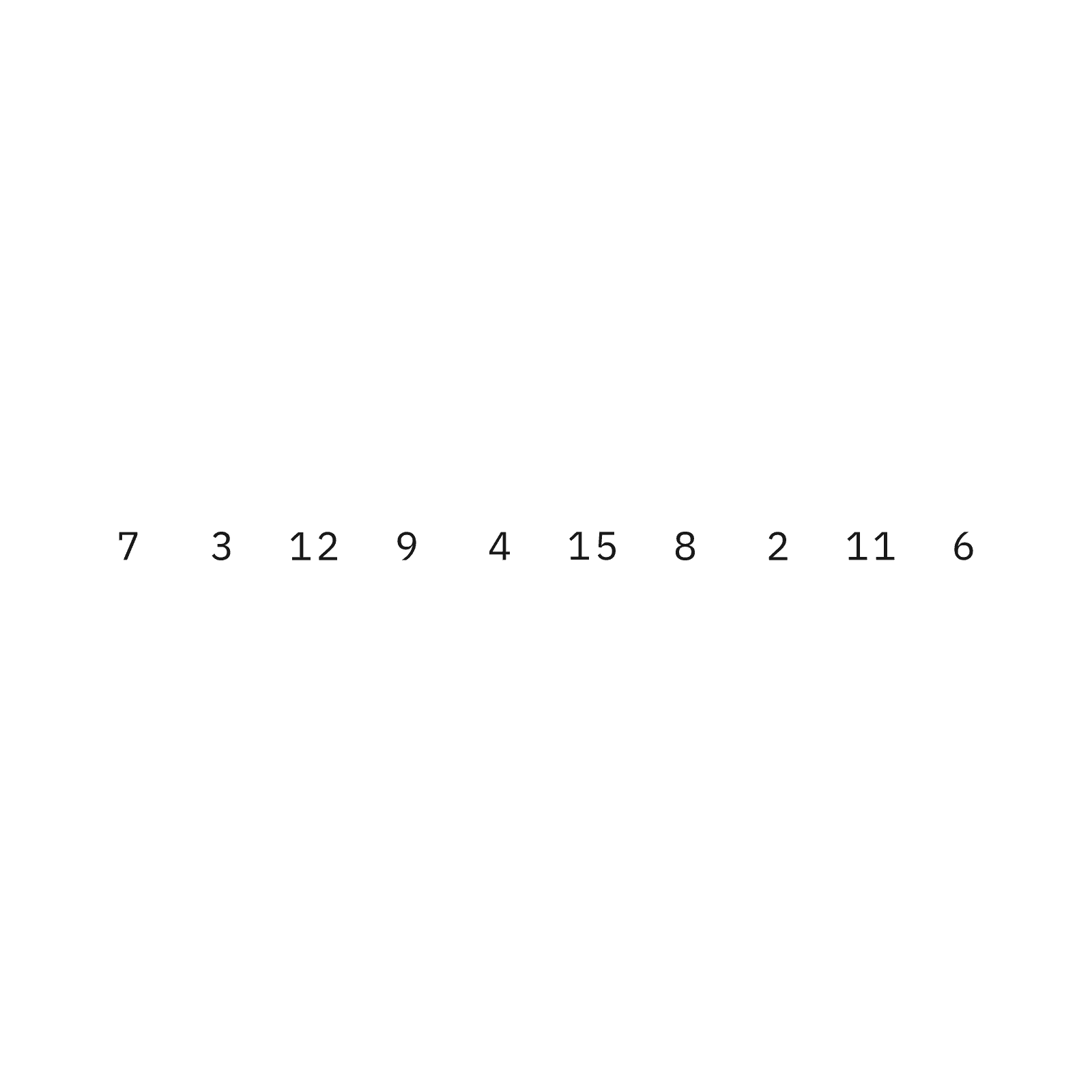
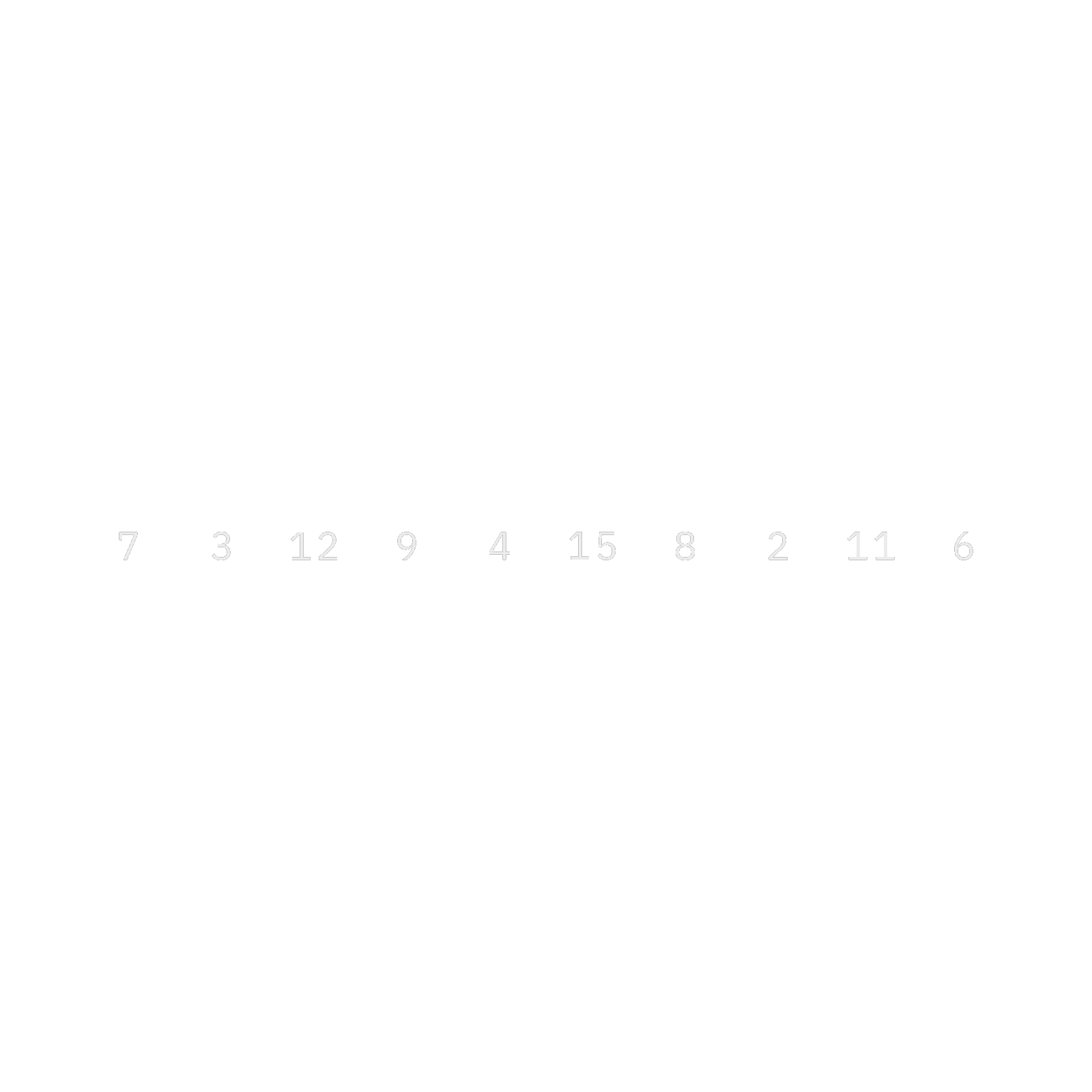
- Algorithms: Each state has its own color: the working set, the element under comparison and the settled result. Claude can swap in a new input array and the colors keep their meaning.
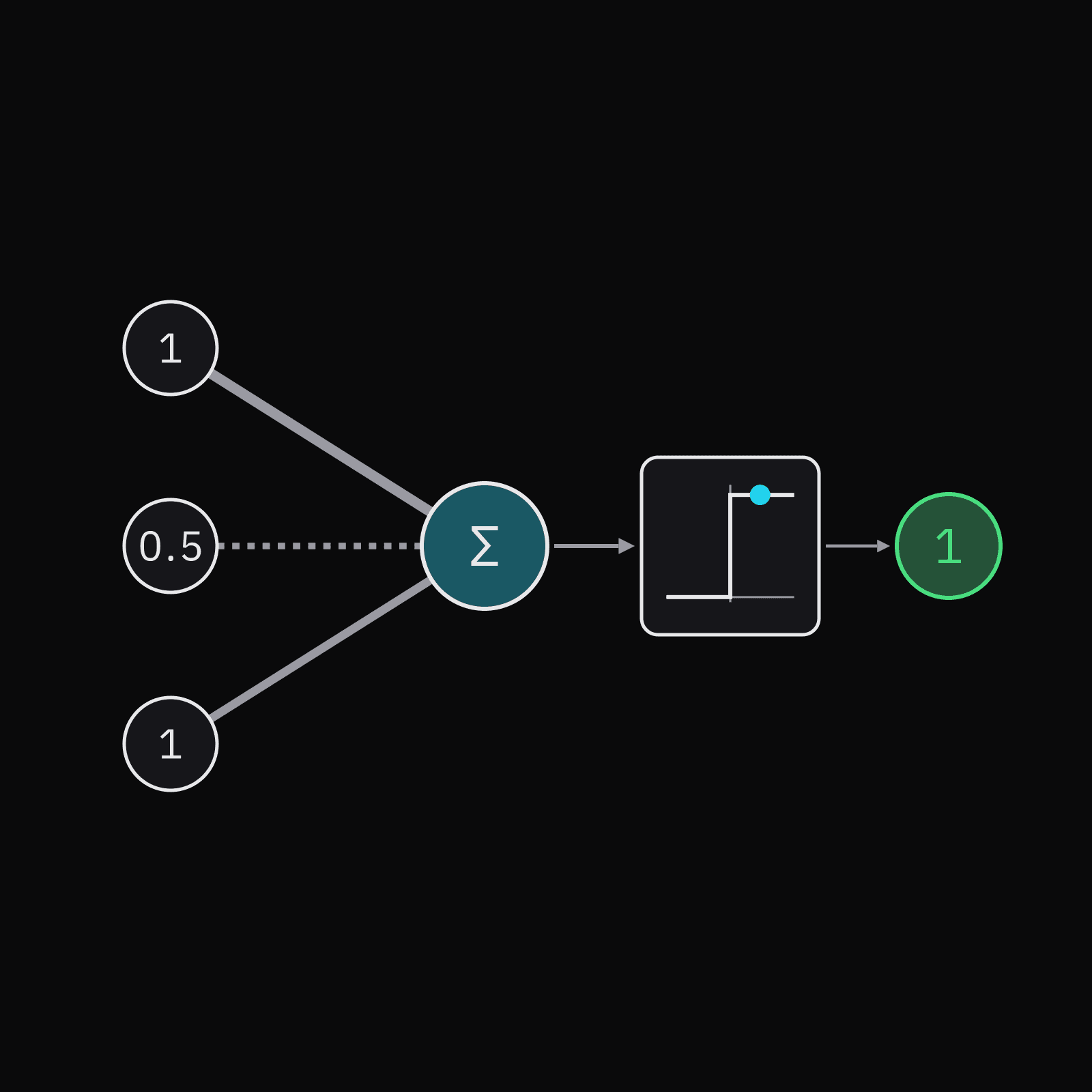
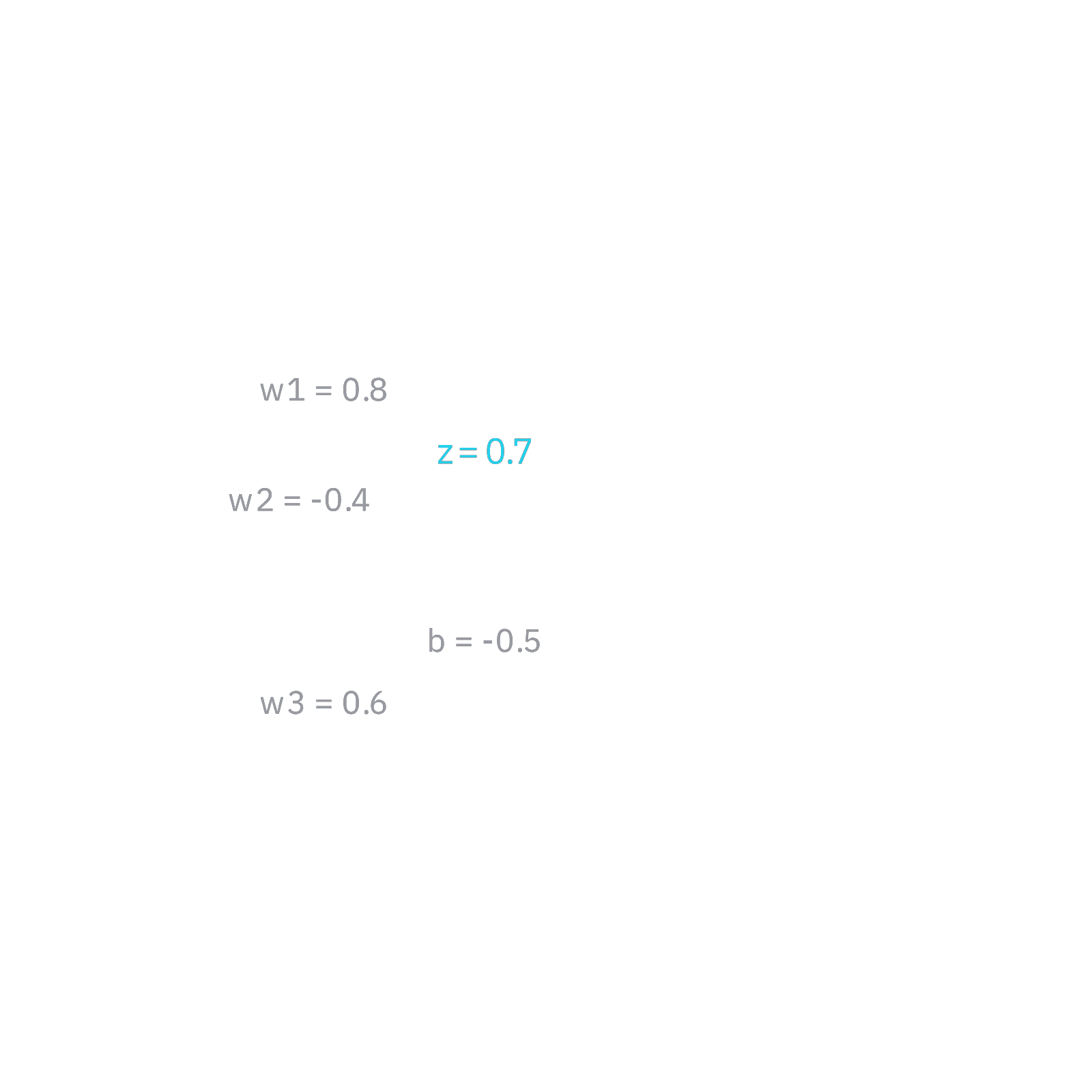
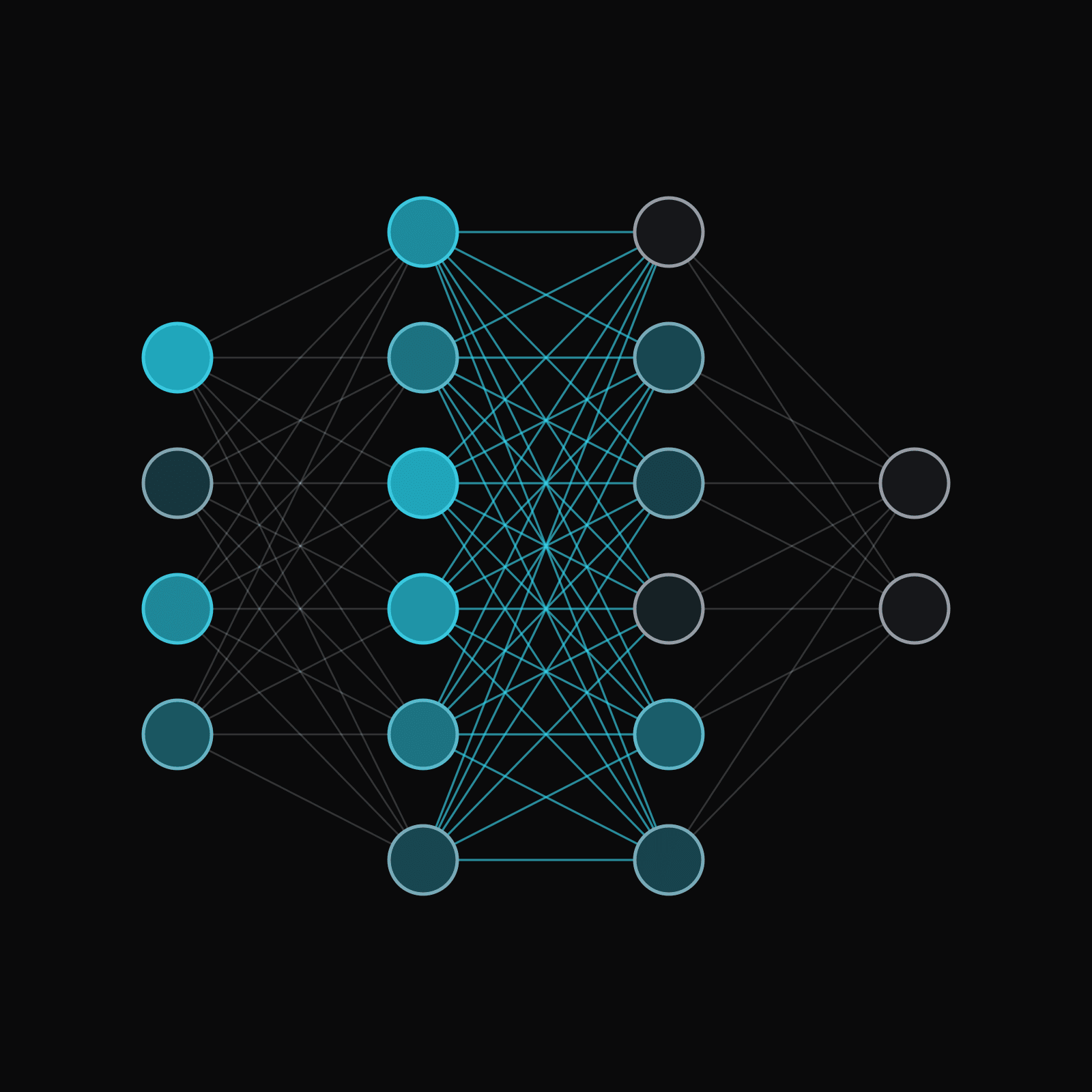
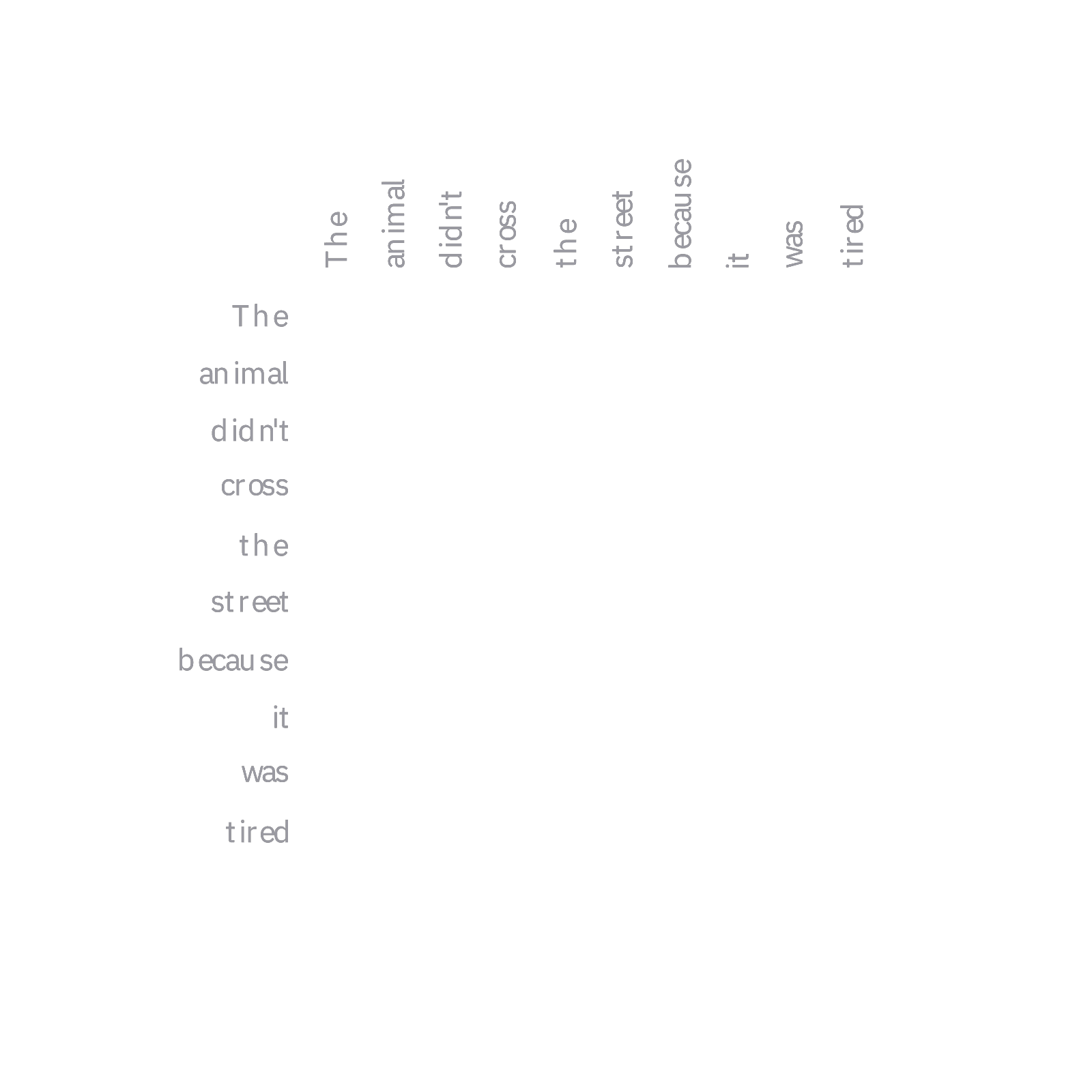
- Neural networks: Layers, weights and activations follow one convention across the kit, so changing the layer sizes or the signal being traced stays consistent.
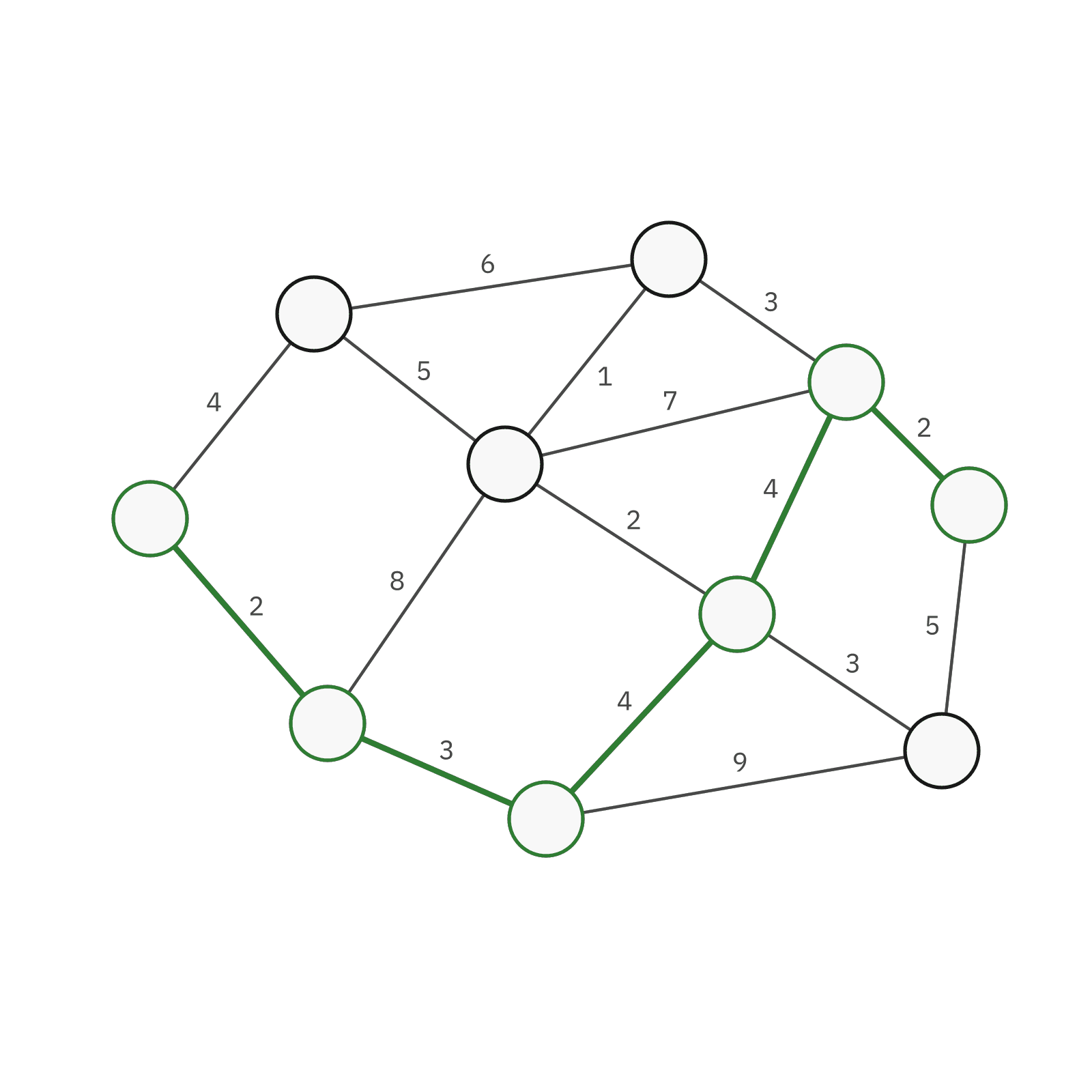
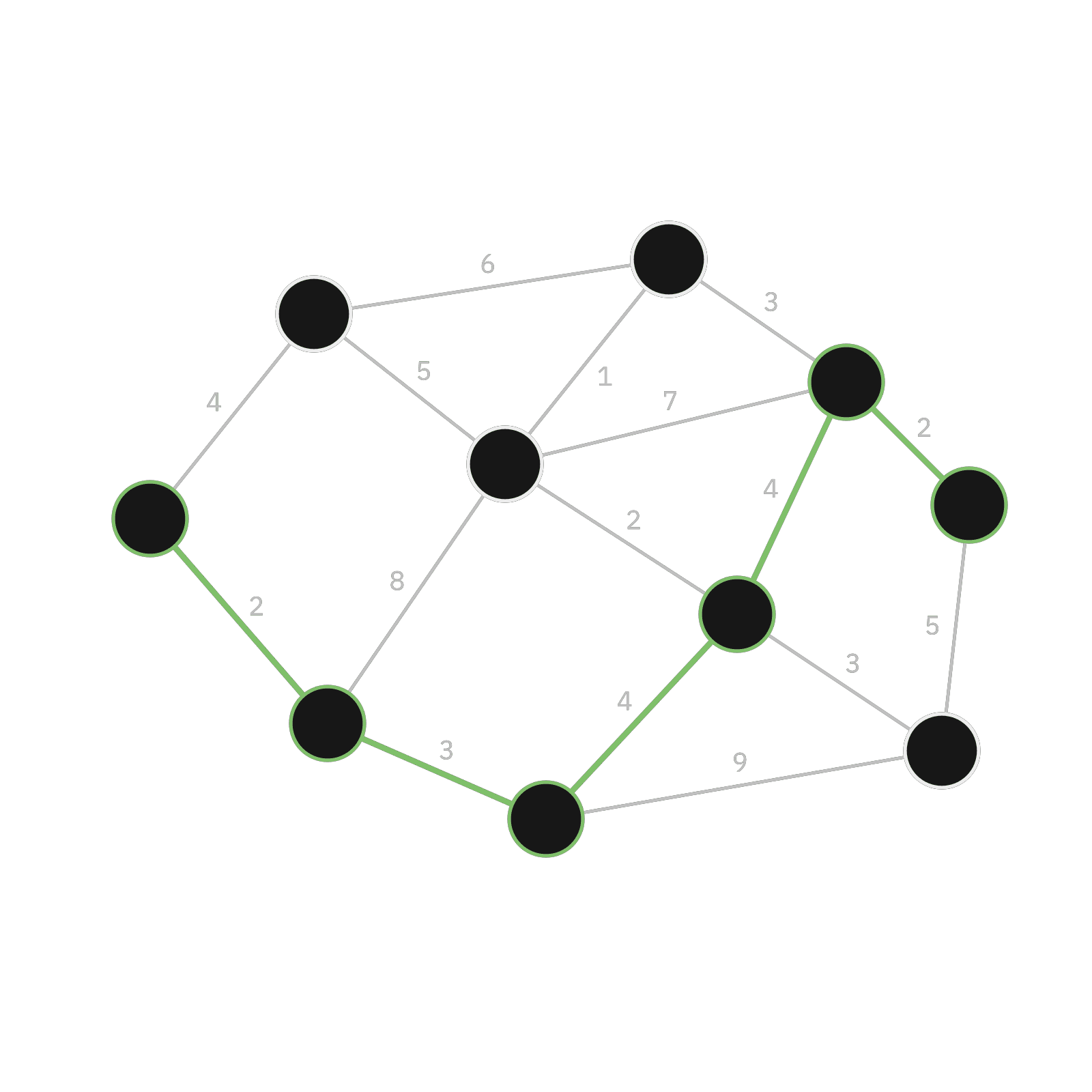
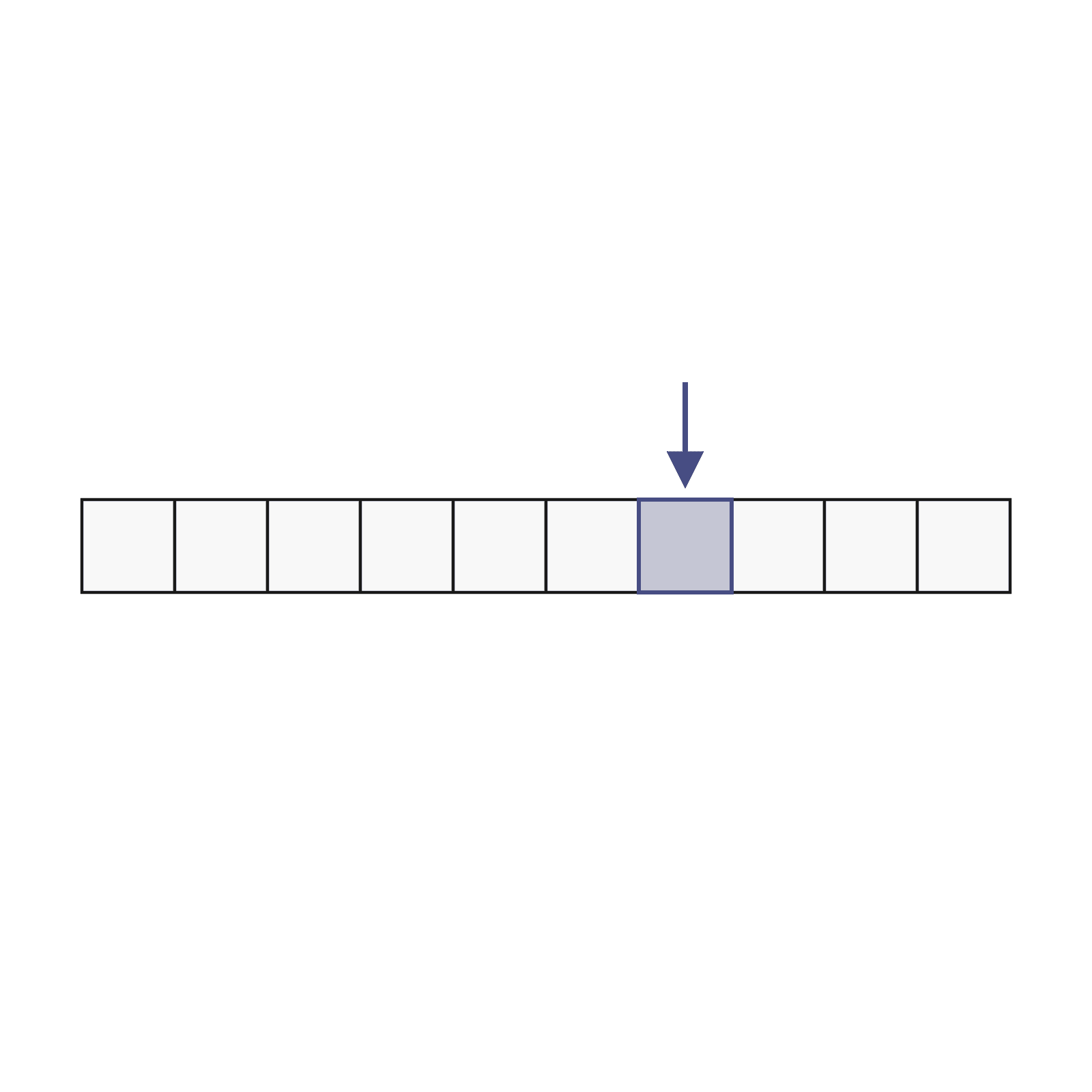
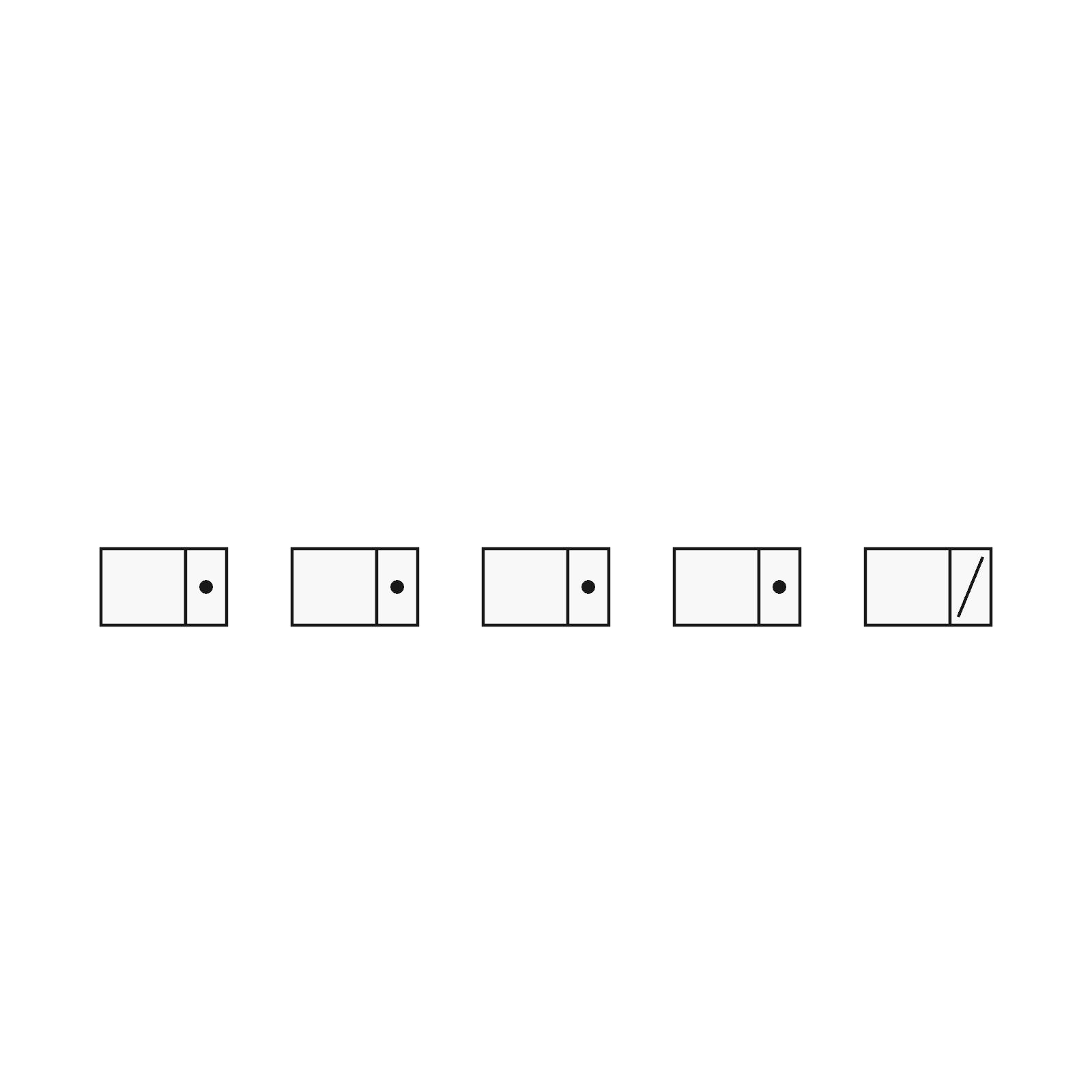
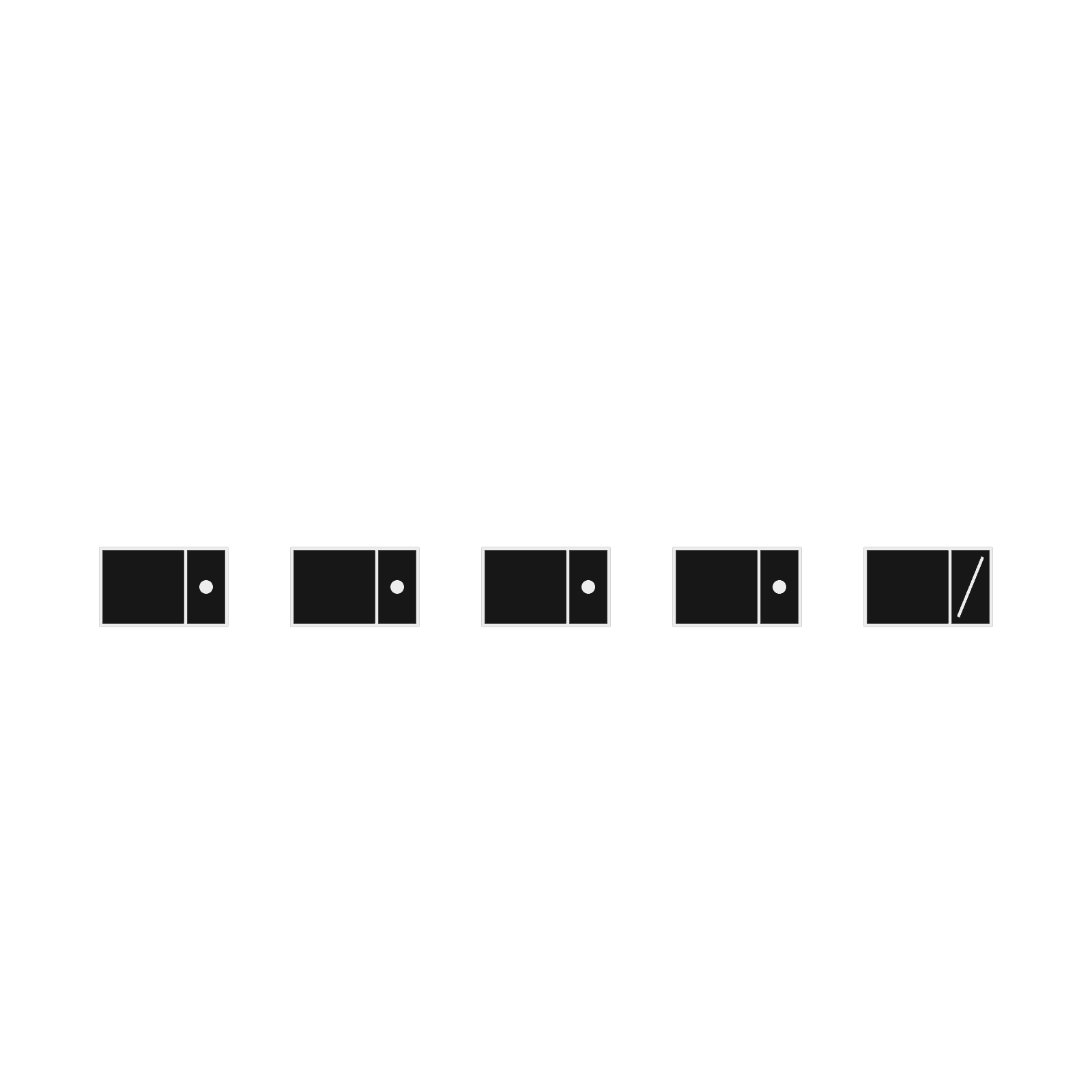
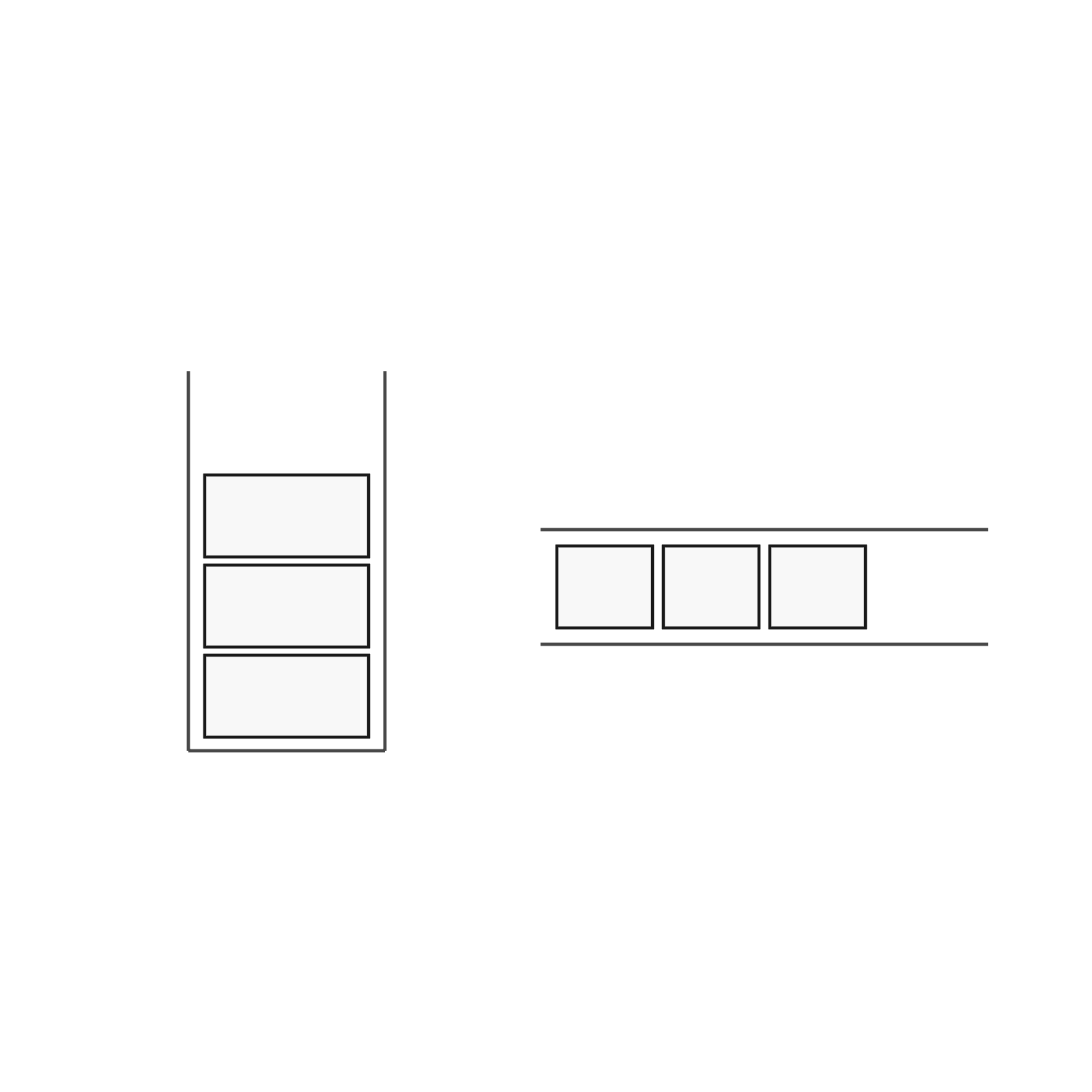
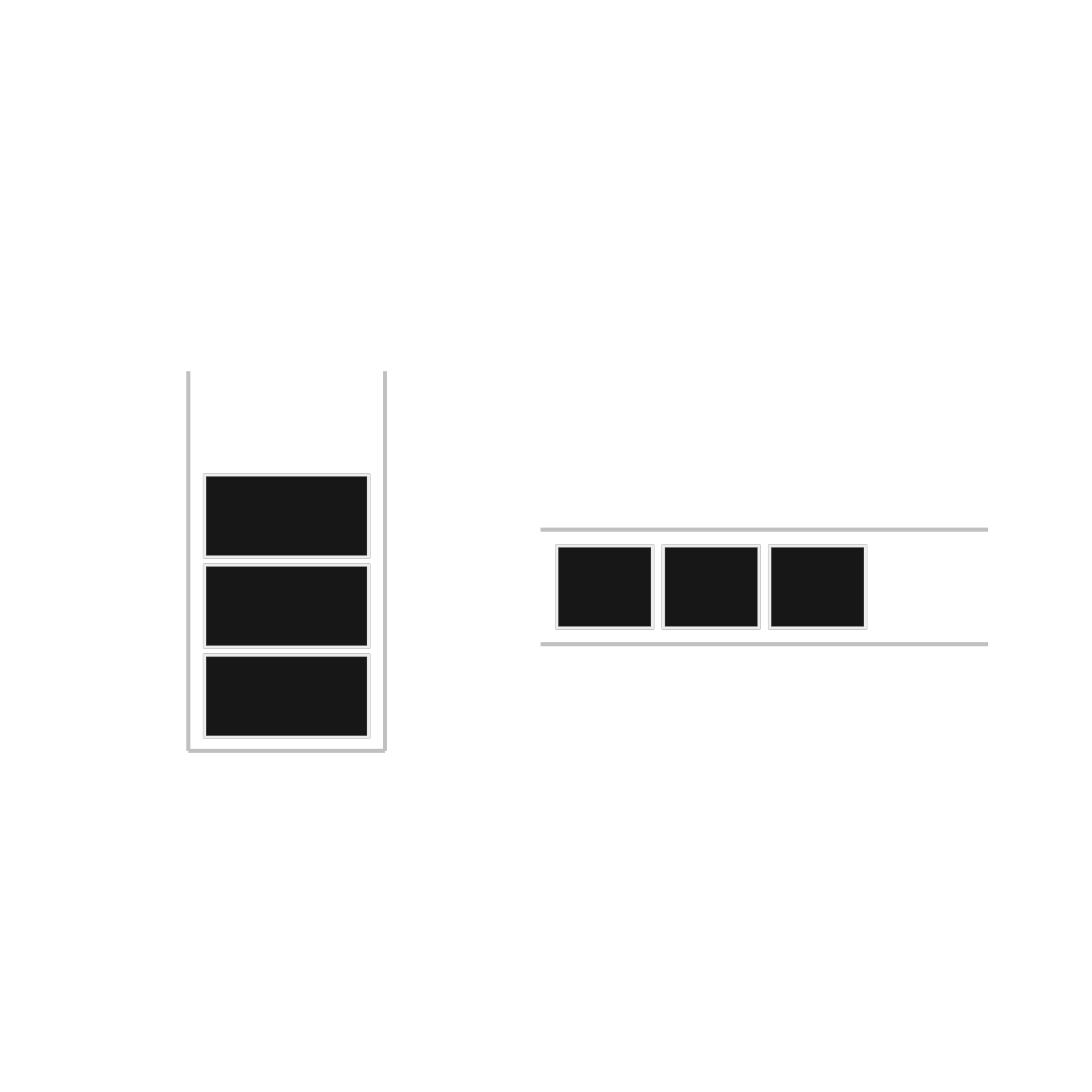
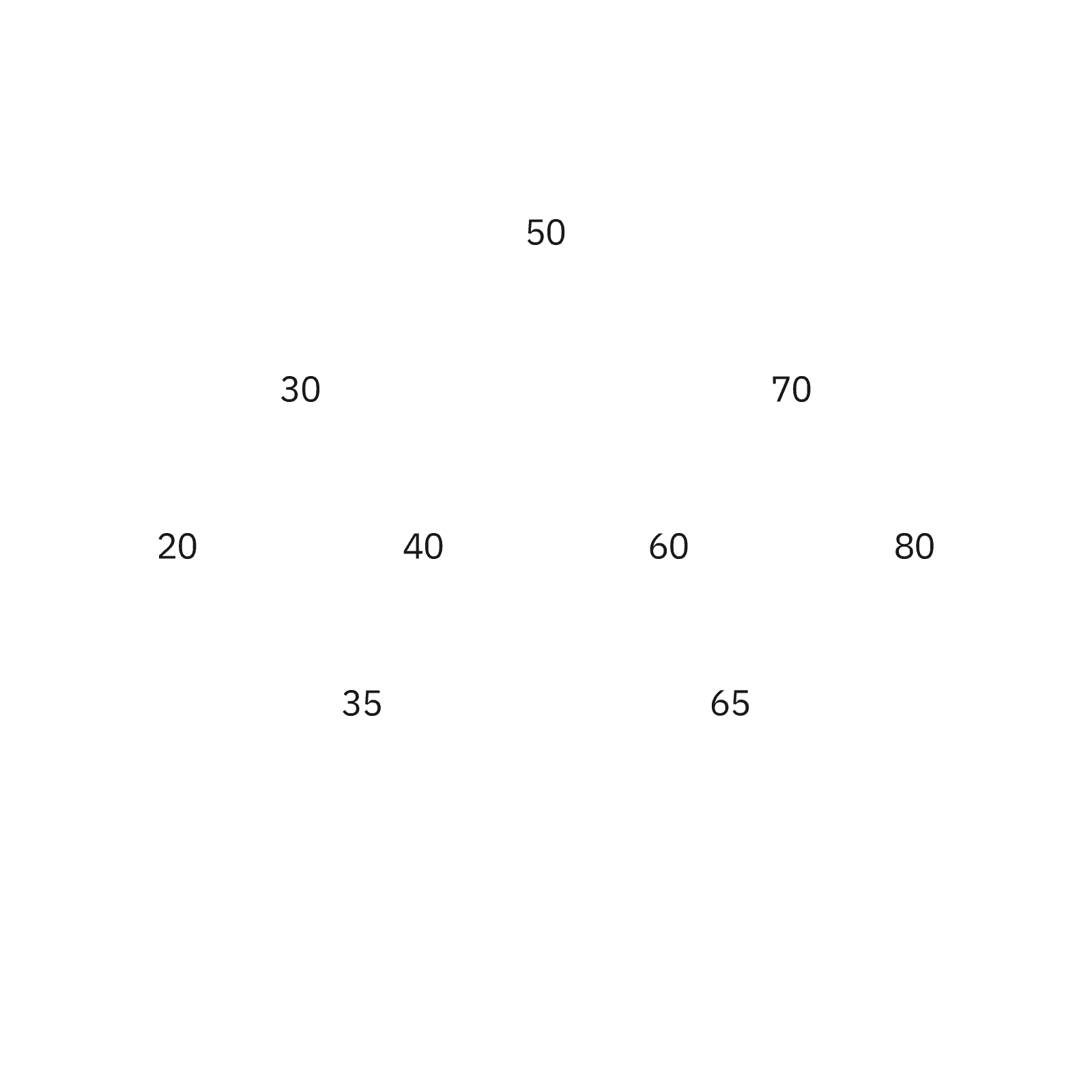
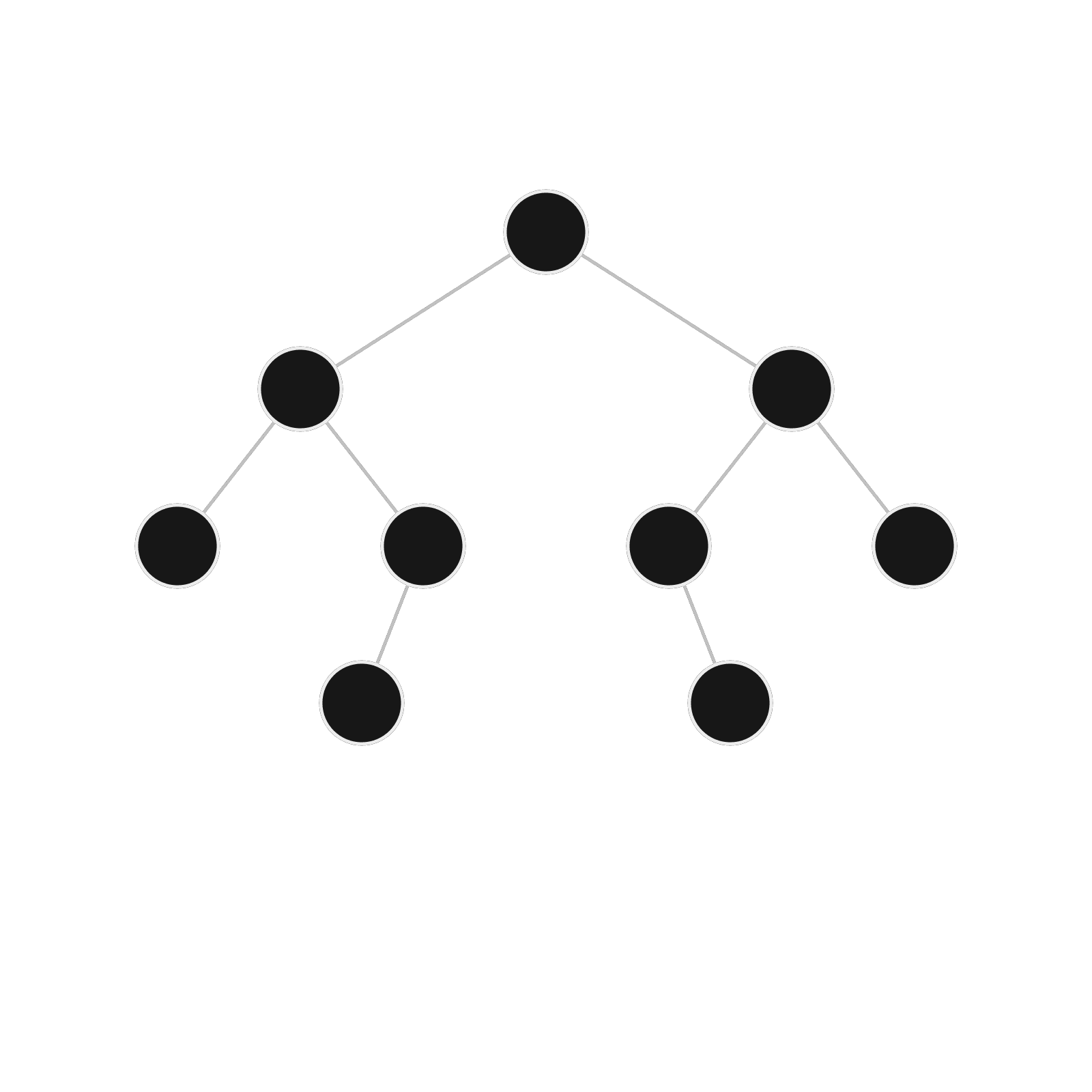
- Data structures: Boxes and arrows on a transparent ground. Claude can add a node or a cell and the highlight lands on the right one.


























How to use them with Claude Code
- Preview the kit. Open any asset on Manim Academy and orbit, recolor and scale it for free. Pick the palette that fits your video.
- Connect Claude Code to the MCP server. Create an API key in your dashboard and run the claude mcp add command shown there. Claude Code gets tools to search assets, read a scene's source and fetch its render.
- Ask for the scene by kit. Tell Claude Code which kit you want and what to change, for example “use the Calculus in motion kit and chase the tangent along sin(x) instead”. It reads the source through MCP and edits it.
- Render low first. Render a 960x540 preview at 15 fps, check one frame per beat, then render 1920x1080 at 30 fps once it looks right.
Plans start at $19 a month, or $99 once with the Founders Club. See the pricing or browse every asset.
Frequently asked questions
Do I need a plan to use these templates with Claude Code?
You can browse and preview every kit for free. The Manim source and the rendered video, which is what Claude Code reads through MCP, need a Pro or Founders Club plan.
Can Claude Code write Manim without a template?
Yes, and it does it well for simple scenes. A template helps when you need several scenes to match, or when you want fewer render-and-fix loops. Claude starts from code that already renders cleanly.
How does Claude Code get the template source?
Through the Manim Academy MCP server. It exposes tools to search assets, list kits, get an asset's or a kit's source and get the URL of a render. You connect it once with a single claude mcp add command.
Which Manim version do the templates use?
Manim Community Edition. Each asset is a Scene class you can run with the manim command.
Can I change the colors?
Yes. Most assets ship in four palettes: Slate, Ink, Amber and Neon. You pick the palette when you ask for the source, or ask Claude Code to recolor it.